Baby Product Photography for Amazon Listings | Seller Guide
Baby product photography on Amazon is unforgiving. Parents are the most scrutinizing buyers on the entire platform, and they will zoom into every corner of your image to check safety details, materials, and sizing before they spend a single dollar. If your photos look rushed or amateur, they move on instantly, because there is no room for doubt when it comes to their child.
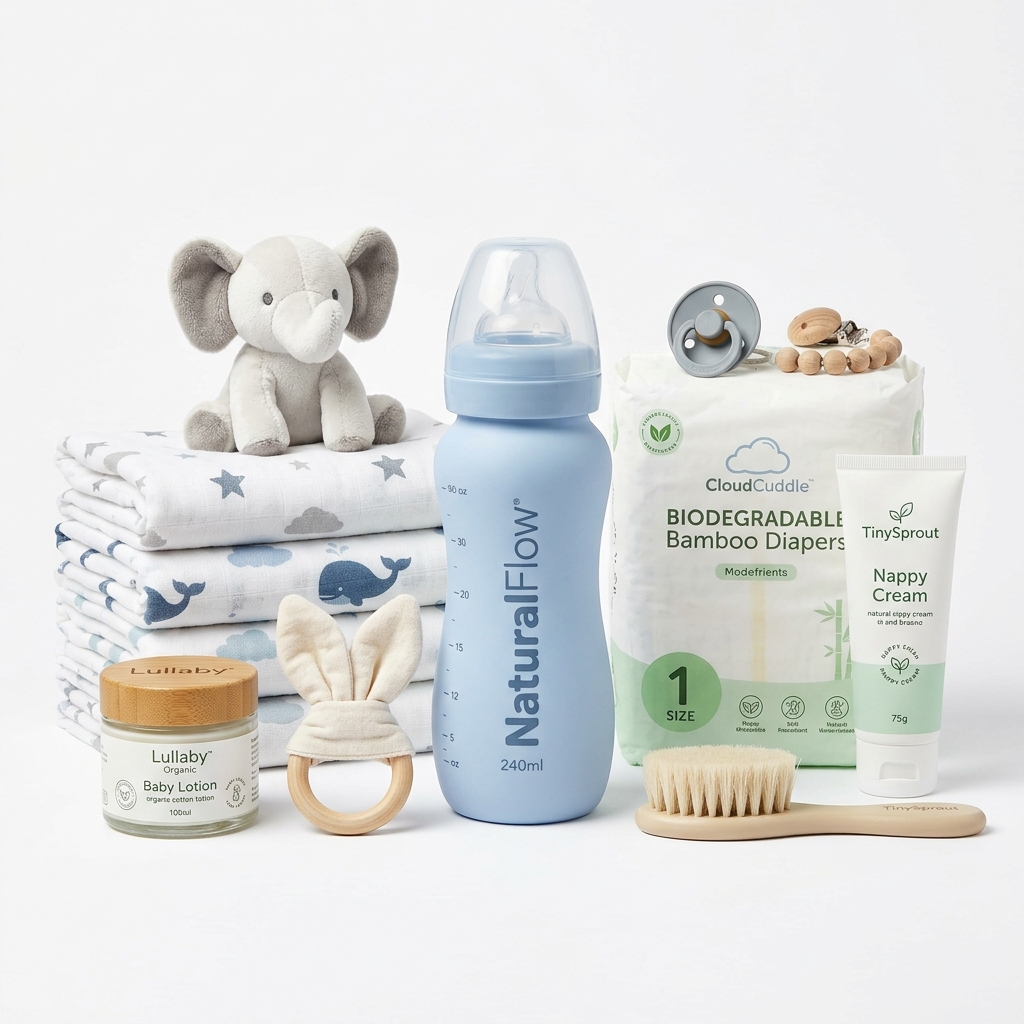
The first challenge is scale. Baby products are notorious for confusing buyers about actual size. A crib mobile looks enormous in isolation, but parents need to know exactly how it hangs over a standard crib. A teething toy needs a hand or a mouth nearby to communicate that it is genuinely small enough for an infant. Use props strategically: a crib rail, a car seat, a parent's hand. These are not decorative choices, they are communication tools.
Safety certifications and material callouts need to make it into your image stack, not just your bullet points. A graphic slide showing BPA-free, non-toxic, or ASTM certification logos will be read by parents who skip every word of your listing description. Overlay clean text on a white or light background so it is easy to read on mobile, where most of these purchases happen.
Lighting is where most sellers fall apart with baby gear. Soft fabrics like swaddle blankets, cotton bibs, and plush toys need diffused, even light to show true texture without harsh shadows. A single flash or a bright window with no diffusion will blow out the whites and make a muslin blanket look like a plastic sheet. Use a lightbox or shoot with large softboxes to keep things even.
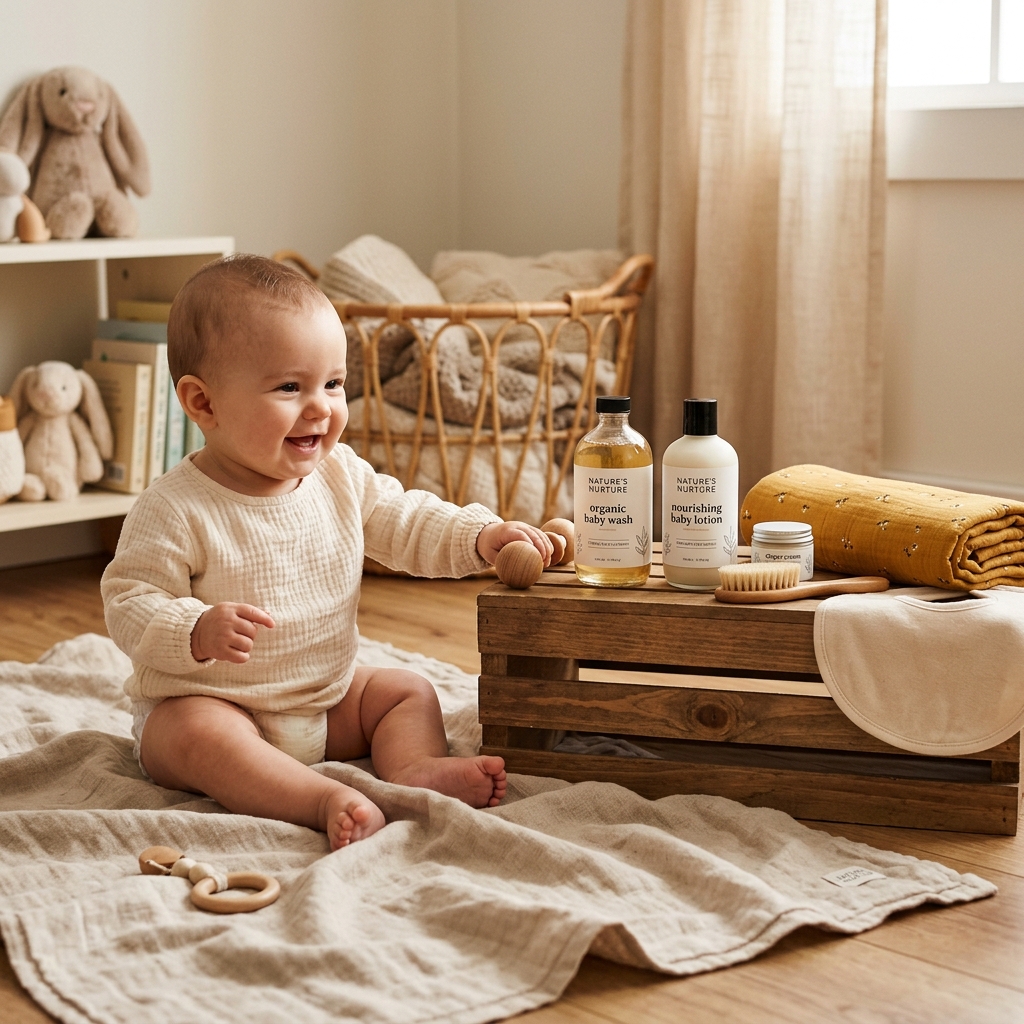
Finally, lifestyle shots matter enormously in this category. A baby actually using the product, or at minimum a parent interacting with it, converts at a much higher rate than a plain white background shot alone. Amazon allows lifestyle images in slots two through seven, and in baby products you should treat those slots as seriously as your main image. Real babies, real environments, real moments.
Example Images

Common Mistakes
No size reference in the main image or secondary shots
Parents cannot judge actual dimensions from a white background shot alone. A small sound machine could look like a speaker the size of a shoebox, and a portable bassinet could look full-sized. Confusion leads to returns, bad reviews, and lost sales.
Include a hand, a standard crib rail, or a common household object in at least one early image. Add a dimensions graphic as a dedicated slide with clear measurements and a simple outline drawing. Do not rely on the bullet points to carry this information.
Ignoring mobile rendering when placing text overlays
Most Amazon baby product purchases happen on phones. Text that looks fine on a desktop preview becomes tiny and unreadable on a 5-inch screen. Sellers proof their images on a monitor and never check how they look in the app.
After editing each image, load it on your actual phone in the Amazon app and zoom to 100 percent. If you cannot read the text without pinching in, the font is too small. Keep overlays to one or two short lines per image and use a minimum 40pt font equivalent.
Using only white background shots with no lifestyle content
Amazon requires a white background main image, and many sellers stop there. In the baby category, parents want emotional reassurance. They want to see the product in a real nursery, being held by a real caregiver, being enjoyed by an actual infant.
Dedicate at least three of your seven image slots to lifestyle content. Use natural light or warm studio lighting for lifestyle shots to create a safe, cozy feeling. If hiring a model is out of budget, reach out to parenting bloggers or new parent groups for photo collaborations in exchange for product.
Failing to show product details that address safety concerns
Parents will specifically look for seam quality on plush toys, buckle mechanisms on carriers, and edge finishing on wooden toys. If they cannot see these details, they assume the worst and buy from a competitor who showed them.
Shoot tight macro detail shots of every safety-relevant feature. Buckles, stitching, material tags, snap closures, and certifications all deserve their own closeup. These images directly answer the questions parents are already asking before they even read your copy.
Frequently Asked Questions
What happens if you no size reference in the main image or secondary shots?
Parents cannot judge actual dimensions from a white background shot alone. A small sound machine could look like a speaker the size of a shoebox, and a portable bassinet could look full-sized. Confusion leads to returns, bad reviews, and lost sales. Include a hand, a standard crib rail, or a common household object in at least one early image. Add a dimensions graphic as a dedicated slide with clear measurements and a simple outline drawing. Do not rely on the bullet points to carry this information.
What happens if you ignoring mobile rendering when placing text overlays?
Most Amazon baby product purchases happen on phones. Text that looks fine on a desktop preview becomes tiny and unreadable on a 5-inch screen. Sellers proof their images on a monitor and never check how they look in the app. After editing each image, load it on your actual phone in the Amazon app and zoom to 100 percent. If you cannot read the text without pinching in, the font is too small. Keep overlays to one or two short lines per image and use a minimum 40pt font equivalent.
What happens if you using only white background shots with no lifestyle content?
Amazon requires a white background main image, and many sellers stop there. In the baby category, parents want emotional reassurance. They want to see the product in a real nursery, being held by a real caregiver, being enjoyed by an actual infant. Dedicate at least three of your seven image slots to lifestyle content. Use natural light or warm studio lighting for lifestyle shots to create a safe, cozy feeling. If hiring a model is out of budget, reach out to parenting bloggers or new parent groups for photo collaborations in exchange for product.
What happens if you failing to show product details that address safety concerns?
Parents will specifically look for seam quality on plush toys, buckle mechanisms on carriers, and edge finishing on wooden toys. If they cannot see these details, they assume the worst and buy from a competitor who showed them. Shoot tight macro detail shots of every safety-relevant feature. Buckles, stitching, material tags, snap closures, and certifications all deserve their own closeup. These images directly answer the questions parents are already asking before they even read your copy.
Baby Products on other platforms
Skip the trial and error
Get Amazon-ready Baby Products photos without the guesswork
Upload one product photo. ProductScene generates a complete Amazon gallery — every image slot, correctly sized, styled for the platform.
Try free