Baby Product Photography Tips for Shopify Pages
Baby product photography for Shopify carries a different kind of pressure compared to most other categories. Parents are scrutinizing every detail before they buy, and the bar for trust and quality is genuinely higher. A blurry shot or a confusing angle can kill a sale that would have been easy to close.
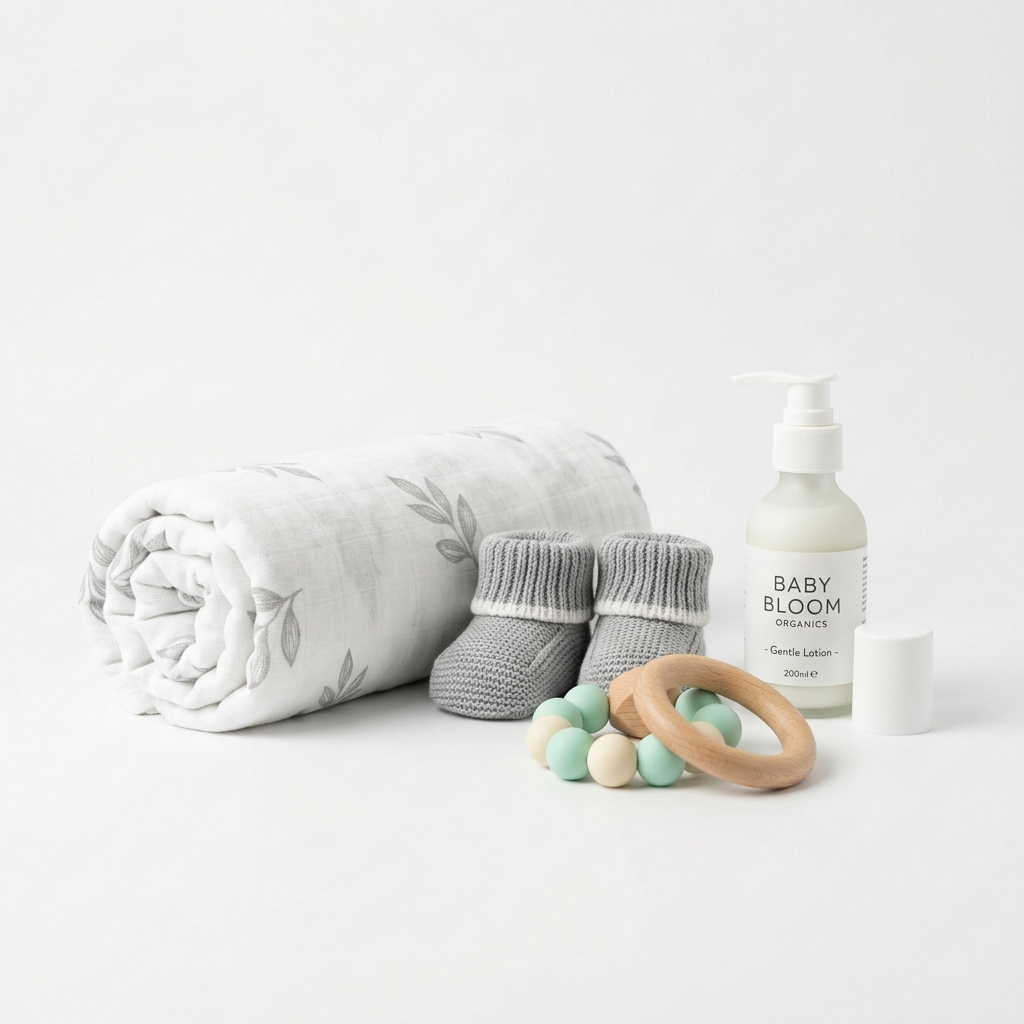
The core challenge with baby products on Shopify is showing scale accurately. A nursing pillow, a pacifier, a swaddle blanket, a bottle warmer, these all look deceptively different in real life compared to how they photograph in isolation. Shoppers need context. If you shoot a baby carrier on a plain white background with no reference for size, a first-time parent has no idea how it will look on their body. Use a mannequin, a model, or include a common object for scale. This is one of those things that feels obvious once a sale falls through because a customer thought the item was a different size than it actually is.
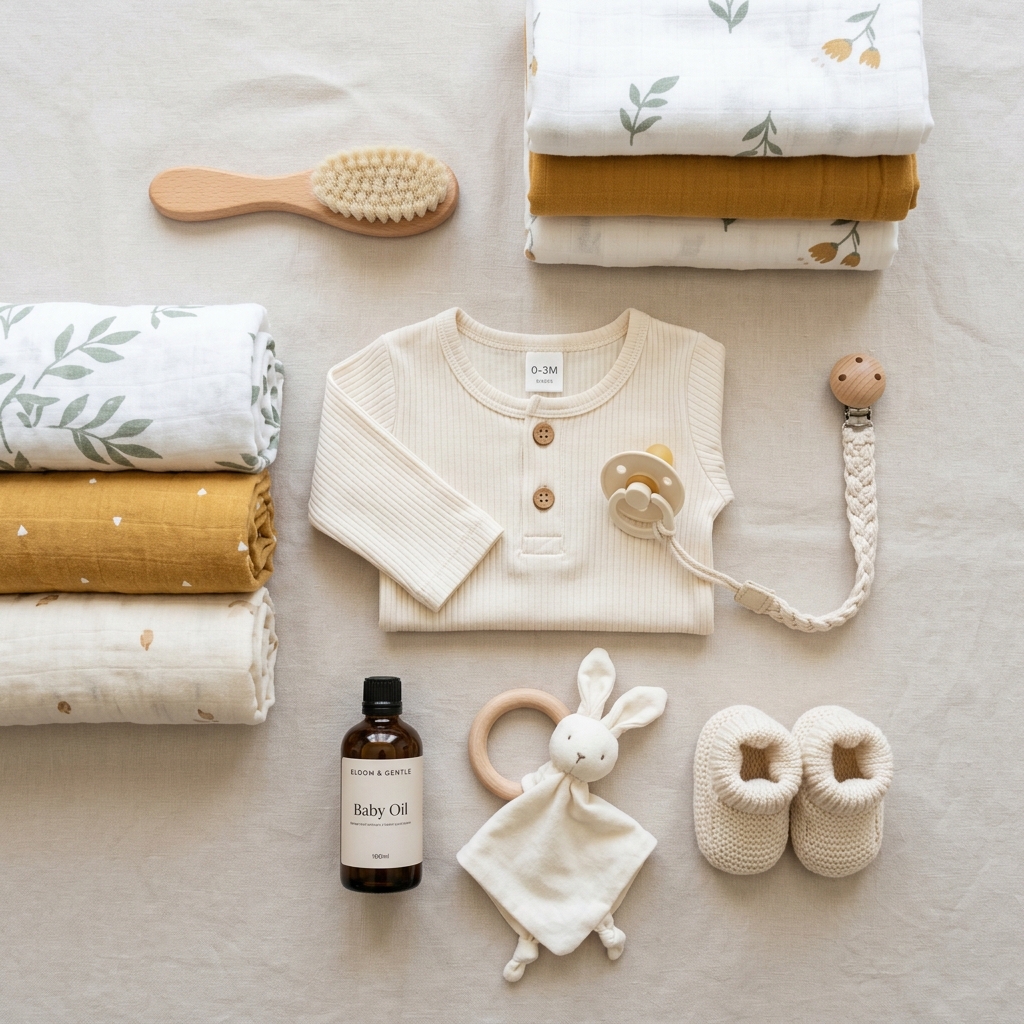
Safety and material details matter enormously in this category. Zoomed-in shots of fabric weaves, stitching quality, clasp mechanisms, and non-toxic certifications printed on packaging can do genuine selling work. Shopify gives you up to 250 images per product, but realistically you want 6 to 10 strong images that each answer a different question a parent might have.
Lighting for baby products should feel clean and warm, not clinical. Pure white studio lighting can make soft goods look cheap or overly sterile. A softbox setup with a slightly warm color temperature around 5000K flatters fabrics, gives plush toys a more inviting look, and keeps the overall feel aligned with what parents expect from a brand they will trust with their child. Outdoors in open shade is a genuinely good option for lifestyle shots.
For your Shopify product page specifically, your first image is doing the heaviest lifting. It needs to be square or close to it (2048 x 2048 pixels is the sweet spot), sharp from edge to edge, and immediately communicate what the product is. Secondary images can handle the storytelling, the lifestyle context, and the detail closeups.
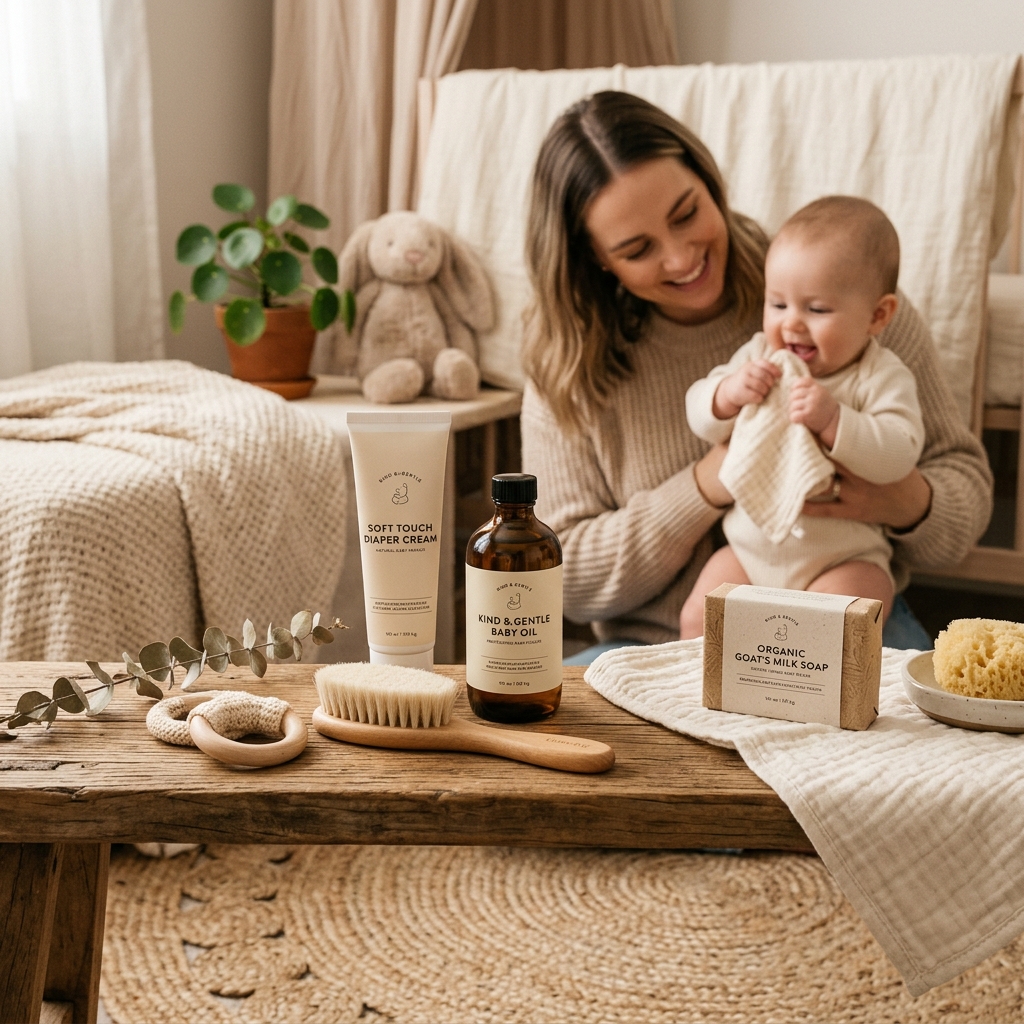
Example Images
Common Mistakes
Photographing baby products without any size reference
Items like teethers, baby shoes, swaddle blankets, and infant seats are notoriously hard to judge for size in isolation. Parents who receive something much smaller or larger than they imagined leave bad reviews and request returns, even if they technically should have read the dimensions.
Include at least one image with a size reference, either on a real baby or child model, on an adult hand, or next to a common object. A newborn onesie next to a ruler sounds simple but it works. Lifestyle shots with models are the gold standard here.
Using only white background images with no lifestyle context
White background shots are necessary for your main product image, but relying on them exclusively makes your Shopify page feel like a catalog rather than a brand. For baby products specifically, parents want to see the item in a real environment because they are imagining it in their home, nursery, or diaper bag.
Shoot at least 2 to 3 lifestyle images per product. A changing pad on an actual changing table, a mobile hanging above a real crib, a carrier worn on an actual parent. These images convert browsers into buyers far more effectively than additional white background angles.
Underexposing or over-processing fabric and soft goods
Muslin wraps, plush toys, and organic cotton products lose their softness and texture appeal when images are too dark or when post-processing strips out the texture detail. It makes premium materials look cheap, which directly undercuts your price point.
Use a softbox or shoot in open shade to get even, diffused light across fabric surfaces. When editing, preserve texture detail rather than flattening it with too much clarity or noise reduction. If you are selling an organic cotton product, the texture is part of the value proposition, show it clearly with a macro or close-up shot.
Ignoring the packaging as a photography subject
For baby products, packaging communicates safety certifications, material sourcing, and brand credibility. Many parents look for BPA-free labels, OEKO-TEX certifications, or age range indicators before buying. If your images bury or skip the packaging, you are missing a trust-building opportunity.
Include one clean shot of the product packaging, especially if it shows certifications or key selling points. If the packaging is plain or unremarkable, photograph the product alongside any certification cards or printed inserts that highlight safety and quality standards.
Frequently Asked Questions
What happens if you photographing baby products without any size reference?
Items like teethers, baby shoes, swaddle blankets, and infant seats are notoriously hard to judge for size in isolation. Parents who receive something much smaller or larger than they imagined leave bad reviews and request returns, even if they technically should have read the dimensions. Include at least one image with a size reference, either on a real baby or child model, on an adult hand, or next to a common object. A newborn onesie next to a ruler sounds simple but it works. Lifestyle shots with models are the gold standard here.
What happens if you using only white background images with no lifestyle context?
White background shots are necessary for your main product image, but relying on them exclusively makes your Shopify page feel like a catalog rather than a brand. For baby products specifically, parents want to see the item in a real environment because they are imagining it in their home, nursery, or diaper bag. Shoot at least 2 to 3 lifestyle images per product. A changing pad on an actual changing table, a mobile hanging above a real crib, a carrier worn on an actual parent. These images convert browsers into buyers far more effectively than additional white background angles.
What happens if you underexposing or over-processing fabric and soft goods?
Muslin wraps, plush toys, and organic cotton products lose their softness and texture appeal when images are too dark or when post-processing strips out the texture detail. It makes premium materials look cheap, which directly undercuts your price point. Use a softbox or shoot in open shade to get even, diffused light across fabric surfaces. When editing, preserve texture detail rather than flattening it with too much clarity or noise reduction. If you are selling an organic cotton product, the texture is part of the value proposition, show it clearly with a macro or close-up shot.
What happens if you ignoring the packaging as a photography subject?
For baby products, packaging communicates safety certifications, material sourcing, and brand credibility. Many parents look for BPA-free labels, OEKO-TEX certifications, or age range indicators before buying. If your images bury or skip the packaging, you are missing a trust-building opportunity. Include one clean shot of the product packaging, especially if it shows certifications or key selling points. If the packaging is plain or unremarkable, photograph the product alongside any certification cards or printed inserts that highlight safety and quality standards.
Baby Products on other platforms
Skip the trial and error
Get Shopify-ready Baby Products photos without the guesswork
Upload one product photo. ProductScene generates a complete Shopify gallery — every image slot, correctly sized, styled for the platform.
Try free