Beauty Tools Product Photography for Amazon Listings
Beauty tools are one of the trickiest categories to shoot well on Amazon. You're dealing with products that are often shiny, reflective, small, and visually complex, all at once. A curling iron with a ceramic barrel, a jade roller with metal hardware, an electric face massager with glossy plastic housing, these all reflect your lighting setup back at the camera, and if you're not careful, your images look like a mess of hot spots and glare.
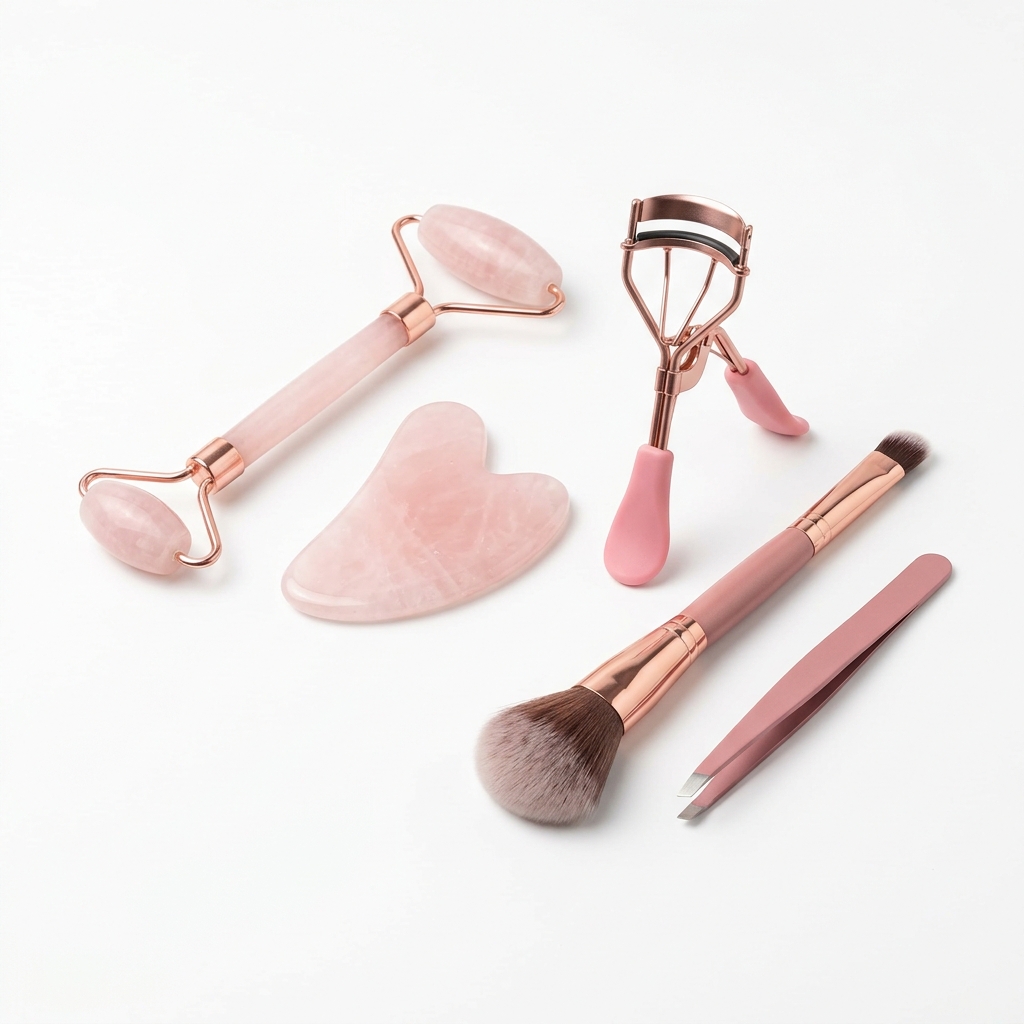
The Amazon main image rules require a pure white background (RGB 255, 255, 255), and for beauty tools that background itself becomes a problem. Highly reflective chrome or silver tools can almost disappear against white. You need to use controlled, directional lighting with large soft boxes or scrims to wrap light around the product without creating blown-out reflections. A common pro trick is to tent the product inside a large diffusion material and shoot through a small opening, which gives you 360-degree soft light with almost no harsh reflections.
Scale and context matter enormously in this category. A buyer looking at a facial roller or a dermaplaning tool has no idea how big it is unless you show it next to something familiar, typically a hand. Amazon allows lifestyle images in your secondary slots, and you should use those aggressively. Show the tool being held, show it in use on skin, show the scale clearly. Buyers in the beauty tools space are highly visual and need to see the product functioning before they trust it.
Materials and finishes need to be communicated clearly through your photography because beauty tool buyers care deeply about what something is made of. Rose gold metal feels different from plastic that is painted rose gold, and your images need to show that distinction. Shoot close-up detail shots that reveal texture, material quality, and finish. If your tool has a soft-touch coating, a weighted feel, or premium metal construction, the camera needs to prove it.
Finally, think about your image count and sequence as a storytelling tool. Lead with your cleanest, most accurate main image, then walk the buyer through features, scale, use cases, and results. Beauty tool shoppers often compare multiple listings side by side, so every image needs to earn its place and communicate something the previous image did not.
Example Images

Common Mistakes
Shooting reflective tools with on-camera or direct flash
Beauty tools with chrome, metallic, or glossy surfaces act like mirrors. Direct flash creates a single harsh hotspot that wipes out detail, makes the product look cheap, and obscures the actual shape and finish of the tool.
Use large diffused light sources positioned off to the sides and above the product. A two-light setup with 5-foot octaboxes at 45-degree angles, combined with a white reflector fill on the opposite side, will give you even coverage without harsh specular reflections. For very shiny tools, build a DIY light tent from white ripstop nylon or use a purpose-built product photography tent.
Using images that do not show the product at actual scale
Beauty tools range from tiny eyebrow razors to full-size hair dryers, and a product shot on a white background with no reference point tells the buyer nothing about size. Mismatched size expectations are a leading cause of negative reviews and returns in this category.
Include at least one image that shows a hand holding or using the tool. If Amazon's category rules allow it in your main image set, use a secondary image with a lifestyle hand model early in your sequence. You can also add a flat lay with a measuring tape or dimension callouts as a graphic overlay on one of your detail images.
Ignoring the charging cable, attachments, and accessories in product shots
Many beauty tools, especially electric ones, come with heads, attachments, charging docks, or carrying pouches. If buyers cannot see what is in the box, they assume the worst, that it does not come with the accessories they need. This leads to questions in the Q and A section and lost conversions.
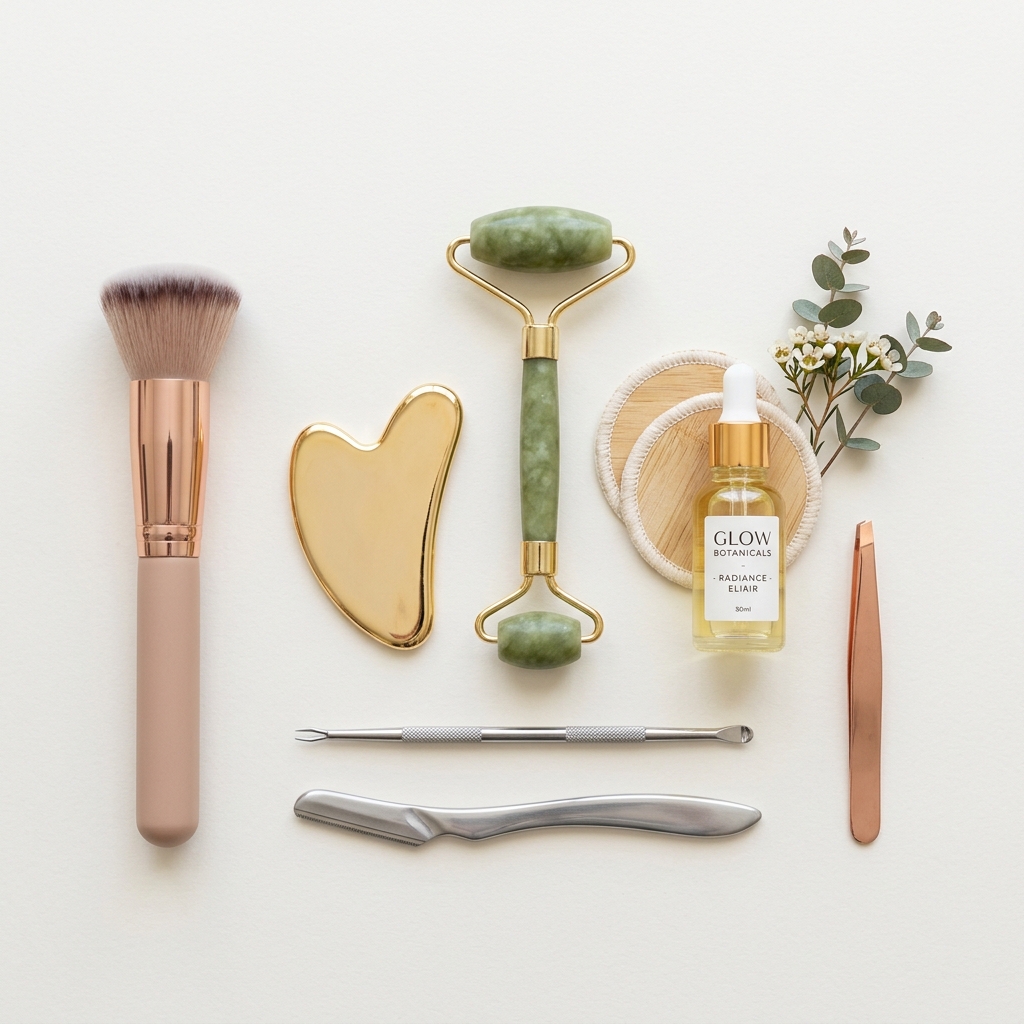
Shoot a full flat lay or group shot showing every item included in the box. Arrange accessories neatly around the main tool, shoot from directly overhead or at a slight angle, and make sure every piece is identifiable. Add a simple text callout listing each item if the image alone is not clear enough.
Shooting on backgrounds that are close to white but not true white
Amazon's algorithm flags main images where the background is off-white, cream, or light gray. Beyond compliance issues, an off-white background makes silver, white, or light-colored tools look dirty or poorly lit, and it signals to buyers that your listing is not professionally done.
Shoot on proper sweep paper or a lightbox, then check your background in Photoshop or Lightroom by sampling the background pixels with the eyedropper tool. The RGB values should all read 255 or very close to it. If they are not, use the Levels or Curves tool to push the background to pure white, being careful not to clip the product edges.
Frequently Asked Questions
What happens if you shooting reflective tools with on-camera or direct flash?
Beauty tools with chrome, metallic, or glossy surfaces act like mirrors. Direct flash creates a single harsh hotspot that wipes out detail, makes the product look cheap, and obscures the actual shape and finish of the tool. Use large diffused light sources positioned off to the sides and above the product. A two-light setup with 5-foot octaboxes at 45-degree angles, combined with a white reflector fill on the opposite side, will give you even coverage without harsh specular reflections. For very shiny tools, build a DIY light tent from white ripstop nylon or use a purpose-built product photography tent.
What happens if you using images that do not show the product at actual scale?
Beauty tools range from tiny eyebrow razors to full-size hair dryers, and a product shot on a white background with no reference point tells the buyer nothing about size. Mismatched size expectations are a leading cause of negative reviews and returns in this category. Include at least one image that shows a hand holding or using the tool. If Amazon's category rules allow it in your main image set, use a secondary image with a lifestyle hand model early in your sequence. You can also add a flat lay with a measuring tape or dimension callouts as a graphic overlay on one of your detail images.
What happens if you ignoring the charging cable, attachments, and accessories in product shots?
Many beauty tools, especially electric ones, come with heads, attachments, charging docks, or carrying pouches. If buyers cannot see what is in the box, they assume the worst, that it does not come with the accessories they need. This leads to questions in the Q and A section and lost conversions. Shoot a full flat lay or group shot showing every item included in the box. Arrange accessories neatly around the main tool, shoot from directly overhead or at a slight angle, and make sure every piece is identifiable. Add a simple text callout listing each item if the image alone is not clear enough.
What happens if you shooting on backgrounds that are close to white but not true white?
Amazon's algorithm flags main images where the background is off-white, cream, or light gray. Beyond compliance issues, an off-white background makes silver, white, or light-colored tools look dirty or poorly lit, and it signals to buyers that your listing is not professionally done. Shoot on proper sweep paper or a lightbox, then check your background in Photoshop or Lightroom by sampling the background pixels with the eyedropper tool. The RGB values should all read 255 or very close to it. If they are not, use the Levels or Curves tool to push the background to pure white, being careful not to clip the product edges.
Beauty Tools on other platforms
Skip the trial and error
Get Amazon-ready Beauty Tools photos without the guesswork
Upload one product photo. ProductScene generates a complete Amazon gallery — every image slot, correctly sized, styled for the platform.
Try free