Candle Product Photography for Shopify: Practical Guide
Candle photography for Shopify is one of those categories where average images absolutely kill conversions. Customers cannot smell your product through a screen, which means every visual detail has to do the heavy lifting. The wax texture, the wick quality, the label design, the glow when it's lit — these are the things that convince someone to spend $20 or $40 on something they could buy at a drugstore for $5. Your photos need to justify that price difference immediately.
The single biggest challenge with candles is dealing with the flame itself. Flames are unpredictable, they blow out, they flare up, and most cameras will either blow out the highlights or make the surrounding scene go dark. You need to shoot in a dim room with a low ISO, use a fast enough shutter to freeze the flame without making it look like a static orange blob, and often bracket your exposures or shoot multiple frames to composite the perfect flame later. Natural daylight shots without a flame are actually easier and convert well for the lifestyle angle, so don't feel like every image needs a lit candle.
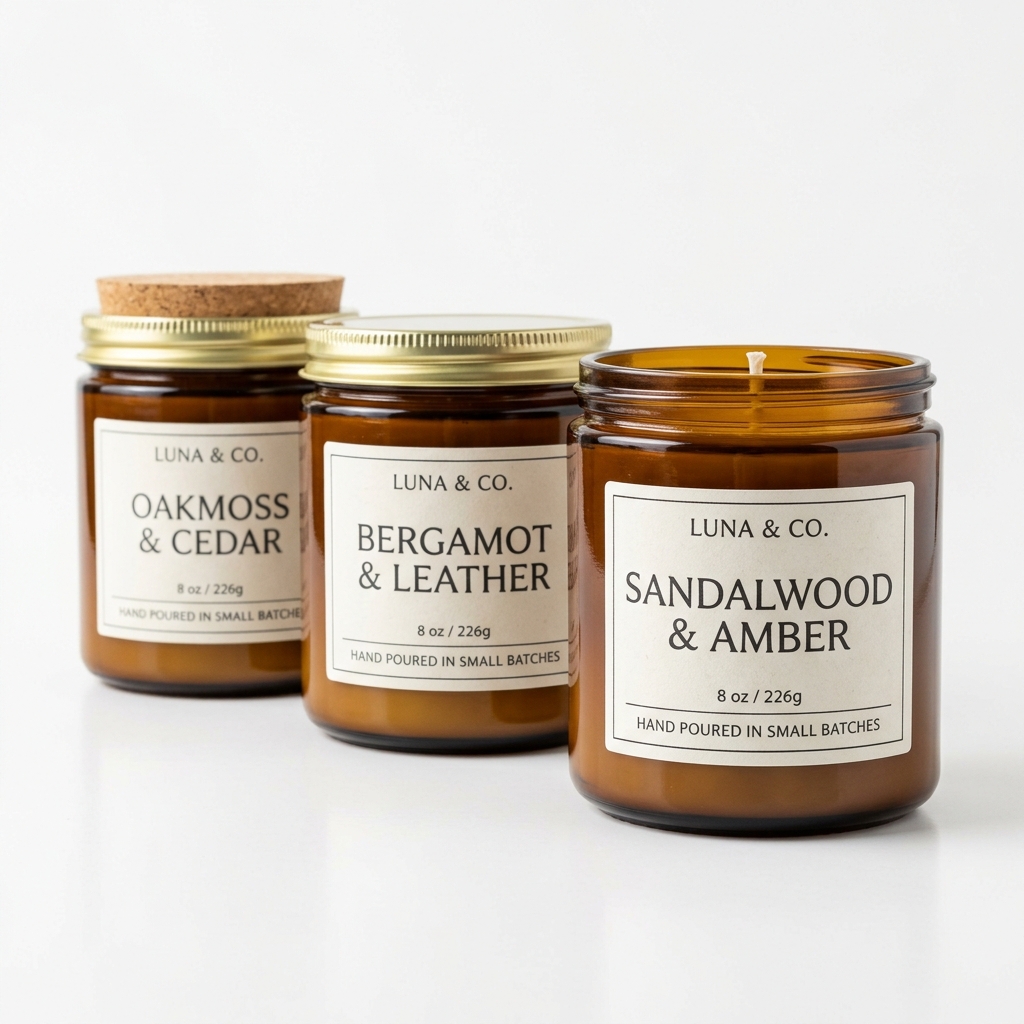
For Shopify specifically, your main product image needs to work at thumbnail size. Candle labels are often the key purchase driver, especially for gift buyers, so make sure your hero shot is close enough that the label is legible at 400 pixels wide. A tall, skinny pillar candle photographed too far back will look like a white stick next to a competitor's close-up shot that shows the embossed logo and cream-colored wax texture clearly.
Wax color and finish vary enormously between candle types, soy versus paraffin versus beeswax, and camera auto white balance will consistently lie to you about warm-toned waxes. Shoot tethered or review on a calibrated monitor so what you see is what the customer gets. A candle listed as "warm vanilla cream" that photographs as stark white will generate returns and bad reviews, both of which hurt your Shopify store's long-term health more than any single sale is worth.
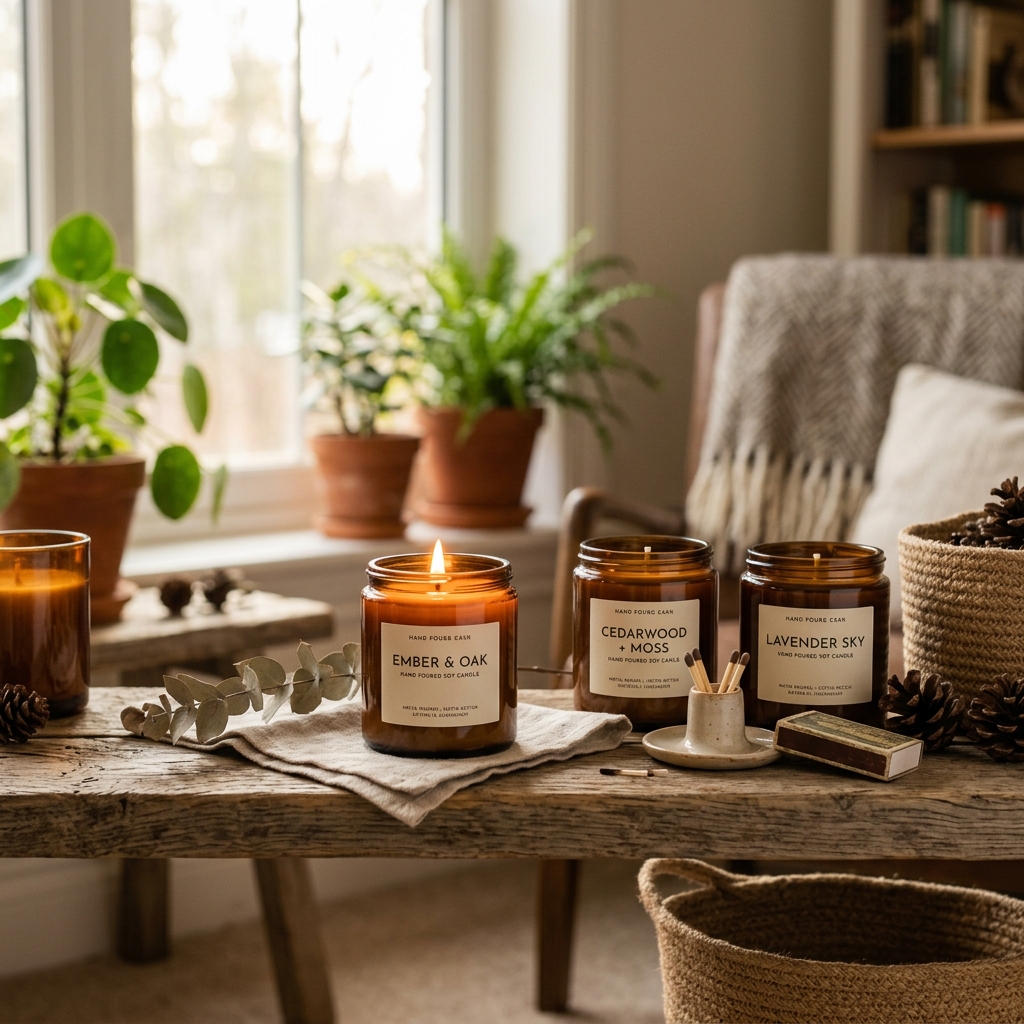
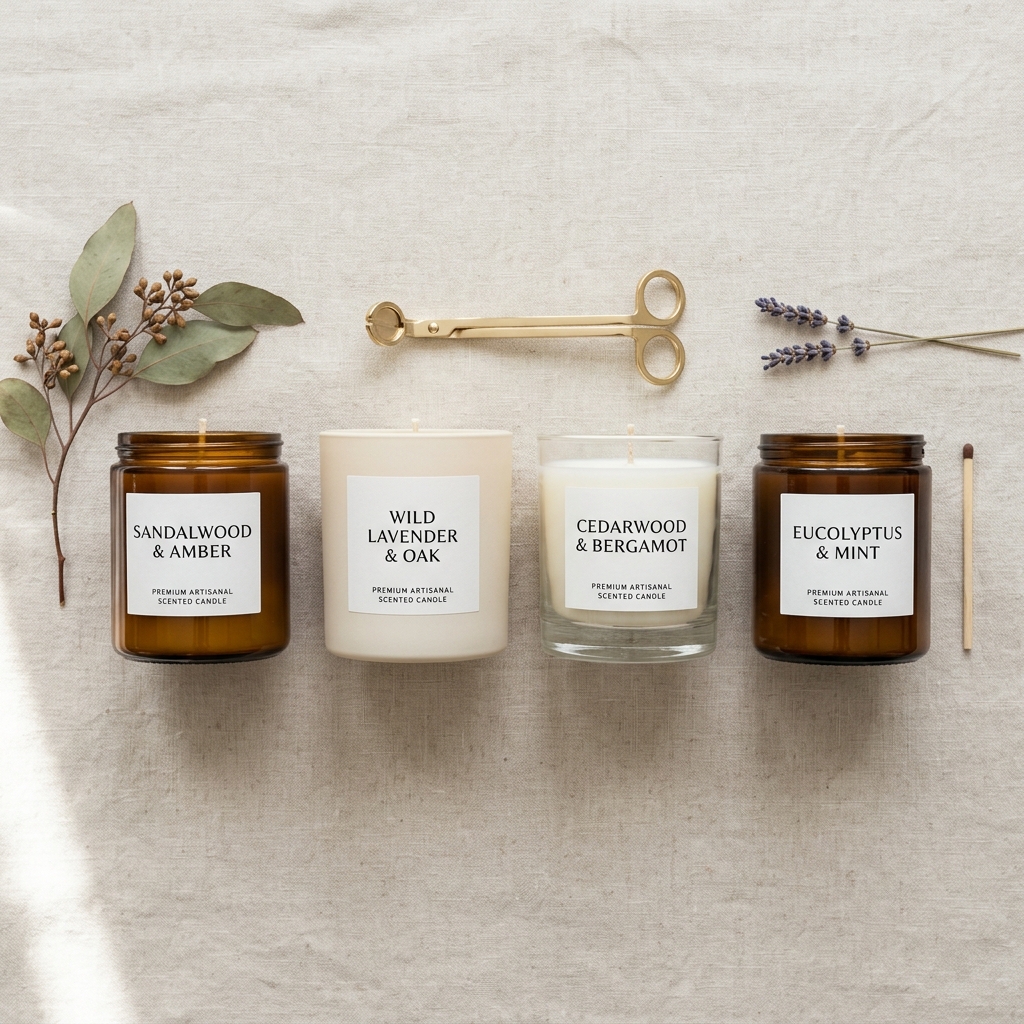
Example Images
Common Mistakes
Shooting with the flame as the only light source
The flame creates extreme contrast. The lit candle glows beautifully but everything else in the frame goes murky and undefined. The label becomes unreadable, the vessel shape gets lost, and the overall image looks low-budget even if the candle itself is premium.
Use a soft fill light opposite the flame, a small LED panel or a reflector bouncing window light works well, to lift the shadows around the vessel. This keeps the flame as the hero element while making the whole candle visible and well-defined. Shoot in a dim but not pitch-black room.
Ignoring wax surface imperfections
Candles get handling marks, fingerprints, small sinkholes from pouring, and dust very easily. These flaws are invisible to the naked eye in normal lighting but become obvious under directional photography light, especially with a shiny container or a smooth pillar candle surface.
Clean every candle with a clean microfiber cloth or a silk cloth before shooting. Check the wax surface under your actual shooting light before triggering the shutter. Keep a heat gun or hair dryer nearby to gently smooth out any surface marks on pillar or container candles before the shoot.
Using only a white background for all images
A white background hero shot is necessary for clean catalog presentation, but candles are an emotional, sensory purchase. A white background alone tells the customer nothing about scent, mood, or occasion, which are the main reasons people buy artisan candles in the first place.
Add at least two to three lifestyle or contextual shots per product. A candle next to a bath, on a bedside table with a book, or surrounded by botanicals that match the scent profile all communicate value and intended use. These images increase average order value and reduce hesitation for gift buyers.
Not showing scale
Candles come in wildly different sizes. A 4-ounce tin and a 16-ounce jar can look identical in a product photo if there is nothing to establish scale. Customers who receive a candle smaller than expected leave negative reviews and request refunds.
Include one shot with a human hand holding or placing the candle, or style it next to a recognizable object like a standard coffee mug. Also make sure your product dimensions are in the listing, but the visual reference in the photo is what actually registers for most shoppers.
Frequently Asked Questions
What happens if you shooting with the flame as the only light source?
The flame creates extreme contrast. The lit candle glows beautifully but everything else in the frame goes murky and undefined. The label becomes unreadable, the vessel shape gets lost, and the overall image looks low-budget even if the candle itself is premium. Use a soft fill light opposite the flame, a small LED panel or a reflector bouncing window light works well, to lift the shadows around the vessel. This keeps the flame as the hero element while making the whole candle visible and well-defined. Shoot in a dim but not pitch-black room.
What happens if you ignoring wax surface imperfections?
Candles get handling marks, fingerprints, small sinkholes from pouring, and dust very easily. These flaws are invisible to the naked eye in normal lighting but become obvious under directional photography light, especially with a shiny container or a smooth pillar candle surface. Clean every candle with a clean microfiber cloth or a silk cloth before shooting. Check the wax surface under your actual shooting light before triggering the shutter. Keep a heat gun or hair dryer nearby to gently smooth out any surface marks on pillar or container candles before the shoot.
What happens if you using only a white background for all images?
A white background hero shot is necessary for clean catalog presentation, but candles are an emotional, sensory purchase. A white background alone tells the customer nothing about scent, mood, or occasion, which are the main reasons people buy artisan candles in the first place. Add at least two to three lifestyle or contextual shots per product. A candle next to a bath, on a bedside table with a book, or surrounded by botanicals that match the scent profile all communicate value and intended use. These images increase average order value and reduce hesitation for gift buyers.
What happens if you not showing scale?
Candles come in wildly different sizes. A 4-ounce tin and a 16-ounce jar can look identical in a product photo if there is nothing to establish scale. Customers who receive a candle smaller than expected leave negative reviews and request refunds. Include one shot with a human hand holding or placing the candle, or style it next to a recognizable object like a standard coffee mug. Also make sure your product dimensions are in the listing, but the visual reference in the photo is what actually registers for most shoppers.
Candles on other platforms
Skip the trial and error
Get Shopify-ready Candles photos without the guesswork
Upload one product photo. ProductScene generates a complete Shopify gallery — every image slot, correctly sized, styled for the platform.
Try free