Clothing Photography for Amazon Listings: Seller's Guide
Clothing is one of the hardest categories to photograph well on Amazon, and it shows. Scroll through any apparel search result page and you'll see a wide range of image quality, from flat, lifeless shots that hide the garment's best features to polished, well-lit images that practically sell themselves. The difference in conversion rate between those two extremes is massive.
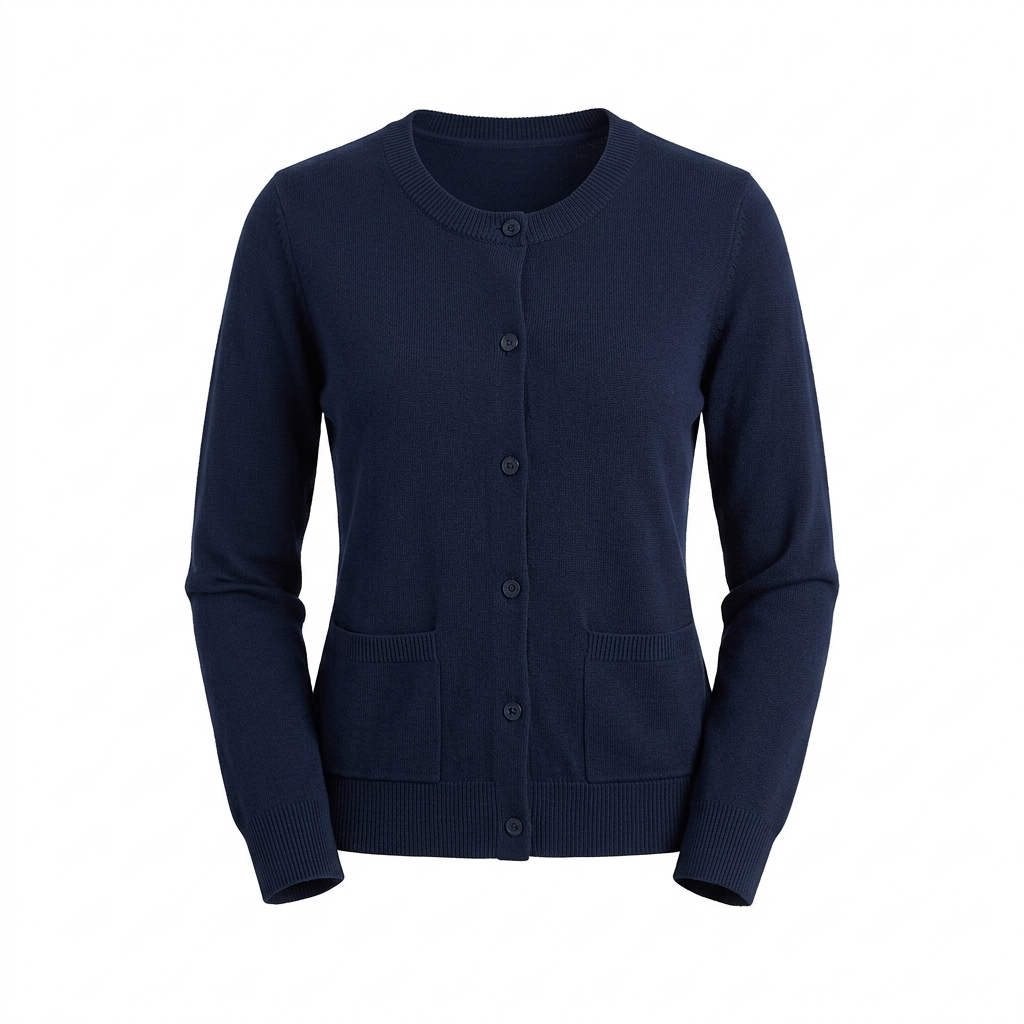
The core challenge with clothing photography is that fabric behaves differently than any other product. It wrinkles, it folds, it stretches, and it drapes in ways that can make the exact same shirt look like a bargain bin find or a premium piece depending on how you handle it. Preparation before the shoot matters more than almost any other product category. Steaming every garment is non-negotiable. Even brand new clothing pulled straight from a bag will have creases that a camera will catch in ways your eyes tend to overlook.
Amazon's requirements for clothing add another layer of complexity. The main image must show the garment on a pure white background (RGB 255,255,255), and for most adult apparel Amazon strongly prefers on-model shots for the hero image. That means you're either investing in a model, working with a dress form, or using flat lay as a fallback for certain categories. Each approach has real trade-offs in cost, workflow, and how well the final image communicates fit and drape to a buyer.
Fit communication is everything in clothing. A buyer cannot touch the fabric or try the item on. Your images have to answer the questions they would normally answer in a fitting room: How does this fit through the shoulders? Does the waist have stretch? How long is this on an actual person? Secondary images that show detail shots, fabric texture close-ups, and size comparison context will directly reduce your return rate. Returns in clothing are already higher than most categories, and poor images make that problem significantly worse.
Color accuracy is another area where clothing sellers consistently lose money. If your product images show a navy blue that looks black on screen, or a dusty rose that reads as salmon, customers will order expecting one thing and receive another. That mismatch drives returns and negative reviews. Calibrating your color temperature and doing a proper color check against the physical garment before you finalize any images is time well spent.
Example Images

Common Mistakes
Skipping the steaming step
Wrinkles read as poor quality in product photos even when the garment itself is perfectly fine. Cameras and product lighting make every fold and crease sharper and more visible than they appear to the naked eye. Buyers assume a wrinkled product image means a low-quality or poorly packaged item.
Steam every single garment right before shooting, not hours before. Keep a steamer on set and re-steam between shots if the fabric relaxes or you're working in a humid environment. For woven fabrics like cotton button-downs, use a light spray of water and a pressing cloth before steaming for best results.
Using a dress form that does not match the garment's intended fit
A size medium dress form wearing a size medium garment should look good, but many sellers use one universal dress form for all sizes without adjusting. The result is a shirt that looks boxy and oversized, or pants that look stretched and tight, neither of which reflects the actual fit accurately.
If you shoot across multiple sizes, invest in an adjustable dress form or shoot on appropriately sized models. At a minimum, use fit clips or straight pins at the back of the garment to pull in excess fabric and show the intended silhouette. Never let the form distort how the clothing actually fits a real body.
Flat lay images that show no depth or dimension
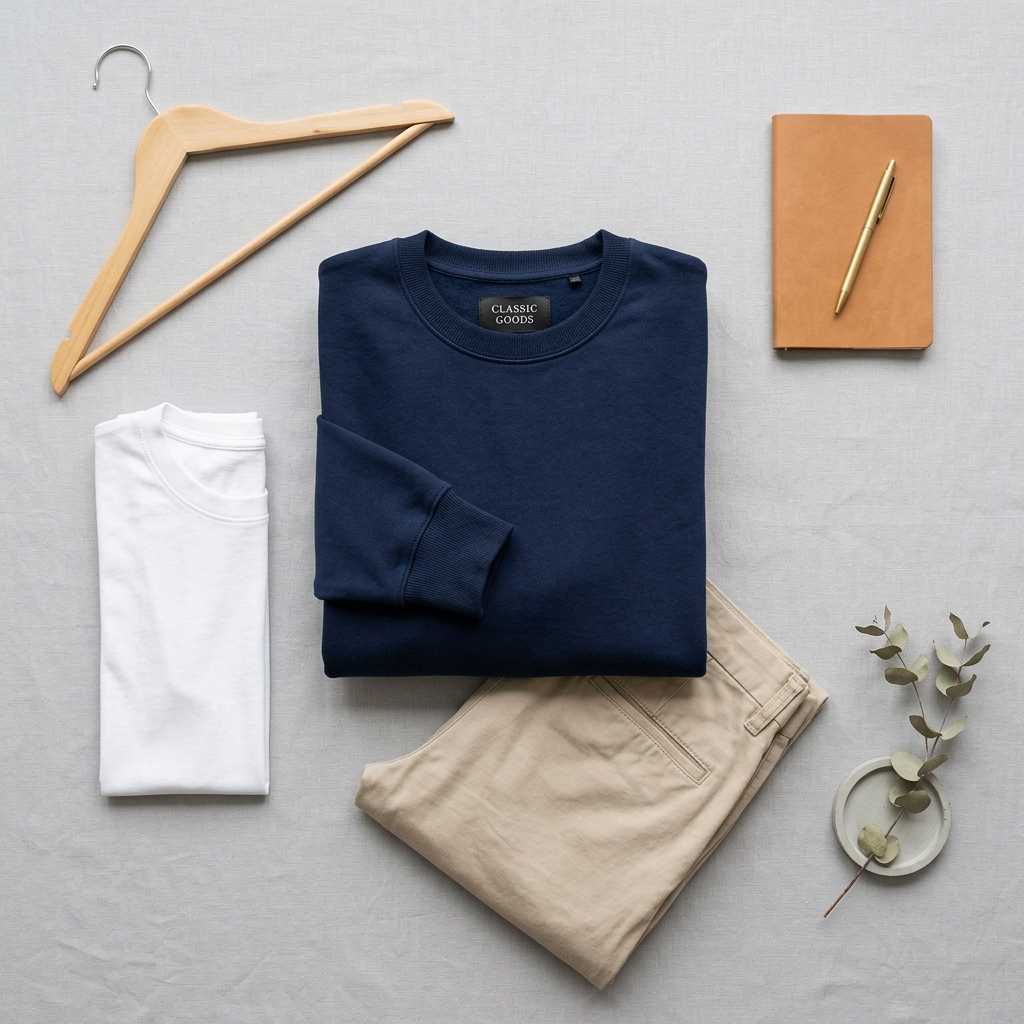
Flat lay is a legitimate approach, especially for certain categories like activewear and accessories, but most sellers execute it poorly. A garment thrown on a white surface with no shaping looks like a product listing from 2009. There is no sense of how the item would look worn.
If you use flat lay, style it intentionally. Use tissue paper or light stuffing inside sleeves and body panels to add dimension. Position collars and cuffs carefully. Shoot from directly overhead with even lighting to avoid shadows on one side. Flat lay done well can be very effective, but it requires just as much prep as an on-model shot.
Inaccurate color representation due to white balance errors
Clothing customers are making decisions based heavily on color. A wrong white balance setting can shift warm tones yellow or cool tones blue, meaning your product delivers a color the customer did not order. This is one of the top drivers of clothing returns alongside fit issues.
Set a custom white balance using a gray card every time you change your lighting setup. After editing, hold the final image on your screen next to the actual garment in the same lighting condition and compare. If you use a photo lab or editor, send them a physical swatch or reference image shot under known color-accurate conditions.
Frequently Asked Questions
What happens if you skipping the steaming step?
Wrinkles read as poor quality in product photos even when the garment itself is perfectly fine. Cameras and product lighting make every fold and crease sharper and more visible than they appear to the naked eye. Buyers assume a wrinkled product image means a low-quality or poorly packaged item. Steam every single garment right before shooting, not hours before. Keep a steamer on set and re-steam between shots if the fabric relaxes or you're working in a humid environment. For woven fabrics like cotton button-downs, use a light spray of water and a pressing cloth before steaming for best results.
What happens if you using a dress form that does not match the garment's intended fit?
A size medium dress form wearing a size medium garment should look good, but many sellers use one universal dress form for all sizes without adjusting. The result is a shirt that looks boxy and oversized, or pants that look stretched and tight, neither of which reflects the actual fit accurately. If you shoot across multiple sizes, invest in an adjustable dress form or shoot on appropriately sized models. At a minimum, use fit clips or straight pins at the back of the garment to pull in excess fabric and show the intended silhouette. Never let the form distort how the clothing actually fits a real body.
What happens if you flat lay images that show no depth or dimension?
Flat lay is a legitimate approach, especially for certain categories like activewear and accessories, but most sellers execute it poorly. A garment thrown on a white surface with no shaping looks like a product listing from 2009. There is no sense of how the item would look worn. If you use flat lay, style it intentionally. Use tissue paper or light stuffing inside sleeves and body panels to add dimension. Position collars and cuffs carefully. Shoot from directly overhead with even lighting to avoid shadows on one side. Flat lay done well can be very effective, but it requires just as much prep as an on-model shot.
What happens if you inaccurate color representation due to white balance errors?
Clothing customers are making decisions based heavily on color. A wrong white balance setting can shift warm tones yellow or cool tones blue, meaning your product delivers a color the customer did not order. This is one of the top drivers of clothing returns alongside fit issues. Set a custom white balance using a gray card every time you change your lighting setup. After editing, hold the final image on your screen next to the actual garment in the same lighting condition and compare. If you use a photo lab or editor, send them a physical swatch or reference image shot under known color-accurate conditions.
Clothing on other platforms
Skip the trial and error
Get Amazon-ready Clothing photos without the guesswork
Upload one product photo. ProductScene generates a complete Amazon gallery — every image slot, correctly sized, styled for the platform.
Try free