Kitchen Gadget Product Photography for Amazon Listings
Kitchen gadgets are one of the most competitive categories on Amazon, and your images are doing more heavy lifting than you probably realize. Shoppers browsing a page full of garlic presses, mandoline slicers, and silicone spatulas are making split-second decisions almost entirely based on what they see. If your main image looks flat or unclear, they scroll past. It really is that simple.
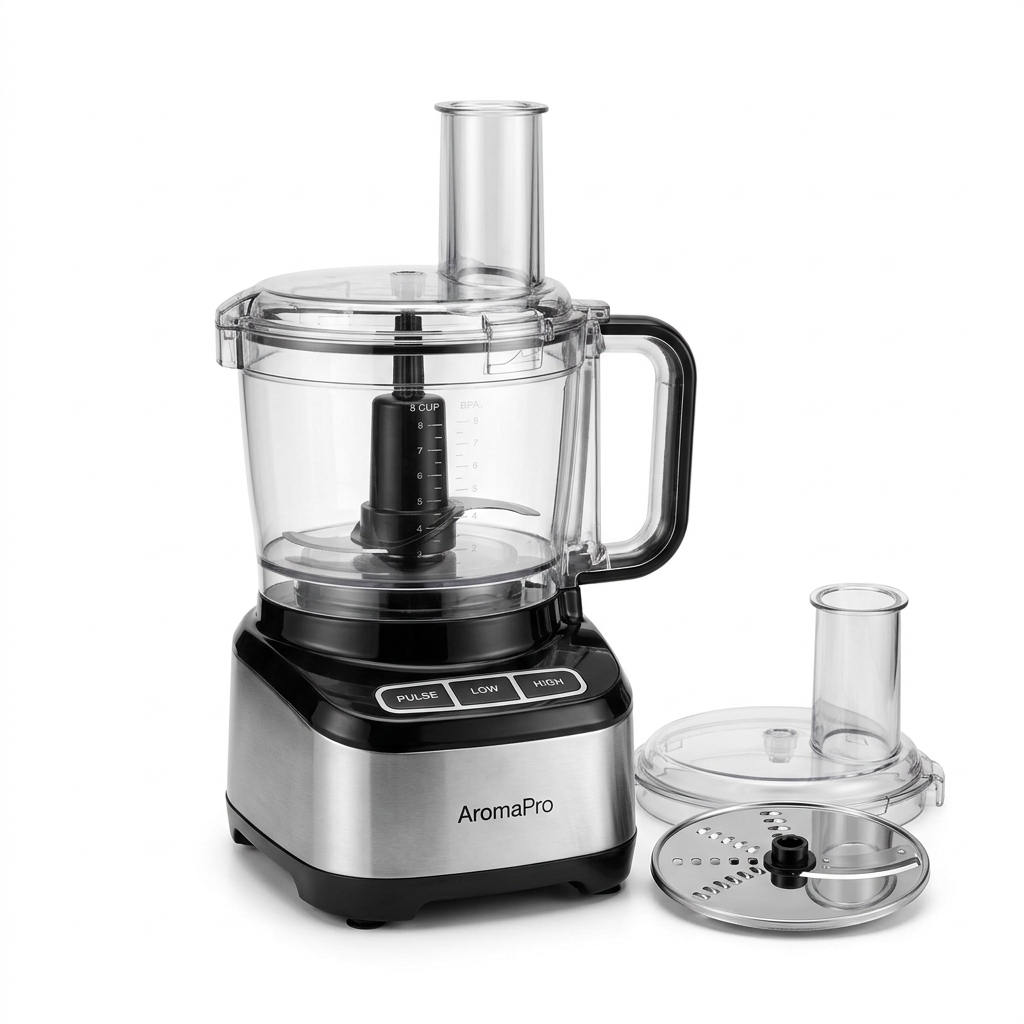
The core challenge with kitchen gadgets is that most of them are small, oddly shaped, or made from materials that are genuinely difficult to photograph well. Stainless steel reflects everything in the room. Translucent plastic loses its edges against a white background. Black handles on dark products disappear into nothing. These are not problems you can fix in post-production if you got the lighting wrong at the shoot.
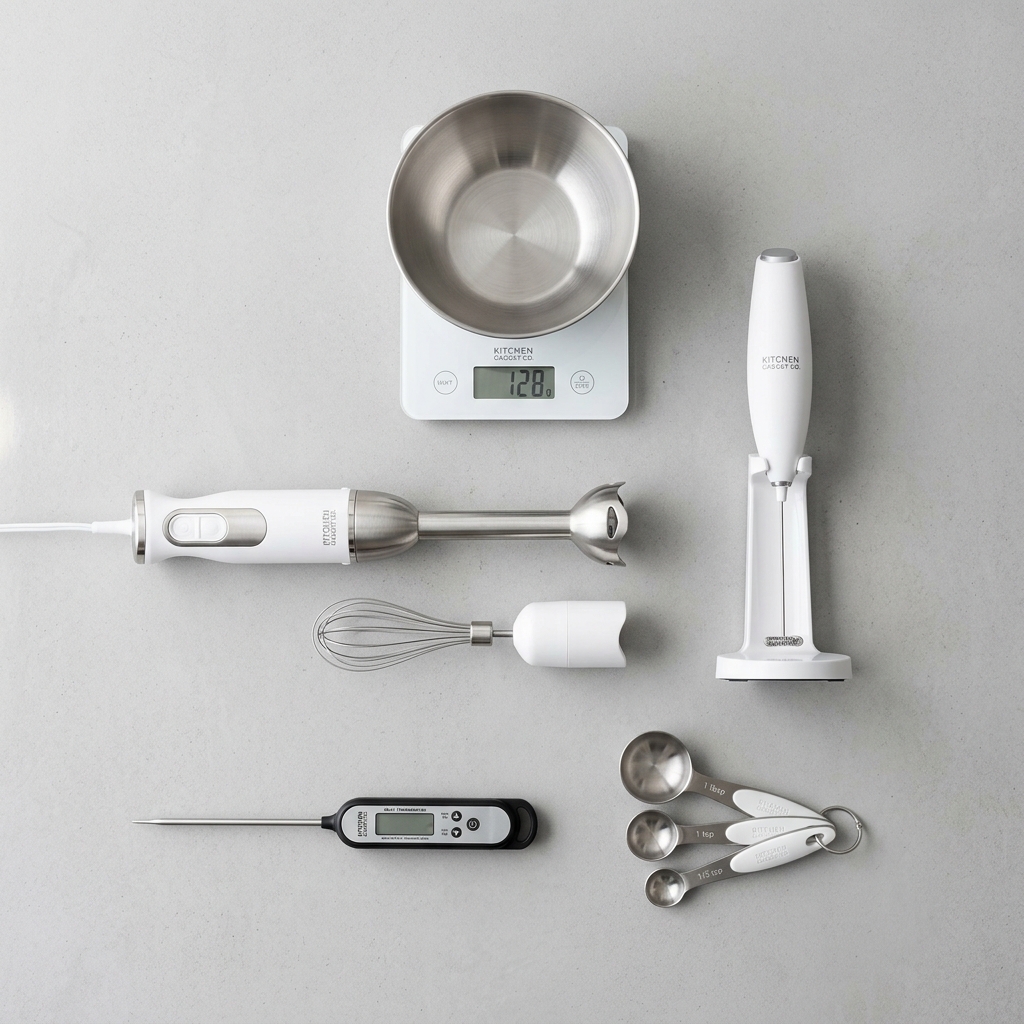
For your main image, Amazon requires a pure white background (RGB 255, 255, 255), and the product must fill at least 85% of the frame. With kitchen gadgets, this means you need to think carefully about your shooting angle. A flat lay works for some items like cutting boards or baking mats, but most gadgets read better at a three-quarter angle that shows depth and form. A can opener photographed straight-on looks like a line drawing. Rotate it 30 to 45 degrees and suddenly buyers understand exactly what they are looking at.
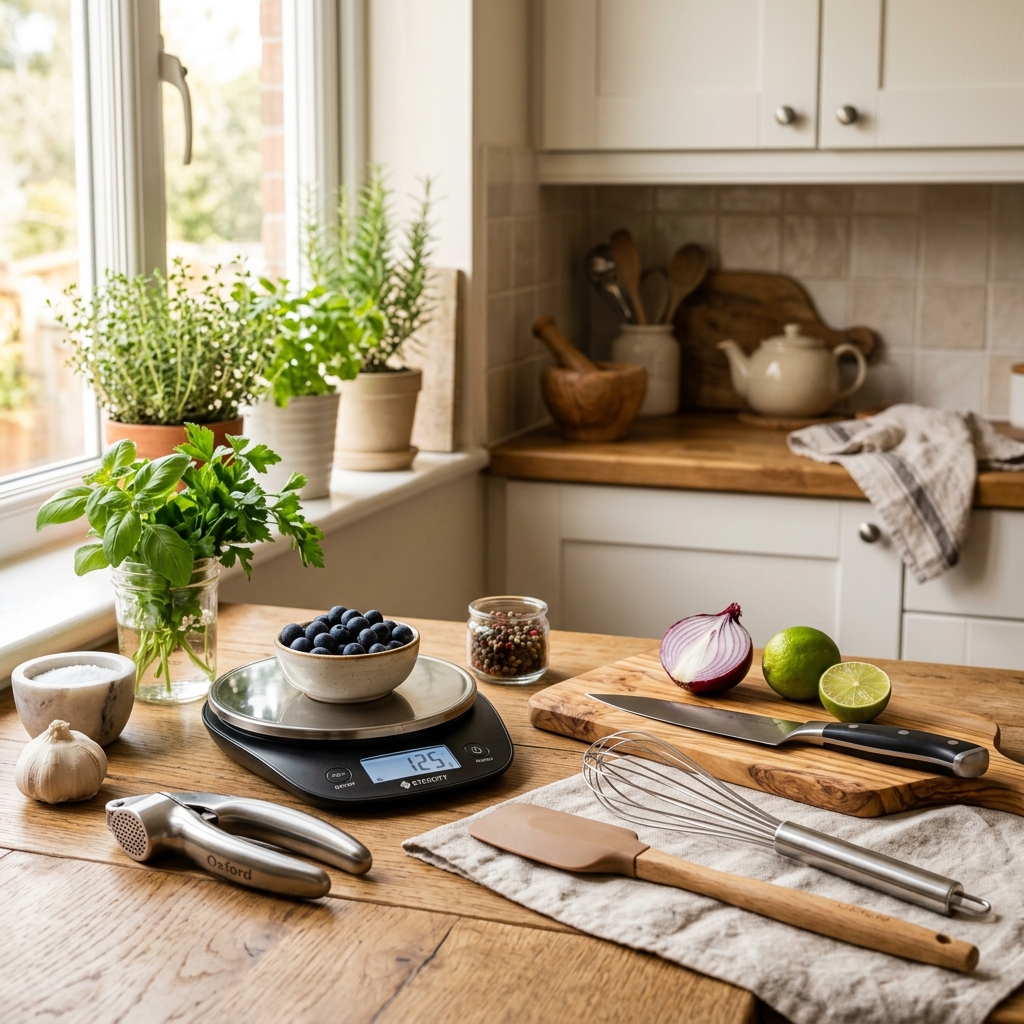
Your secondary images are where you actually win the sale. Kitchen gadget buyers want to understand scale, material quality, and how the product works in real life. A hand holding a vegetable peeler mid-use tells a buyer more than ten bullet points ever could. Show the product in context, show close-ups of the blade edge or the grip texture, and always include at least one image with a common household object for scale. These images work together to eliminate doubt, and eliminated doubt converts to sales.
Example Images
Common Mistakes
Photographing shiny metal gadgets with on-camera flash
Direct flash on stainless steel, chrome, or polished aluminum creates harsh hotspots and blinding reflections that wash out product details. The product looks cheap even if it is high quality. Buyers cannot see the finish, the texture, or the actual shape of the item.
Use a light tent or shoot with large diffused light sources placed at 45-degree angles on either side of the product. For highly reflective items like knife sets or stainless graters, try a polarizing filter on your lens combined with polarizing sheets over your lights. This combination kills the worst glare without flattening the product entirely.
Using a single hero image with no lifestyle or scale reference shots
Kitchen gadgets vary wildly in size. A garlic press that looks substantial in your main image might actually be tiny, and buyers who order it and feel deceived leave negative reviews. Without scale context, shoppers hesitate and move on to a competitor who shows the product in someone's hand.
Add at least one image showing the product being held or used by a person. Add another showing it next to a recognizable object like a standard dinner plate or a coffee mug. This takes 20 minutes at your shoot and directly reduces return rates caused by size disappointment.
Ignoring the background edges and product borders on the white background shot
When you photograph a white silicone spatula or a clear measuring cup against a pure white background, the product edges disappear. The item looks like it is floating in an amorphous blob rather than a defined object. This reads as unprofessional and makes it hard for buyers to understand the product shape.
Use subtle rim lighting or a slightly grey gradient background card positioned behind the product to create separation. In post-processing, you can also add a very faint drop shadow to ground the product. Alternatively, choose a shooting angle where the product silhouette naturally contrasts against the white, such as angling a white spatula so its handle edge catches a shadow.
Skipping infographic images that call out materials and key features
Kitchen gadget buyers are comparison shoppers. They have six tabs open. If your competitor's listing shows a clear close-up callout of BPA-free markings, heat resistance ratings, and blade thickness while yours shows only plain product shots, the competitor wins the click even if your product is better.
Create two or three infographic-style images that overlay short text callouts on your product photos. Keep the font clean and legible on mobile, use high contrast colors, and point to specific physical features. Highlight the things buyers ask about in Q&A or reviews, those questions are free market research telling you exactly what to address visually.
Frequently Asked Questions
What happens if you photographing shiny metal gadgets with on-camera flash?
Direct flash on stainless steel, chrome, or polished aluminum creates harsh hotspots and blinding reflections that wash out product details. The product looks cheap even if it is high quality. Buyers cannot see the finish, the texture, or the actual shape of the item. Use a light tent or shoot with large diffused light sources placed at 45-degree angles on either side of the product. For highly reflective items like knife sets or stainless graters, try a polarizing filter on your lens combined with polarizing sheets over your lights. This combination kills the worst glare without flattening the product entirely.
What happens if you using a single hero image with no lifestyle or scale reference shots?
Kitchen gadgets vary wildly in size. A garlic press that looks substantial in your main image might actually be tiny, and buyers who order it and feel deceived leave negative reviews. Without scale context, shoppers hesitate and move on to a competitor who shows the product in someone's hand. Add at least one image showing the product being held or used by a person. Add another showing it next to a recognizable object like a standard dinner plate or a coffee mug. This takes 20 minutes at your shoot and directly reduces return rates caused by size disappointment.
What happens if you ignoring the background edges and product borders on the white background shot?
When you photograph a white silicone spatula or a clear measuring cup against a pure white background, the product edges disappear. The item looks like it is floating in an amorphous blob rather than a defined object. This reads as unprofessional and makes it hard for buyers to understand the product shape. Use subtle rim lighting or a slightly grey gradient background card positioned behind the product to create separation. In post-processing, you can also add a very faint drop shadow to ground the product. Alternatively, choose a shooting angle where the product silhouette naturally contrasts against the white, such as angling a white spatula so its handle edge catches a shadow.
What happens if you skipping infographic images that call out materials and key features?
Kitchen gadget buyers are comparison shoppers. They have six tabs open. If your competitor's listing shows a clear close-up callout of BPA-free markings, heat resistance ratings, and blade thickness while yours shows only plain product shots, the competitor wins the click even if your product is better. Create two or three infographic-style images that overlay short text callouts on your product photos. Keep the font clean and legible on mobile, use high contrast colors, and point to specific physical features. Highlight the things buyers ask about in Q&A or reviews, those questions are free market research telling you exactly what to address visually.
Kitchen Gadgets on other platforms
Skip the trial and error
Get Amazon-ready Kitchen Gadgets photos without the guesswork
Upload one product photo. ProductScene generates a complete Amazon gallery — every image slot, correctly sized, styled for the platform.
Try free