Shoes & Footwear Photography for Shopify Product Pages
Shoe photography for Shopify is harder than most product categories, and the mistakes are expensive. Unlike Amazon, where customers expect a certain look, Shopify gives you full creative control, but that also means there is nothing stopping you from doing it badly. Shoes are three-dimensional objects with complex shapes, and a flat, uninspired image will not sell them.
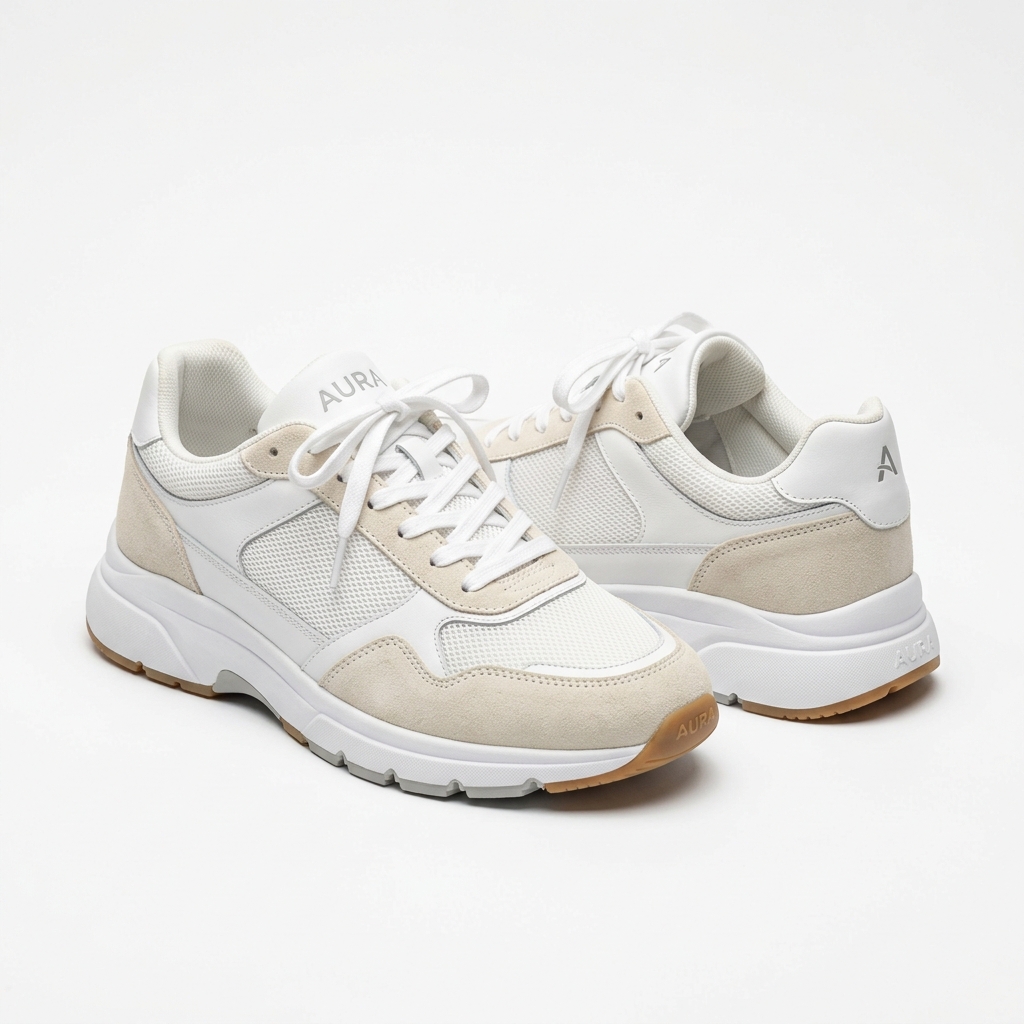
The biggest challenge with footwear is conveying shape, structure, and scale all at once. A sneaker photographed from a bad angle can look boxy and cheap even if it is a premium product. Heels need to show the arch and the silhouette. Boots need to communicate height and shaft structure. Each style has its own ideal angles, and shooting everything the same way is one of the most common and costly mistakes.
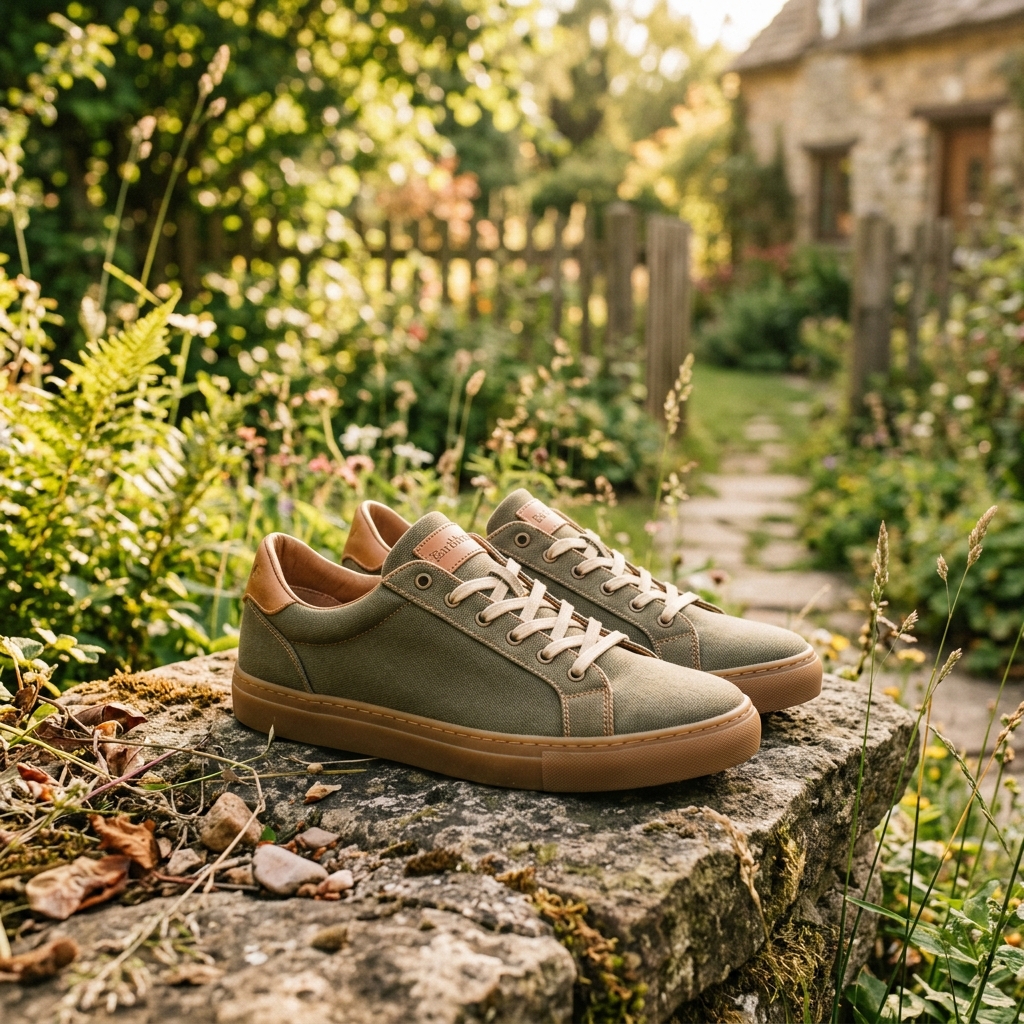
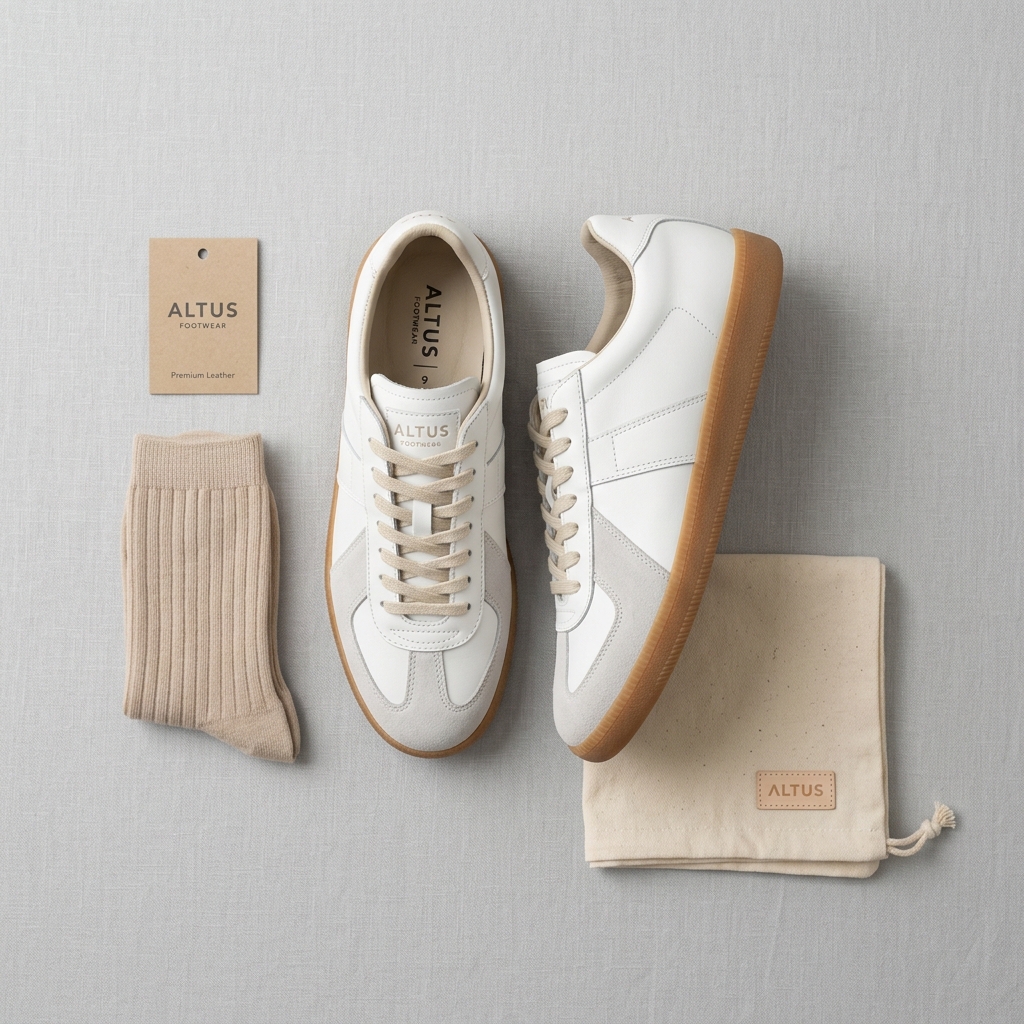
For your Shopify product pages specifically, you have the advantage of controlling how many images you show and in what order. Use that. Lead with your strongest hero shot, typically a 3/4 angle that shows the toe, the side profile, and a hint of the outsole. Follow it with a direct side profile, an overhead flat lay, a close-up of any key detail like stitching or hardware, and at least one lifestyle or on-foot image. That sequence gives customers a complete mental picture of the product before they buy.
Lighting is where most DIY shoe photography falls apart. Shoes have mixed materials, leather, mesh, rubber, metal, and each material reflects light differently. Soft, diffused light is your safest starting point. A single large softbox at roughly a 45-degree angle to the shoe with a white reflector on the opposite side will handle most footwear. For glossy patent leather or lacquered finishes, you will need to think carefully about where highlights land, because harsh reflections will obscure the shape entirely.
Consistency matters on Shopify more than people realize. When customers browse your collection pages, they are comparing products side by side. If one shoe is photographed on a white background, another on a wood floor, and a third on a model, the collection looks unprofessional and erodes trust. Pick a visual system, backgrounds, angles, lighting ratios, and stick to it across every SKU.
Example Images
Common Mistakes
Photographing shoes lying flat on their side
Shoes are designed to be worn upright or at an angle. A flat lay removes all the structure and silhouette that makes footwear appealing. The toe box looks crushed, the heel loses its form, and the shoe can look like a deflated version of itself.
Prop shoes upright using crumpled tissue paper, a small shoe stand, or a clear acrylic shoe prop inside the shoe. Shoot from a slight downward angle at roughly 30 to 45 degrees. This shows the toe, the side, and gives the shoe volume and presence.
Ignoring the outsole and heel detail
Customers buying shoes online cannot pick them up and flip them over. The outsole tells them about grip, flexibility, and build quality. Skipping this shot is leaving a major purchase-decision signal off the page.
Add a dedicated outsole shot to every product page. Place the shoe on its side or hold it heel-up and shoot straight on. Also include a close-up of the heel counter and heel height for any dress shoe or boot where that measurement matters.
Shooting every style at the same angle
A low-profile sneaker and a knee-high boot do not photograph the same way. Using a single shooting setup for everything means some products will always look awkward. A tall boot needs a full-length vertical frame; a sandal might need a top-down shot to show the strap layout.
Before you shoot each style, look at it from multiple angles and identify which view communicates its best qualities. Sneakers often benefit from a 3/4 front angle. Sandals show better from above. Boots need side profiles that capture the full height. Build angle guides for each category in your catalog.
Not including any on-foot or lifestyle images
White background shots answer the question of what the shoe looks like. On-foot shots answer the question of how it fits and what it looks like being worn, which is a completely different and more urgent question for most buyers. Shopify gives you the image gallery to show both, so not using it is a missed opportunity.
Add at least one on-foot image per product. It does not need to be a full editorial shoot. A clean shot of the shoes worn with relevant clothing, shot outdoors or on a simple textured background, is enough. Make sure the photo shows the fit around the ankle and how the shoe sits on the foot.
Inconsistent white balance across product variants
If you sell a shoe in three colorways and each one is photographed under slightly different light, the colors will look off. Customers will wonder if the shoe they receive will match what they ordered. This creates returns and erodes trust in your store.
Lock your white balance to a fixed Kelvin setting, not Auto, when shooting. Shoot all colorways of a style in the same session under the same lights. Calibrate your monitor before editing and use a gray card to set a neutral baseline. Edit all colorways of the same style together so adjustments are consistent.
Frequently Asked Questions
What happens if you photographing shoes lying flat on their side?
Shoes are designed to be worn upright or at an angle. A flat lay removes all the structure and silhouette that makes footwear appealing. The toe box looks crushed, the heel loses its form, and the shoe can look like a deflated version of itself. Prop shoes upright using crumpled tissue paper, a small shoe stand, or a clear acrylic shoe prop inside the shoe. Shoot from a slight downward angle at roughly 30 to 45 degrees. This shows the toe, the side, and gives the shoe volume and presence.
What happens if you ignoring the outsole and heel detail?
Customers buying shoes online cannot pick them up and flip them over. The outsole tells them about grip, flexibility, and build quality. Skipping this shot is leaving a major purchase-decision signal off the page. Add a dedicated outsole shot to every product page. Place the shoe on its side or hold it heel-up and shoot straight on. Also include a close-up of the heel counter and heel height for any dress shoe or boot where that measurement matters.
What happens if you shooting every style at the same angle?
A low-profile sneaker and a knee-high boot do not photograph the same way. Using a single shooting setup for everything means some products will always look awkward. A tall boot needs a full-length vertical frame; a sandal might need a top-down shot to show the strap layout. Before you shoot each style, look at it from multiple angles and identify which view communicates its best qualities. Sneakers often benefit from a 3/4 front angle. Sandals show better from above. Boots need side profiles that capture the full height. Build angle guides for each category in your catalog.
What happens if you not including any on-foot or lifestyle images?
White background shots answer the question of what the shoe looks like. On-foot shots answer the question of how it fits and what it looks like being worn, which is a completely different and more urgent question for most buyers. Shopify gives you the image gallery to show both, so not using it is a missed opportunity. Add at least one on-foot image per product. It does not need to be a full editorial shoot. A clean shot of the shoes worn with relevant clothing, shot outdoors or on a simple textured background, is enough. Make sure the photo shows the fit around the ankle and how the shoe sits on the foot.
What happens if you inconsistent white balance across product variants?
If you sell a shoe in three colorways and each one is photographed under slightly different light, the colors will look off. Customers will wonder if the shoe they receive will match what they ordered. This creates returns and erodes trust in your store. Lock your white balance to a fixed Kelvin setting, not Auto, when shooting. Shoot all colorways of a style in the same session under the same lights. Calibrate your monitor before editing and use a gray card to set a neutral baseline. Edit all colorways of the same style together so adjustments are consistent.
Shoes & Footwear on other platforms
Skip the trial and error
Get Shopify-ready Shoes & Footwear photos without the guesswork
Upload one product photo. ProductScene generates a complete Shopify gallery — every image slot, correctly sized, styled for the platform.
Try free