Your Shopify store photos should match your brand, not just your product.
Upload one product photo. Get a complete set of Shopify product photos — the clean shot, the product in use, the detail close-up — consistent across your whole catalogue, so the store stops looking like stitched-together supplier images.
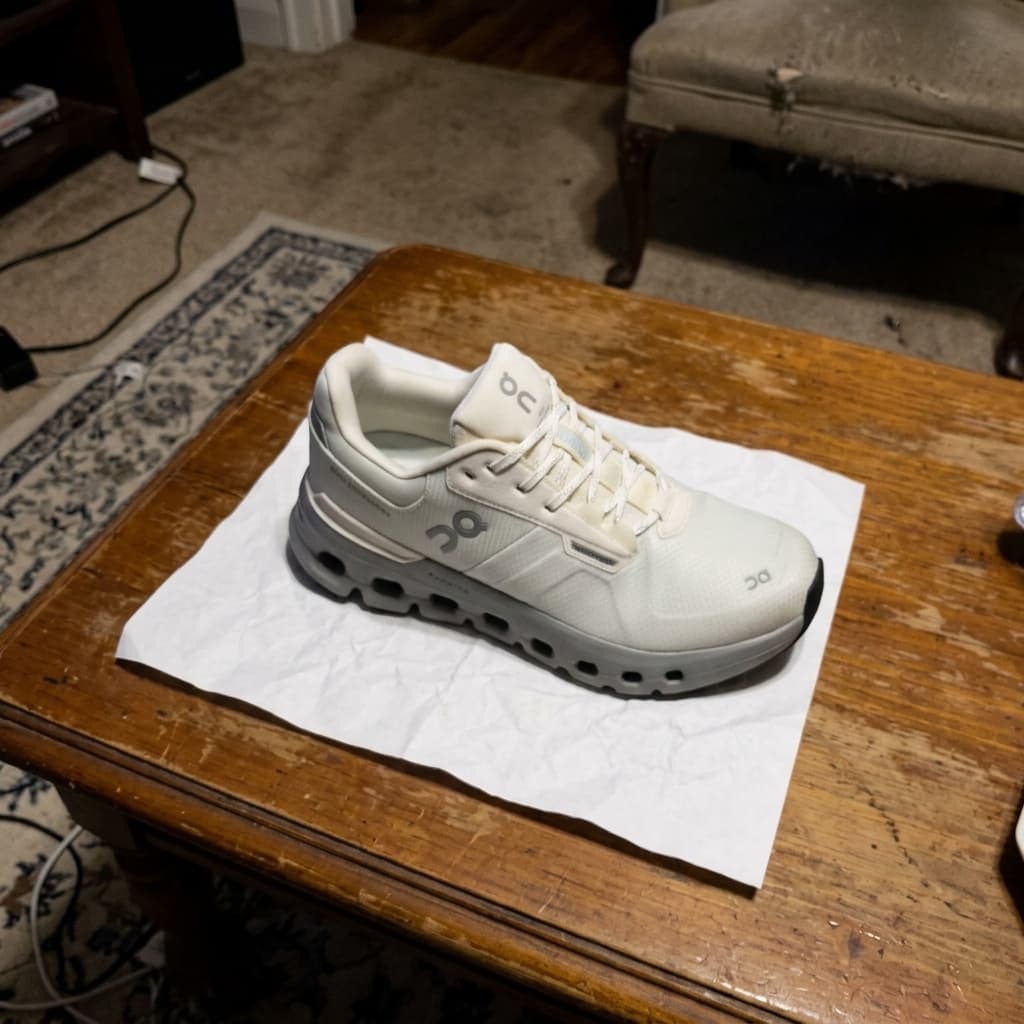
BEFORE
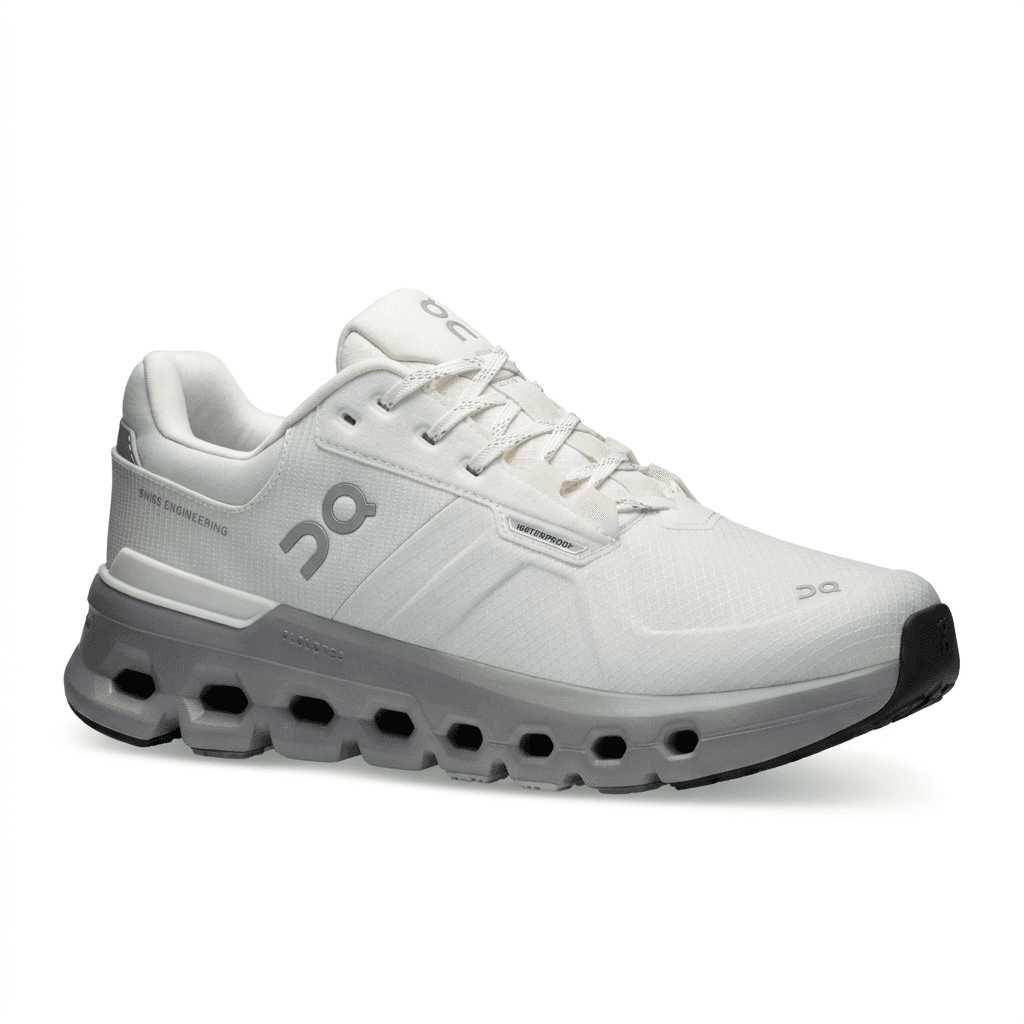
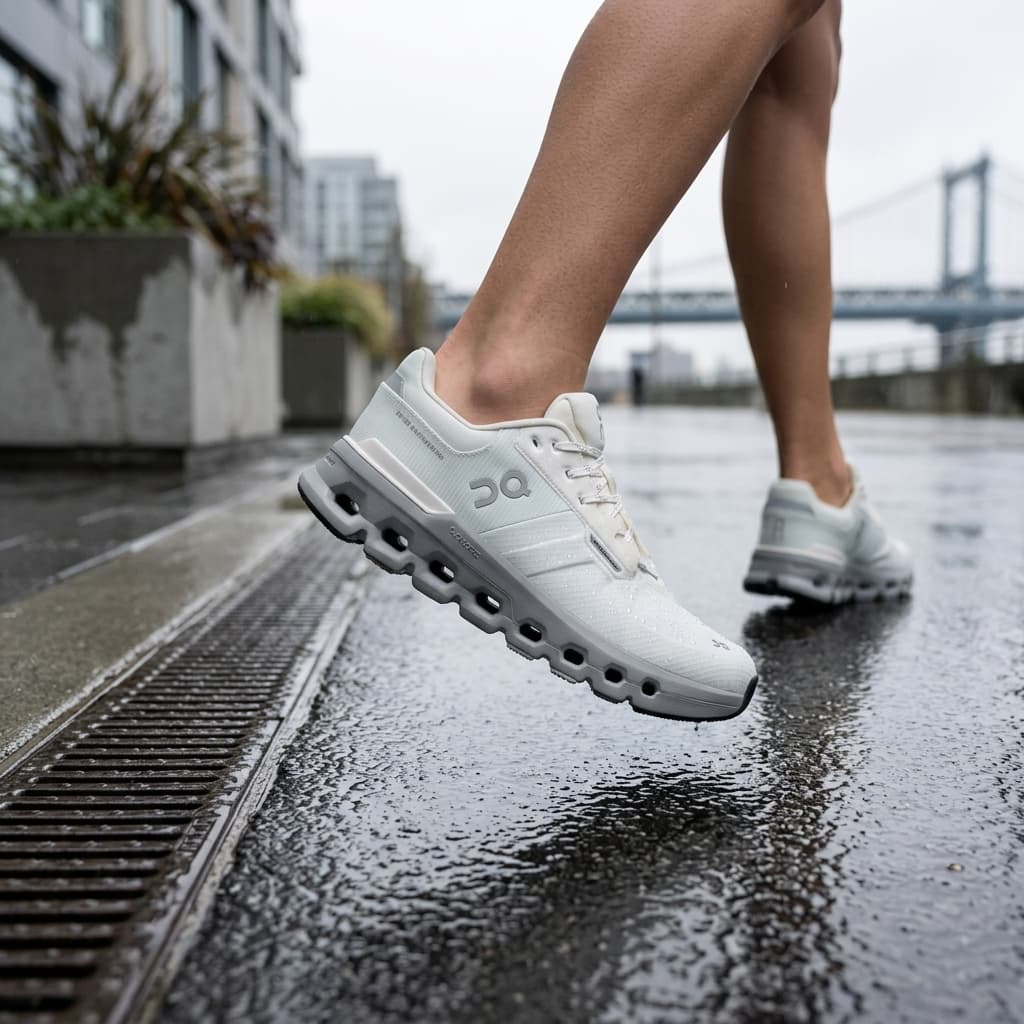
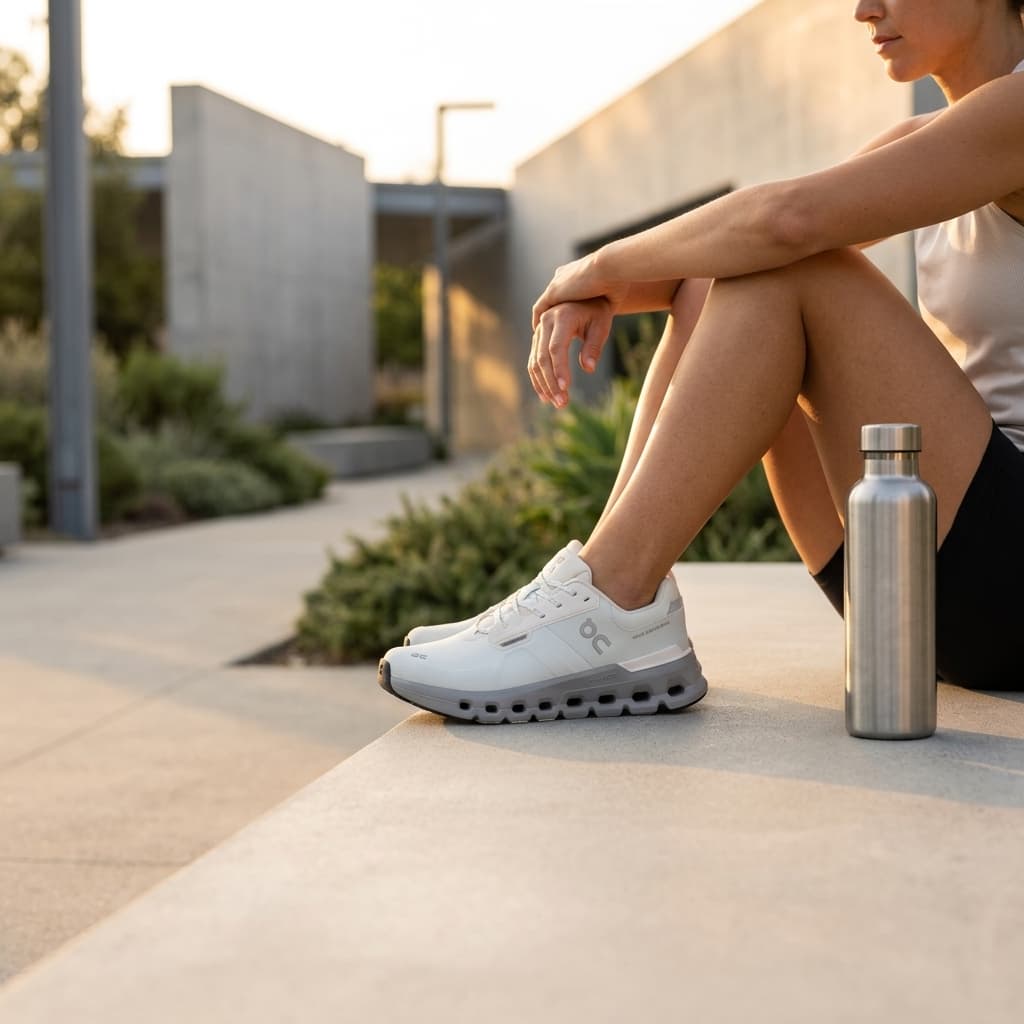
AFTER · SHOPIFY STOREFRONT PACK
Used by Shopify store owners, D2C brand founders, and indie makers in early access.
Inconsistent product photos are costing you conversions.
Mismatched photos make your store feel unfinished.
Every product photographed at a different time, in different lighting, on different surfaces. Your store ends up looking like a marketplace stall, not a brand. Shopify buyers are shopping for the brand experience as much as the product — and inconsistency breaks that trust.
Hiring photographers for every new product doesn't scale.
A professional shoot costs $500–$2,000 and takes days to turn around. That works for a launch, not for running a real store. Every time you add a new SKU, the whole process starts again — brief, schedule, shoot, edit, export, resize.
Generic AI tools don't know what your store needs.
You've tried Midjourney or Firefly. The images look decent but don't match your store's aesthetic, aren't the right dimensions, and still need someone to edit them into product-page-ready files. The tool saved you 20 minutes and cost you an hour.
One photo. A complete product gallery, styled for your store.
Upload a photo of your product.
One image is all we need — from your phone, your manufacturer, or an existing listing. We extract the product and handle background removal, relighting, and scene placement.
Choose the Shopify Storefront pack.
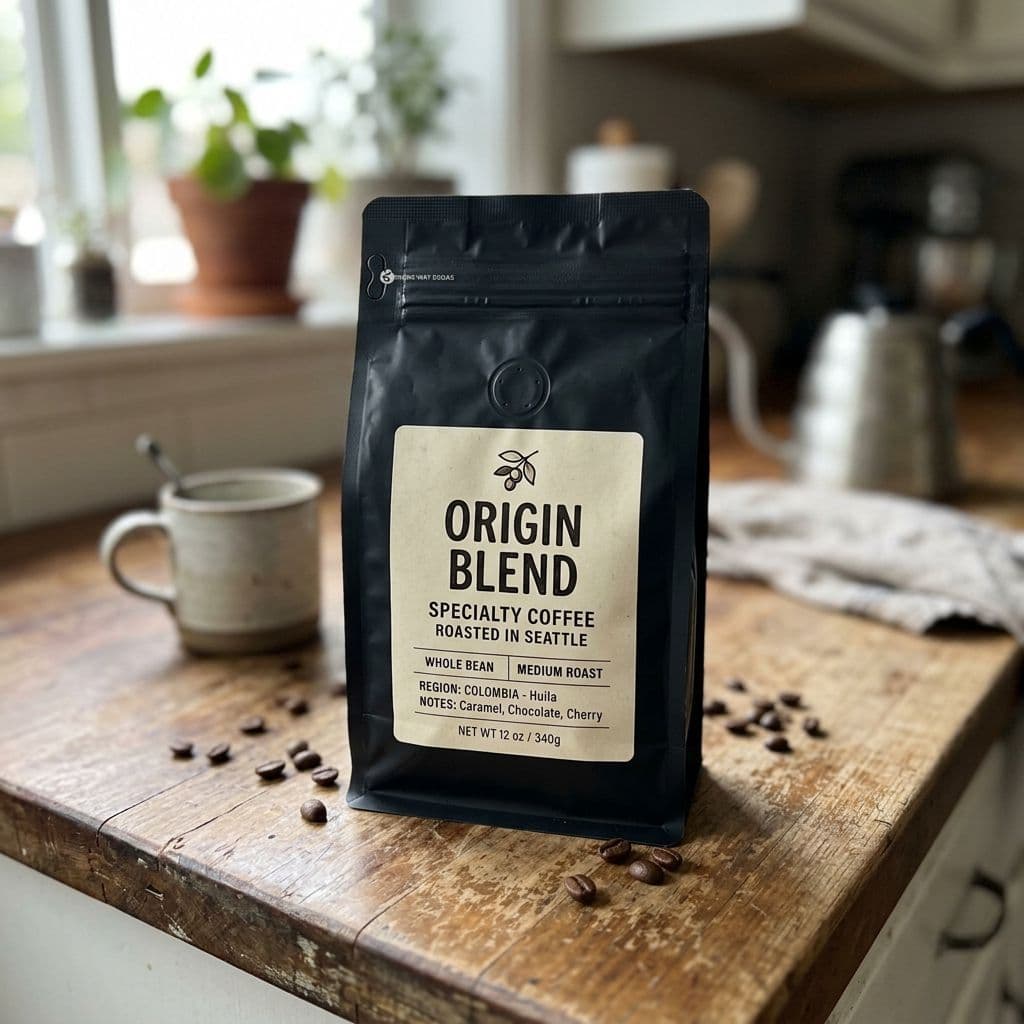
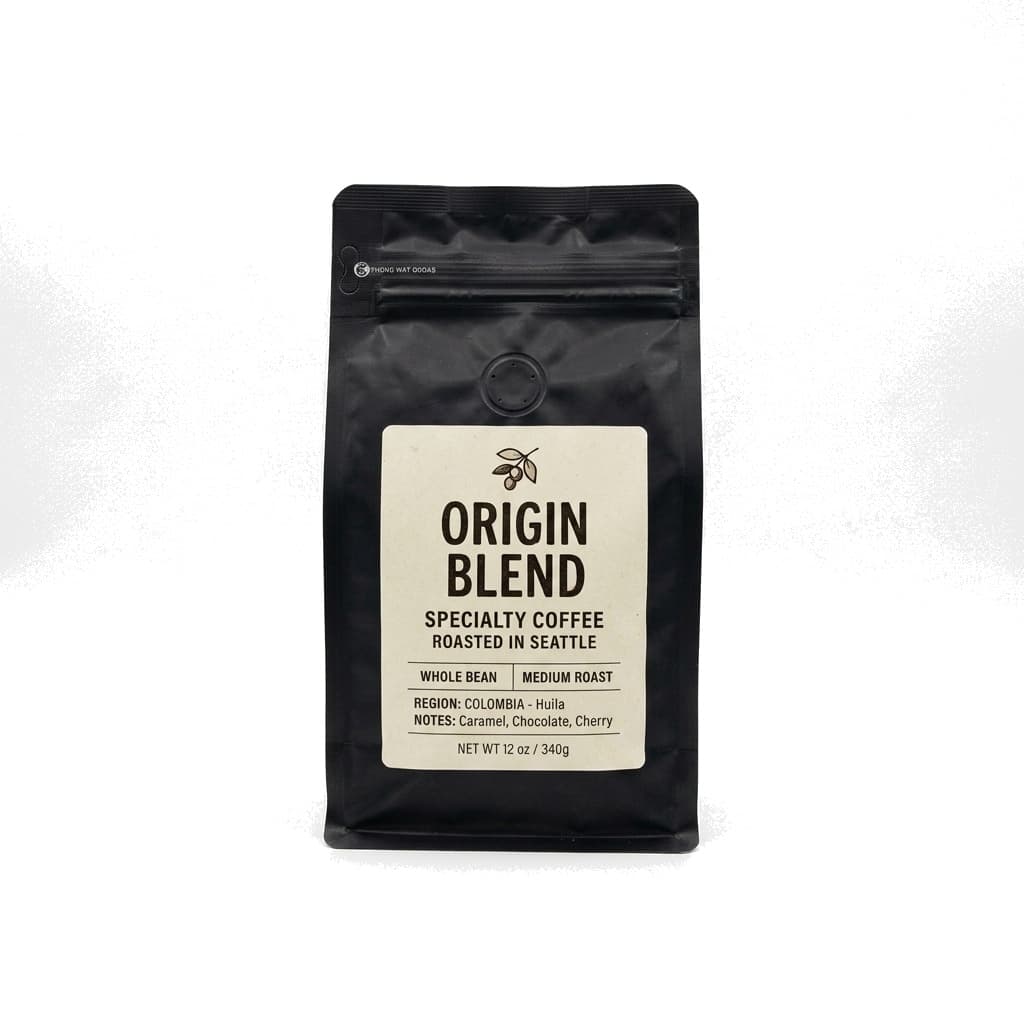
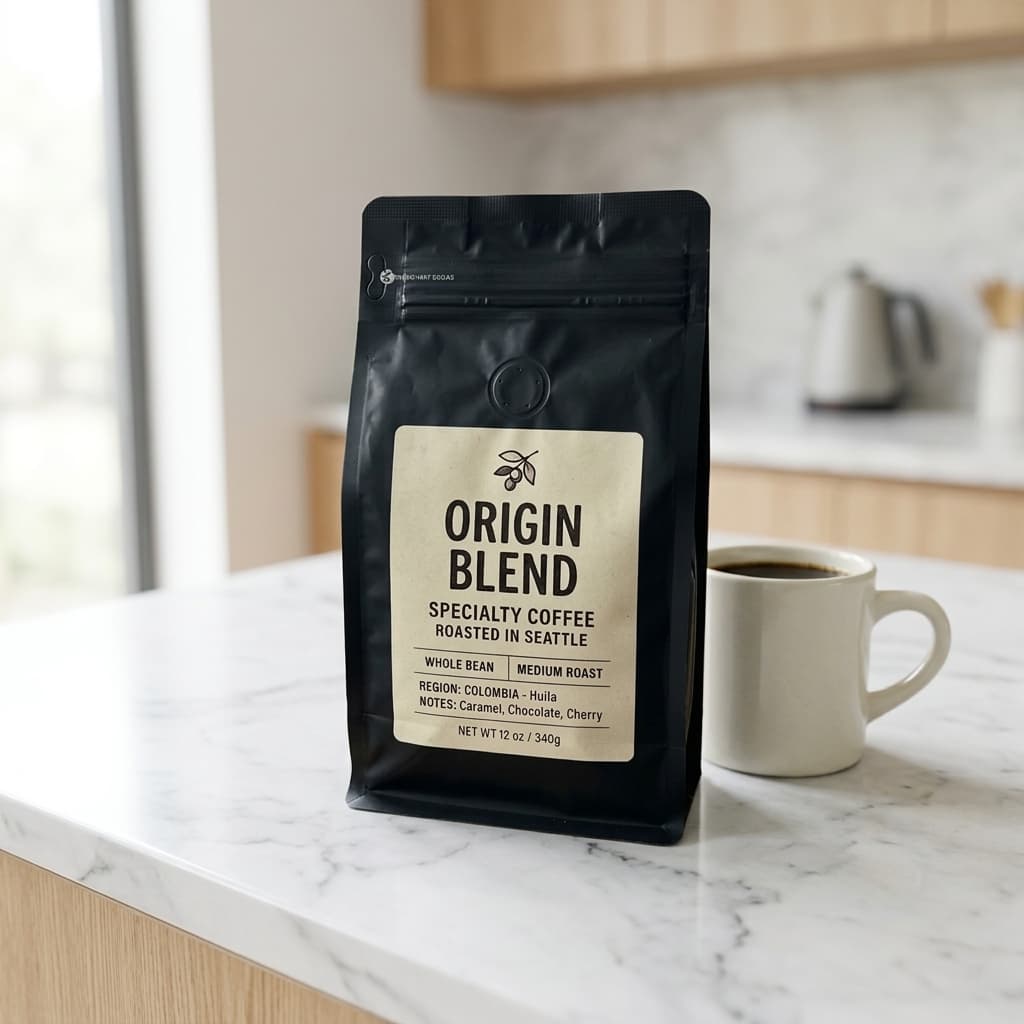
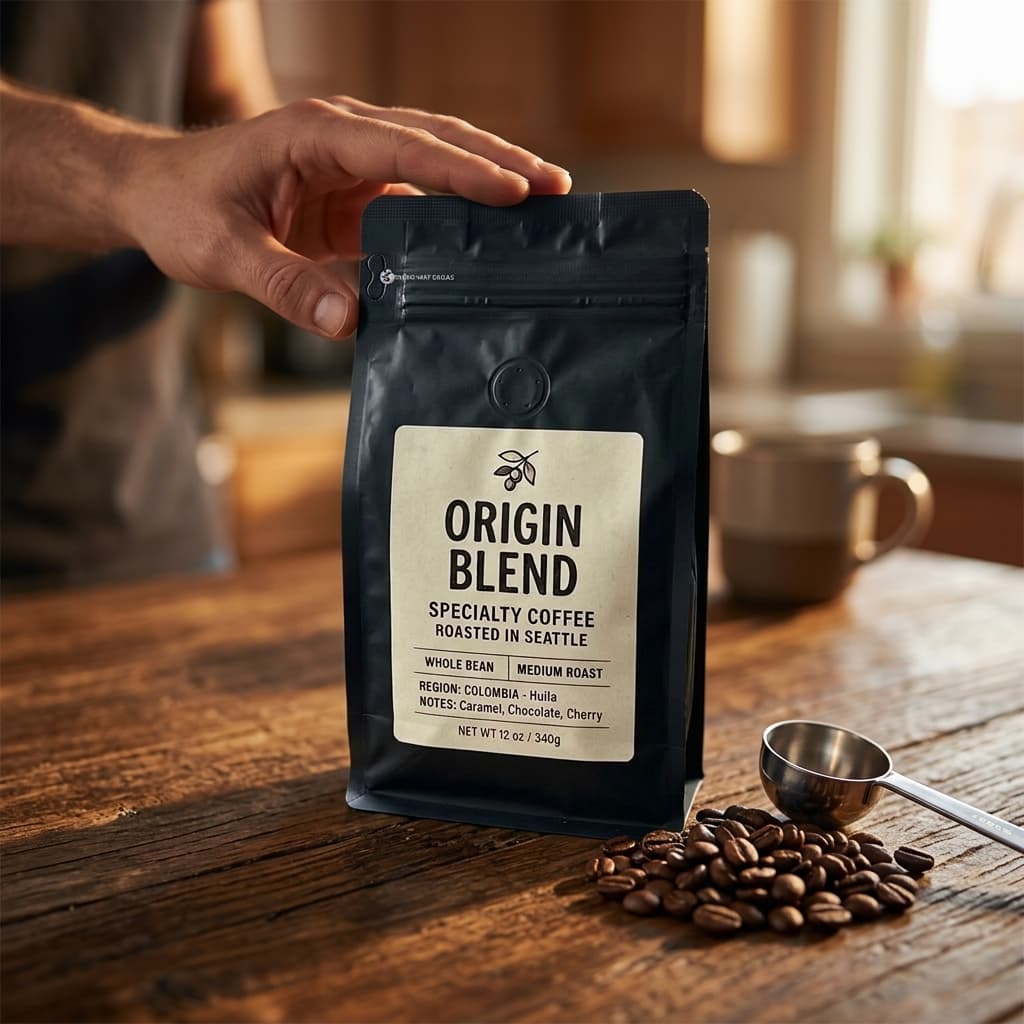
Three images designed for Shopify product pages: a clean hero shot on a neutral background, the product shown in use, and a detail close-up highlighting texture and quality. Every image at 2000×2000px.
Select pack
Download and add to your listing.
Your images arrive ready to upload — no cropping, no resizing, no editing. Drop them straight into your Shopify product media gallery.
From one photo to a store-ready gallery.
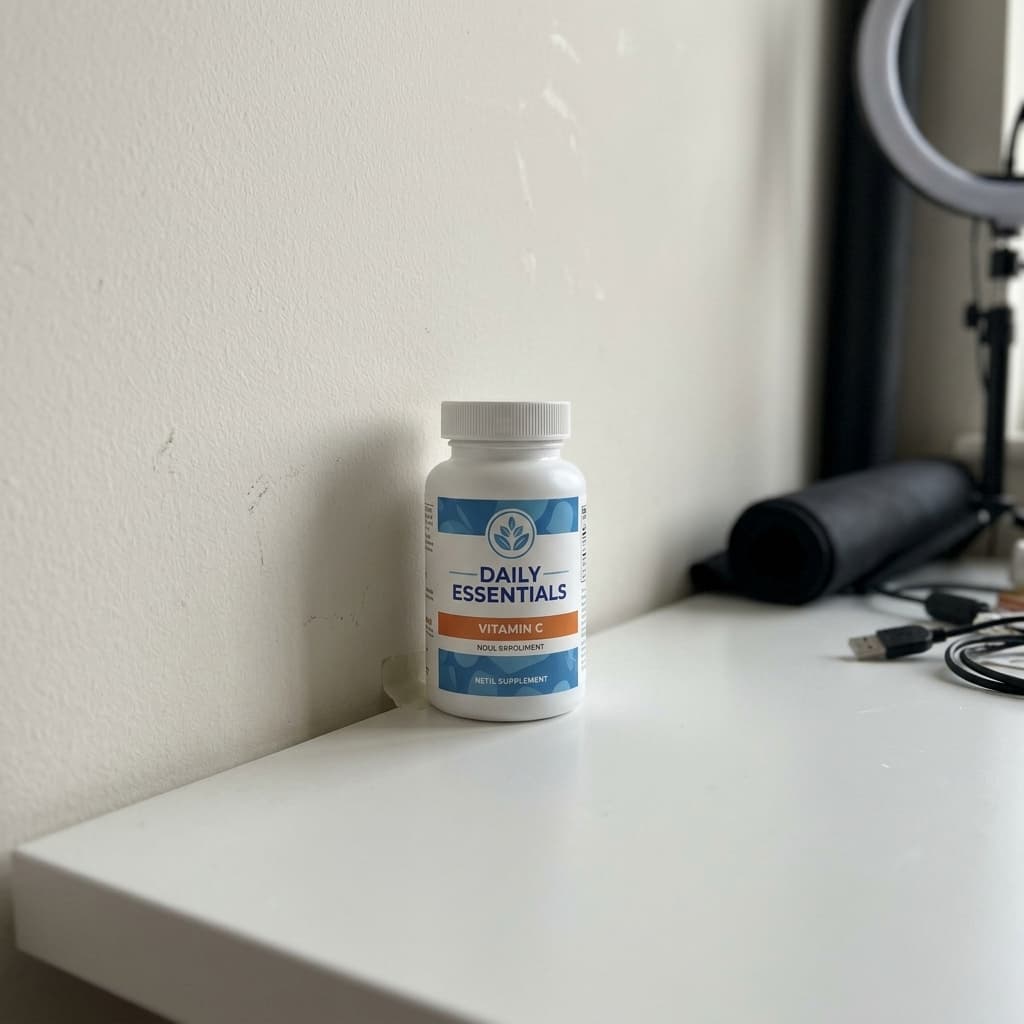
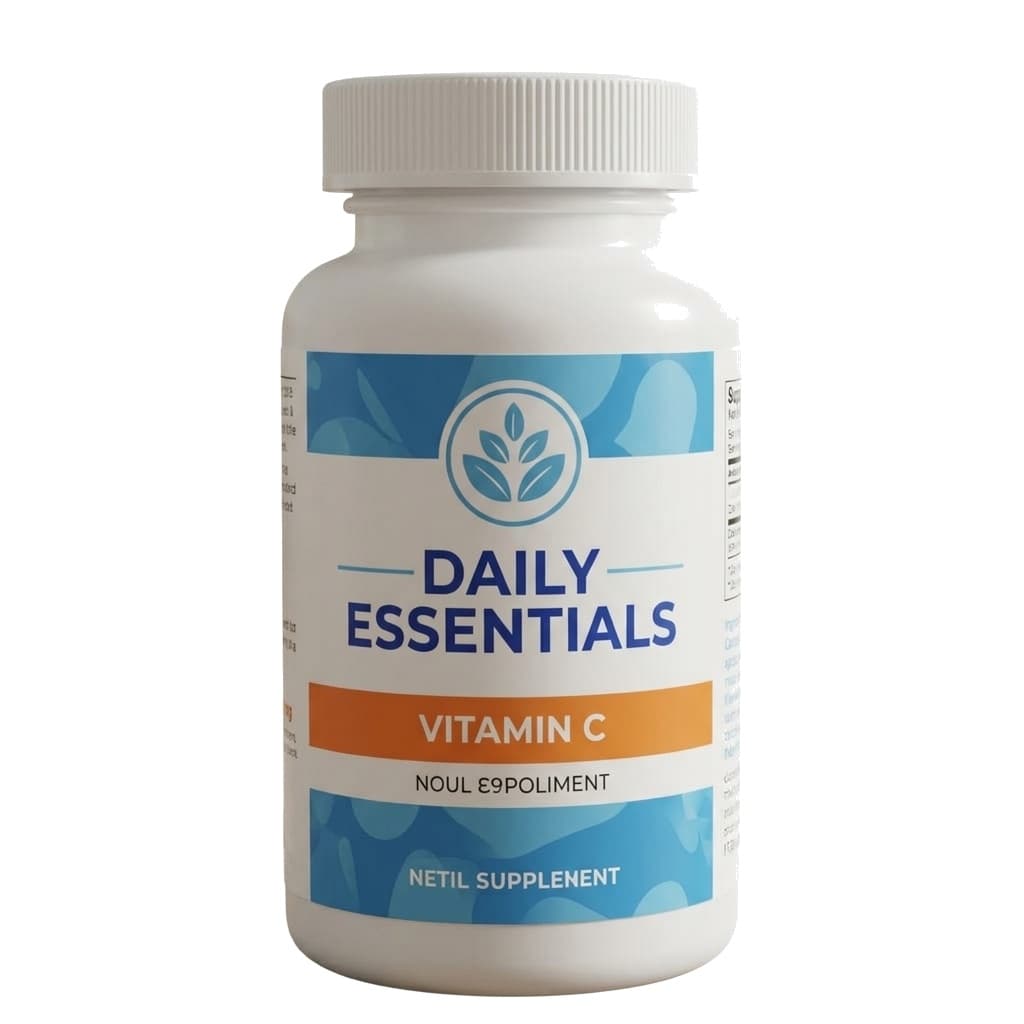
Real examples from products Shopify store owners actually sell.
Shopify Storefront Pack
Face serum
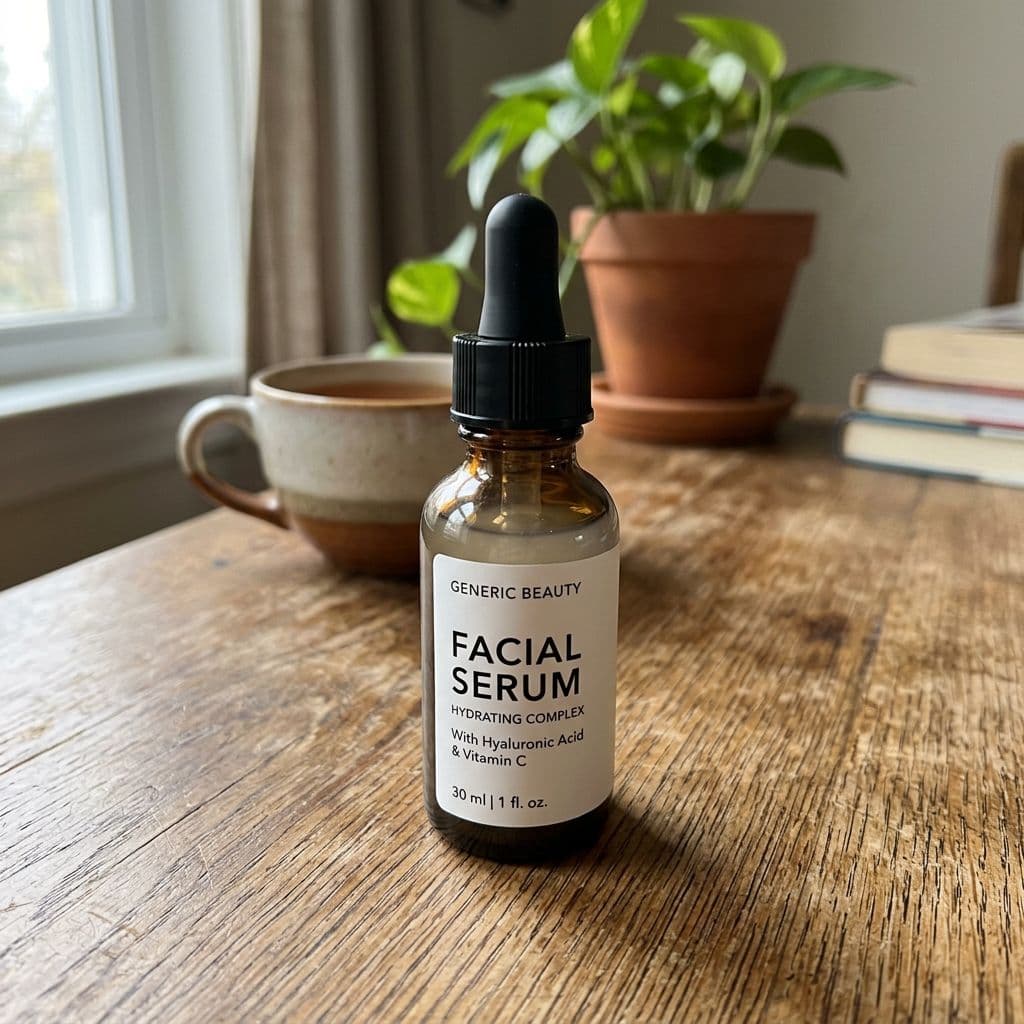
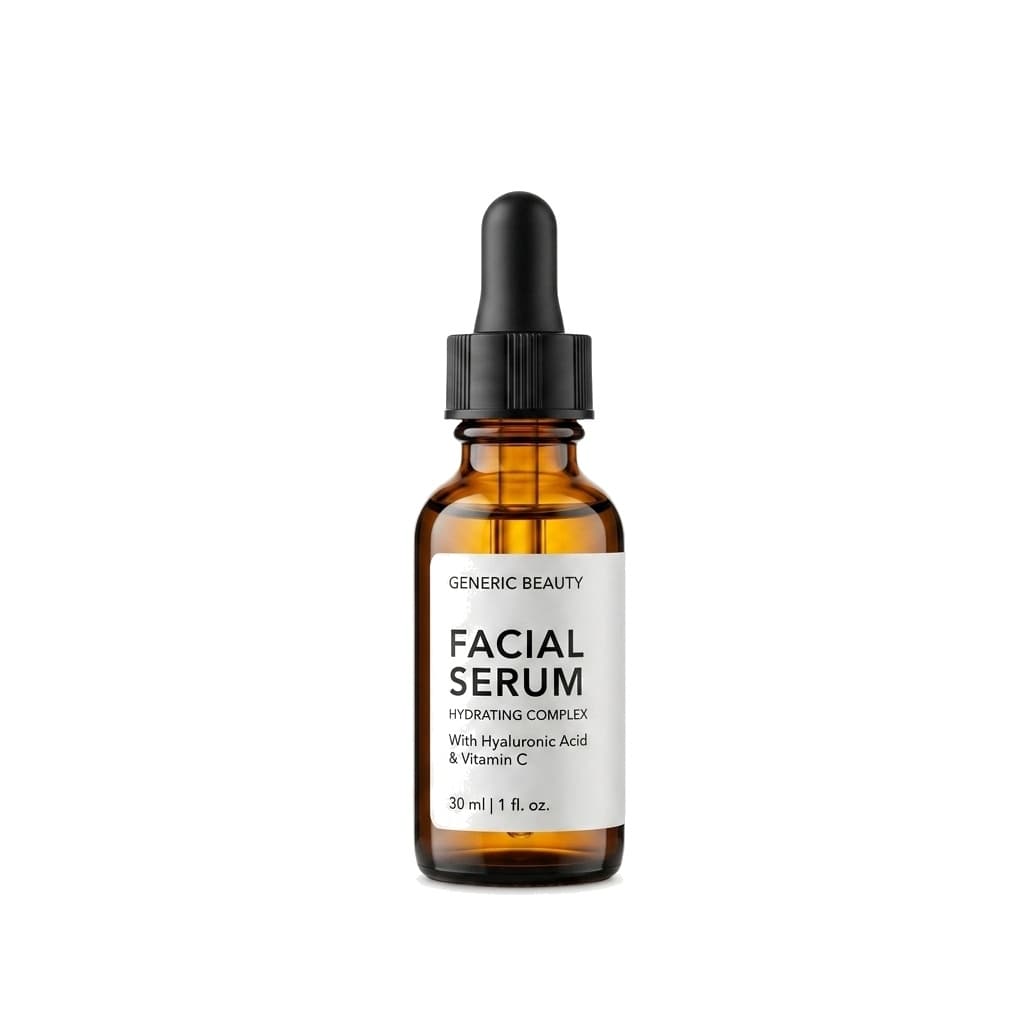
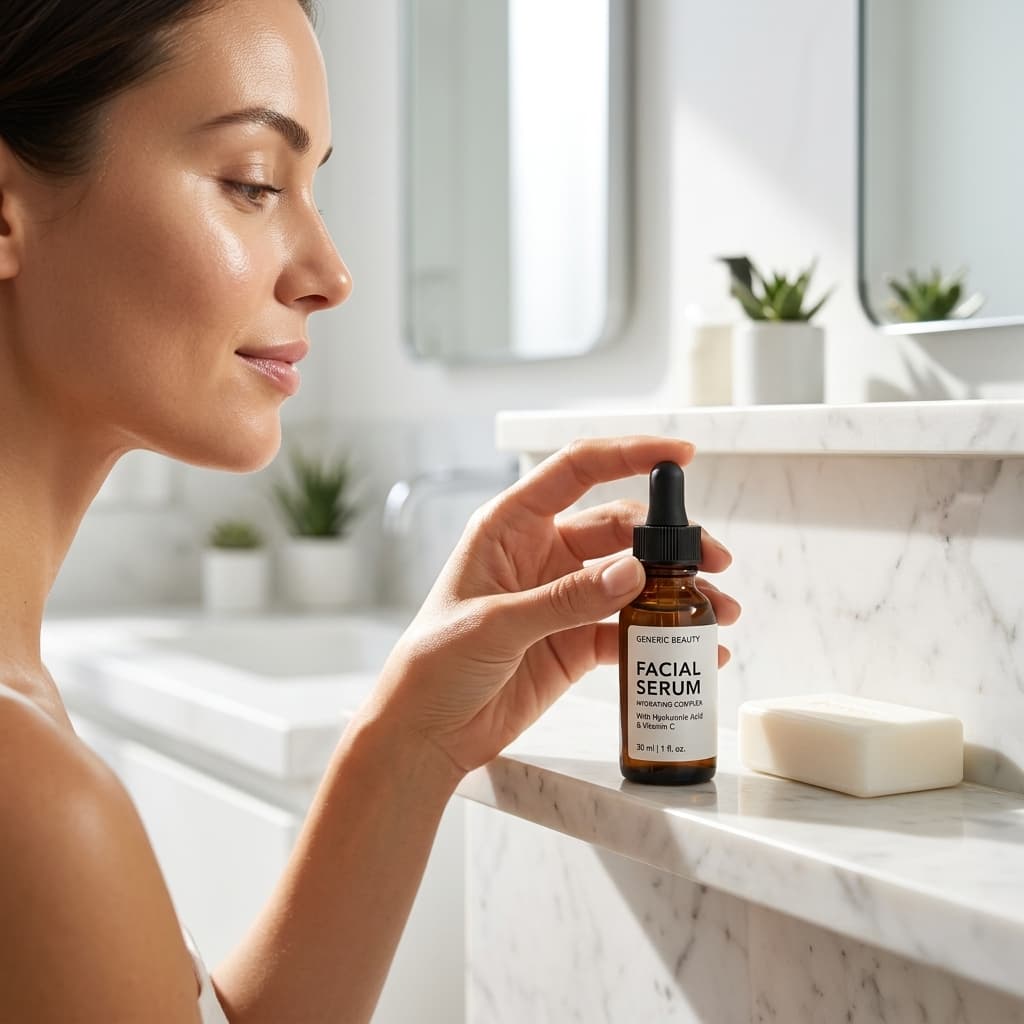
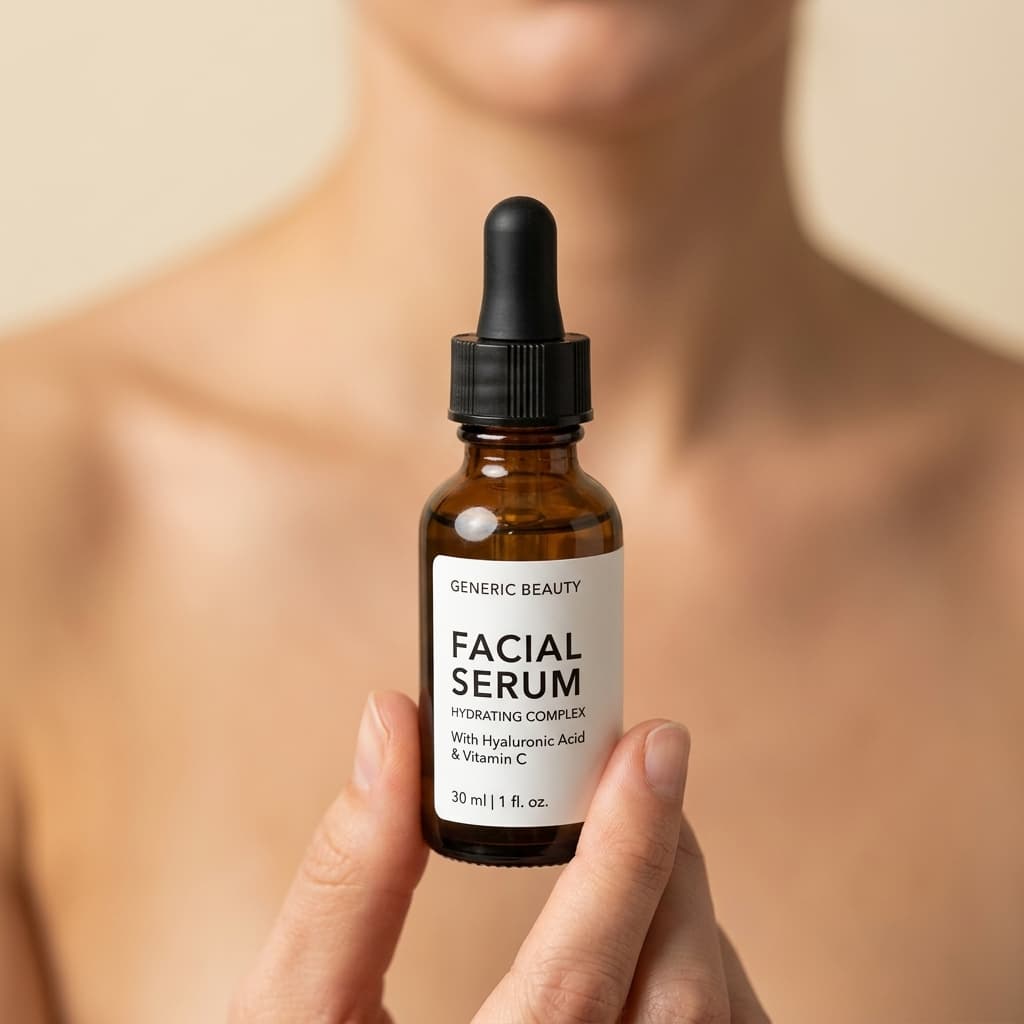
Shopify Storefront Pack
Sunglasses
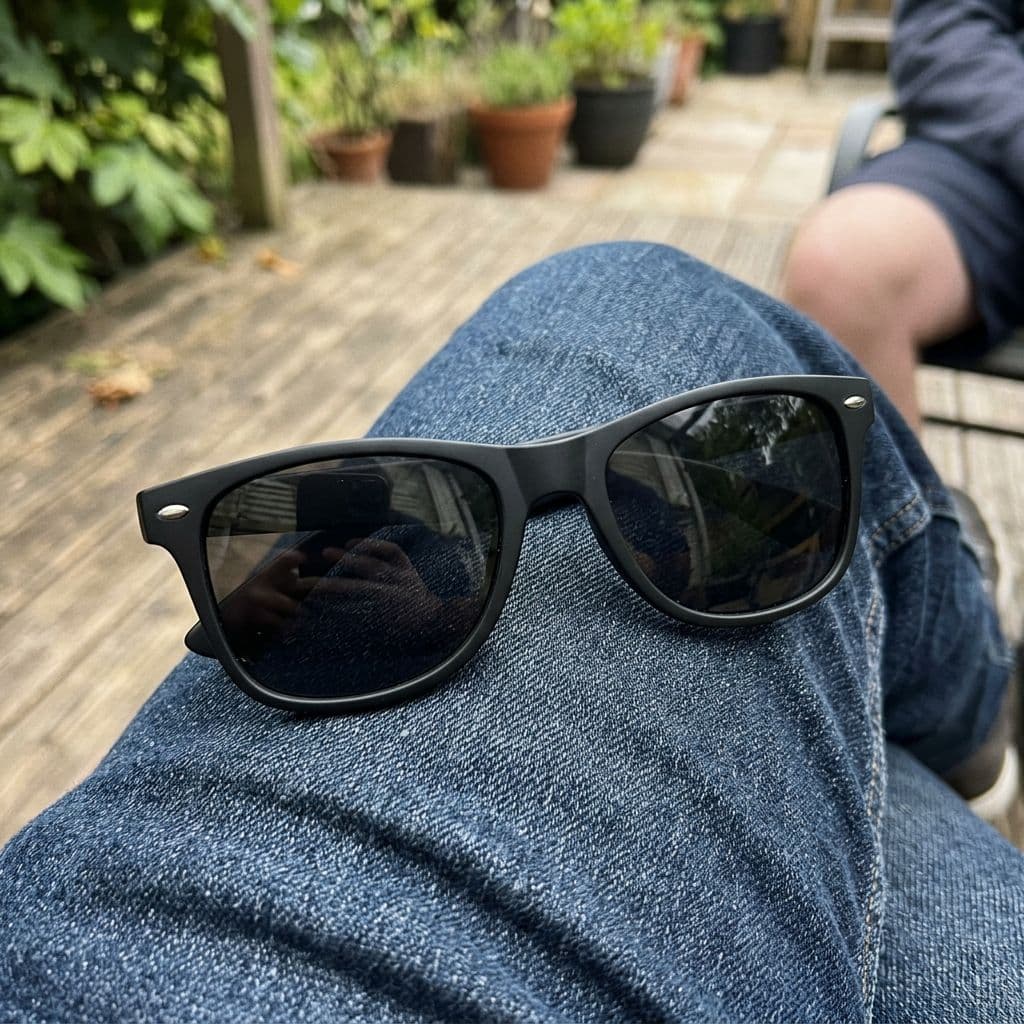
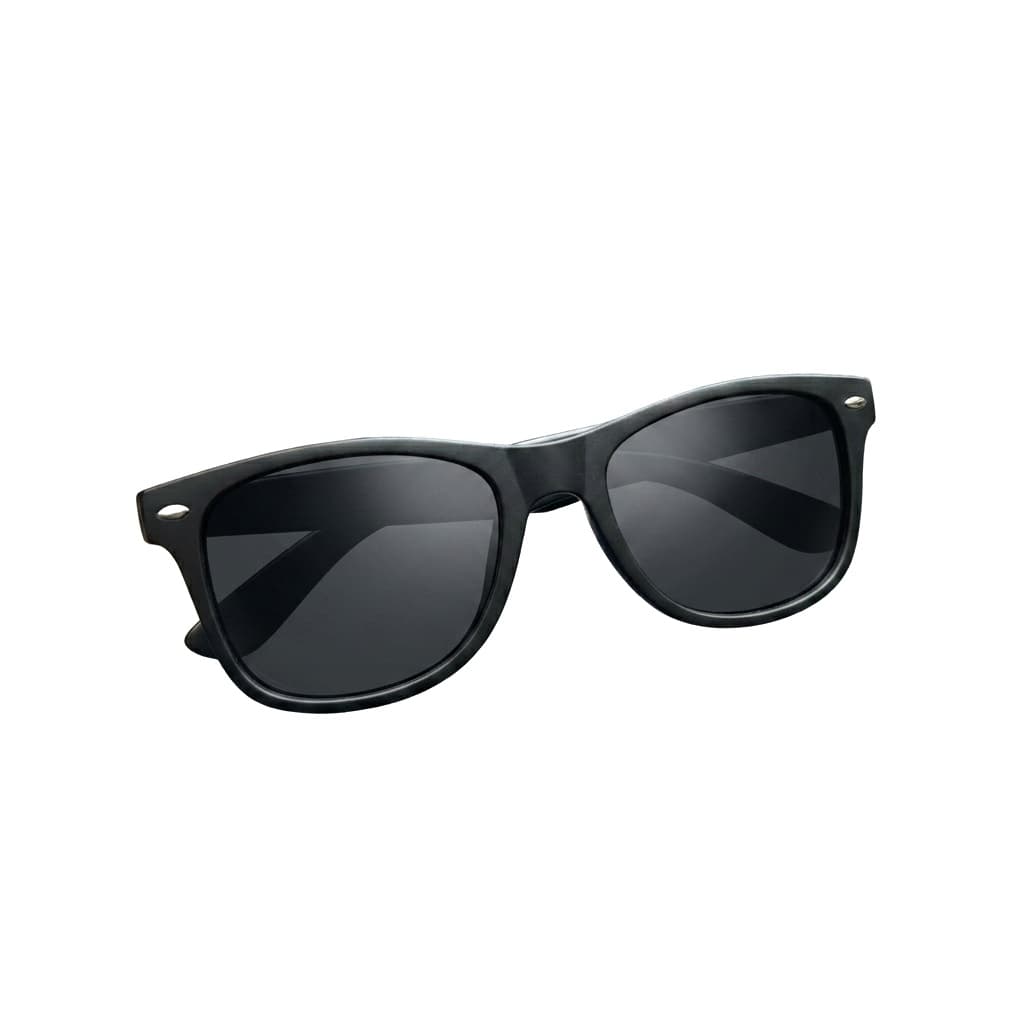
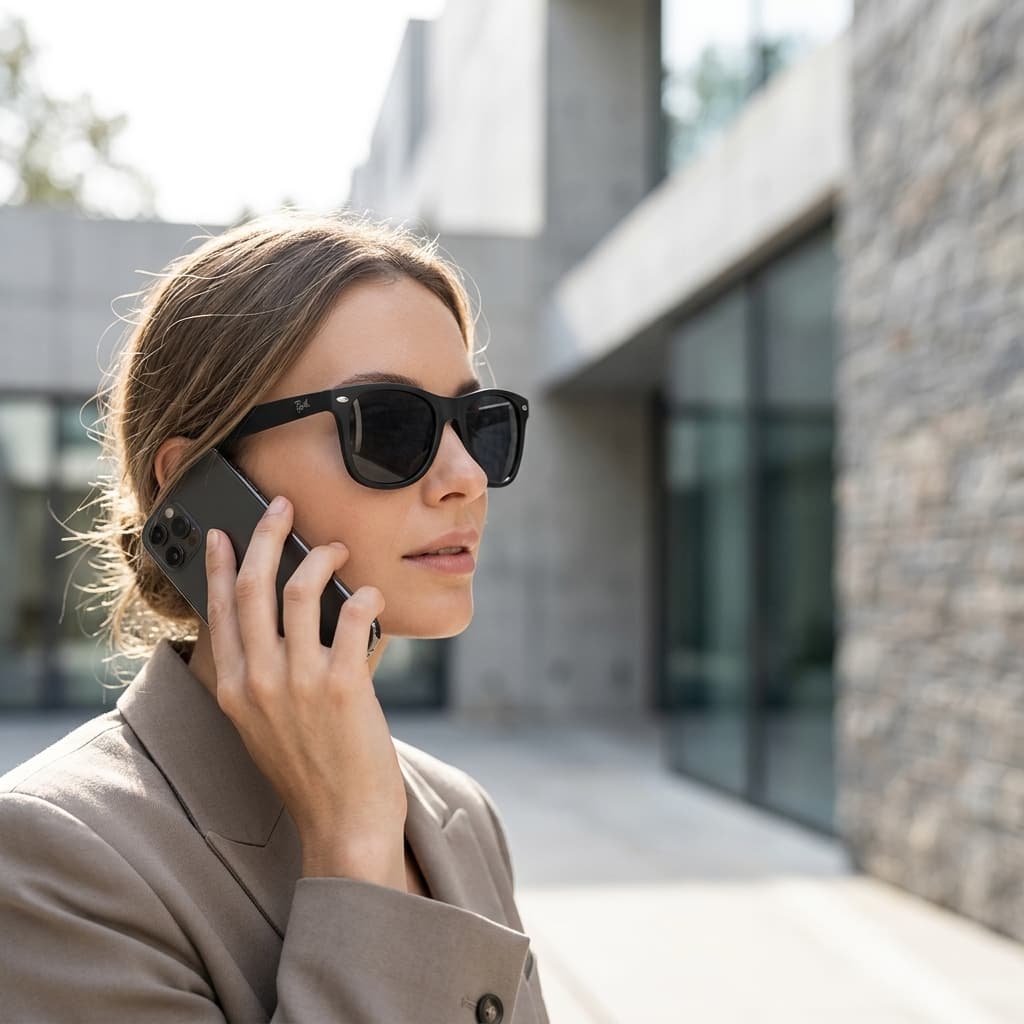
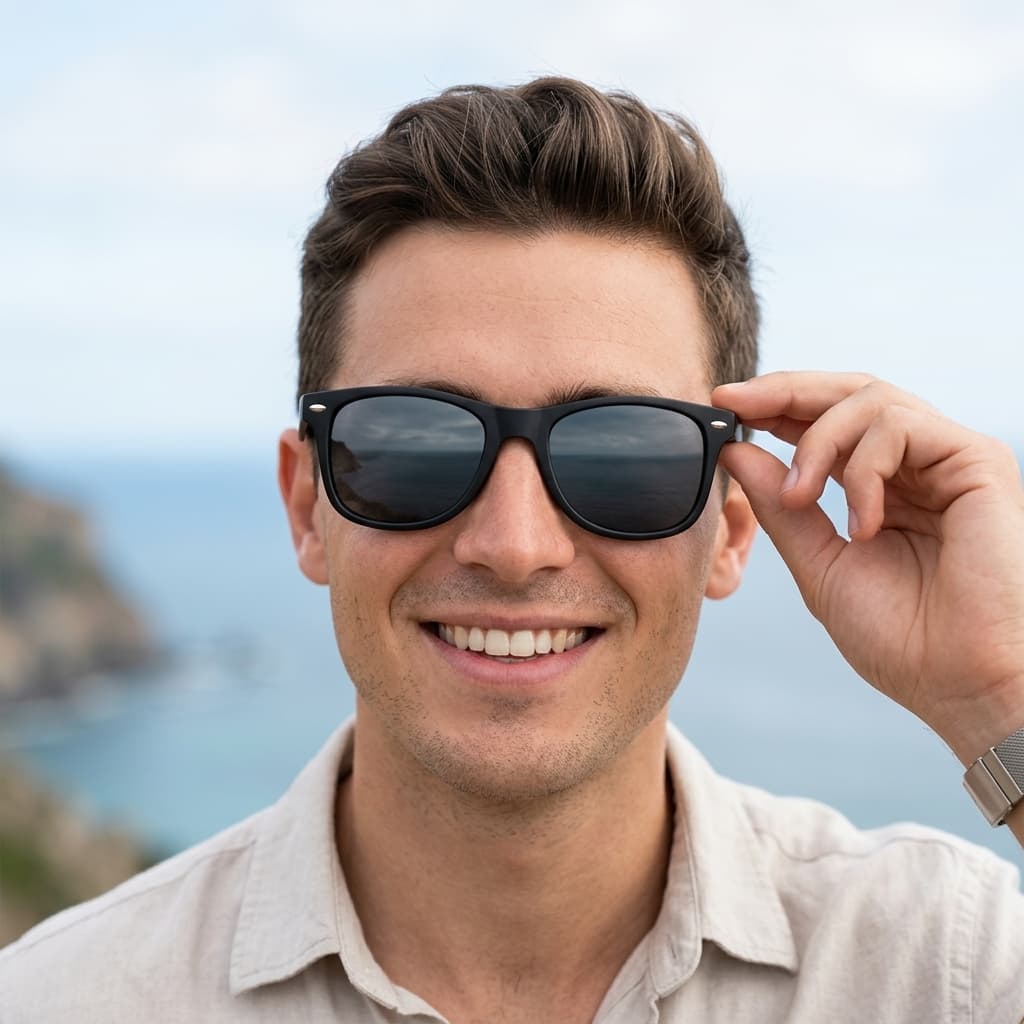
Shopify Storefront Pack
Specialty coffee bag
Shopify Storefront Pack
Vitamin supplement


Built for store owners, not production studios.
Brand-consistent across your entire catalog.
Describe your brand aesthetic once — warm and minimal, moody and editorial, bright studio, outdoor lifestyle — and every image generated for your store shares the same lighting tone and scene style. Your skincare line, your accessories, your home goods: they all look like they belong in the same store.
One upload · all your channels
Selling on Shopify and Instagram? One upload, both platforms.
Upload your product once and generate packs for every channel you sell on — Shopify, Instagram, Amazon, Etsy. Each pack is configured for that platform's dimensions and style requirements. Your product library stays saved permanently.
New product live in minutes, not days.
When a new product arrives, you shouldn't need to schedule a photoshoot, wait three days, and then spend another hour resizing for Shopify. Upload one photo, generate your set, and have the product live in your store the same day it arrives in your hands.
Time to new product live
What Shopify store owners are saying
“I was spending $800 on a half-day shoot every time I launched a new collection. Now I can launch a full ten-product drop in an afternoon. The images look more consistent than anything I was getting from the photographer.”
Alex M.
Shopify store owner · skincare brand
“My store finally looks like a real brand. Before, half my products had studio shots and half had phone photos and it showed. Now everything has the same lighting and aesthetic and my bounce rate dropped noticeably.”
Jordan K.
Shopify store owner · home goods
“I test a lot of new products — sometimes two or three a week. The old way, getting photos took longer than the product test itself. Now I have images ready before I even write the listing copy.”
Sam R.
Shopify store owner · accessories
Less than the cost of one product photoshoot.
Every plan includes hero shots, in-use images, and detail close-ups — ready for any Shopify theme. Start free, upgrade when your catalog grows.
Lite
1,000 batch images · 20 AI scenes
Bulk processing for cross-listers. eBay, Poshmark, Mercari, and more.
- 1,000 batch source images/mo
- Unlimited platform exports (no extra quota)
- 20 AI scene credits/mo
Starter
2,000 batch images · 100 AI scenes
Perfect for stores adding a few new products each week.
- Everything in Lite
- 2,000 batch source images/mo
- 100 AI scene credits/mo
- Pack-based marketplace generation
- 1 Brand Kit
Pro
6,000 batch images · 300 AI scenes
For marketplace sellers serious about Amazon compliance.
- Everything in Starter
- 6,000 batch source images/mo
- 300 AI scene credits/mo
- 3 Brand Kits
Business
20,000 batch images · 1,000 AI scenes
For agencies and high-volume sellers processing large catalogs.
- Everything in Pro
- 20,000 batch source images/mo
- 1,000 AI scene credits/mo
- Unlimited Brand Kits
- Priority queue
- 20 batch source images (lifetime)
- 5 AI scene credits
- 1 export platform
Start free with 5 credits — enough for your first product, no card required.
Questions
Three images: a clean hero shot on a neutral background, the product shown in use, and a detail close-up highlighting texture or key features. All at 2000×2000px — ready to upload to any Shopify product page.
Yes. Before generating, you can describe your brand aesthetic — minimal, warm, moody, bright studio, outdoor, etc. — and the images will reflect that style. If you've uploaded products before, your brand kit settings carry over automatically.
No. A clear phone photo on any background works. We handle background removal, relighting, and scene placement. The better your original photo, the better the results — but you don't need a studio setup to start.
All three images are generated at 2000×2000px — within Shopify's recommended dimensions. You can upload them directly without resizing. If your theme uses non-square images, Shopify's cropping tools handle the rest.
Canva and Adobe Express are layout tools — you bring the photos, they help you arrange them. ProductScene generates the photos themselves. No stock imagery, no background templates. Your actual product, in a generated scene, styled for your store.
Yes. Upload your product once, then generate packs for Amazon, Etsy, Instagram, and more — each configured for that platform's specific requirements. One product photo works across all your sales channels.
Your store should look as good as your products.
Upload your first product and get a styled Shopify image set in under two minutes. 5 free scene credits and 20 free batch photos — no card required.