How to Photograph Toys & Games for eBay
Toys and games are one of the hardest categories to photograph well on eBay because buyers are checking two very different things at once. A parent buying a birthday gift wants to know the set is complete and works. A collector wants to see box corners, sticker residue, paint rubs on a die-cast car, and the copyright stamp on a figure's foot. Your photos have to serve both, and eBay's rules leave you no shortcuts: no text overlays, no arrows, no borders, no watermarks. Everything has to be shown, not labeled.
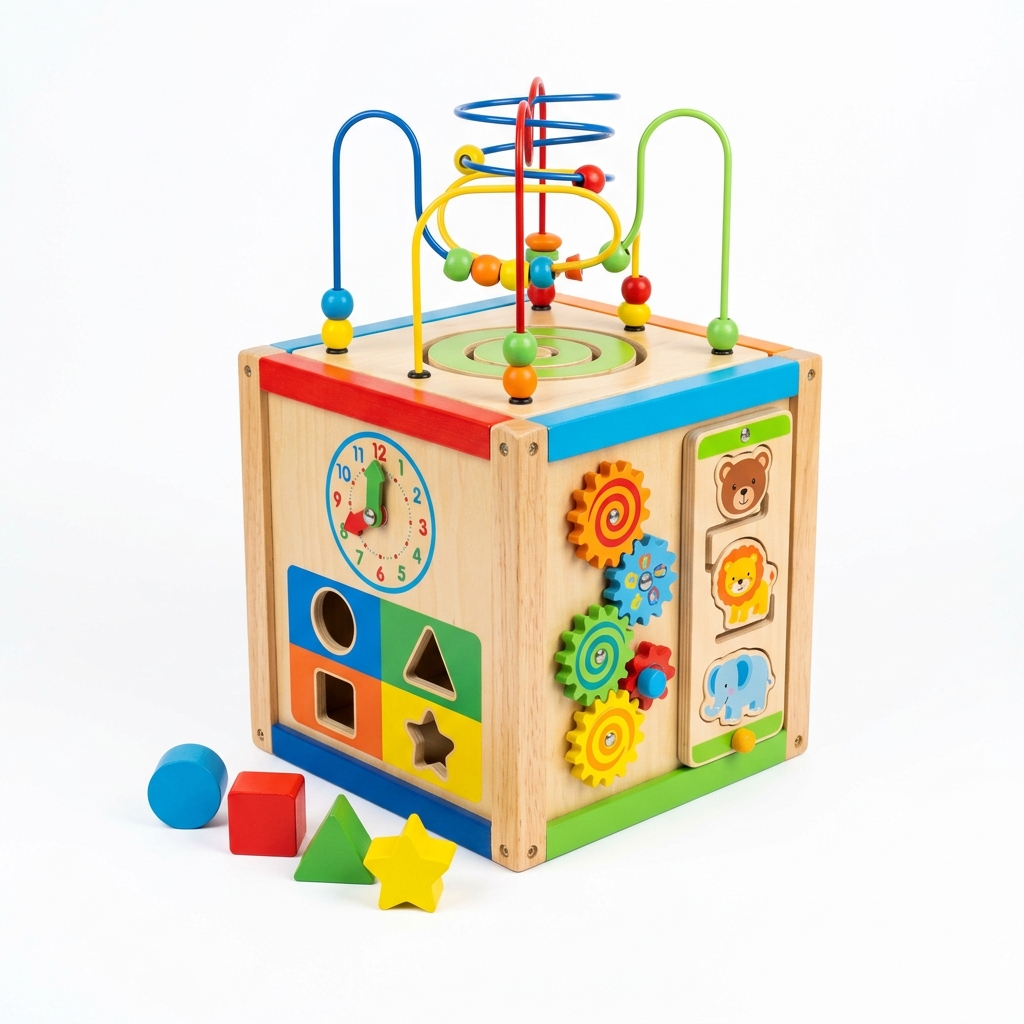
Start with the main image. Shoot at 1600 x 1600 px, crop to a square, and fill at least 70% of the frame. Small toys like Hot Wheels, Funko Pops, or minifigures look like specks in search results if you leave a wide margin of white around them. Use a plain white or light neutral sweep, and show the actual item front-facing and whole.
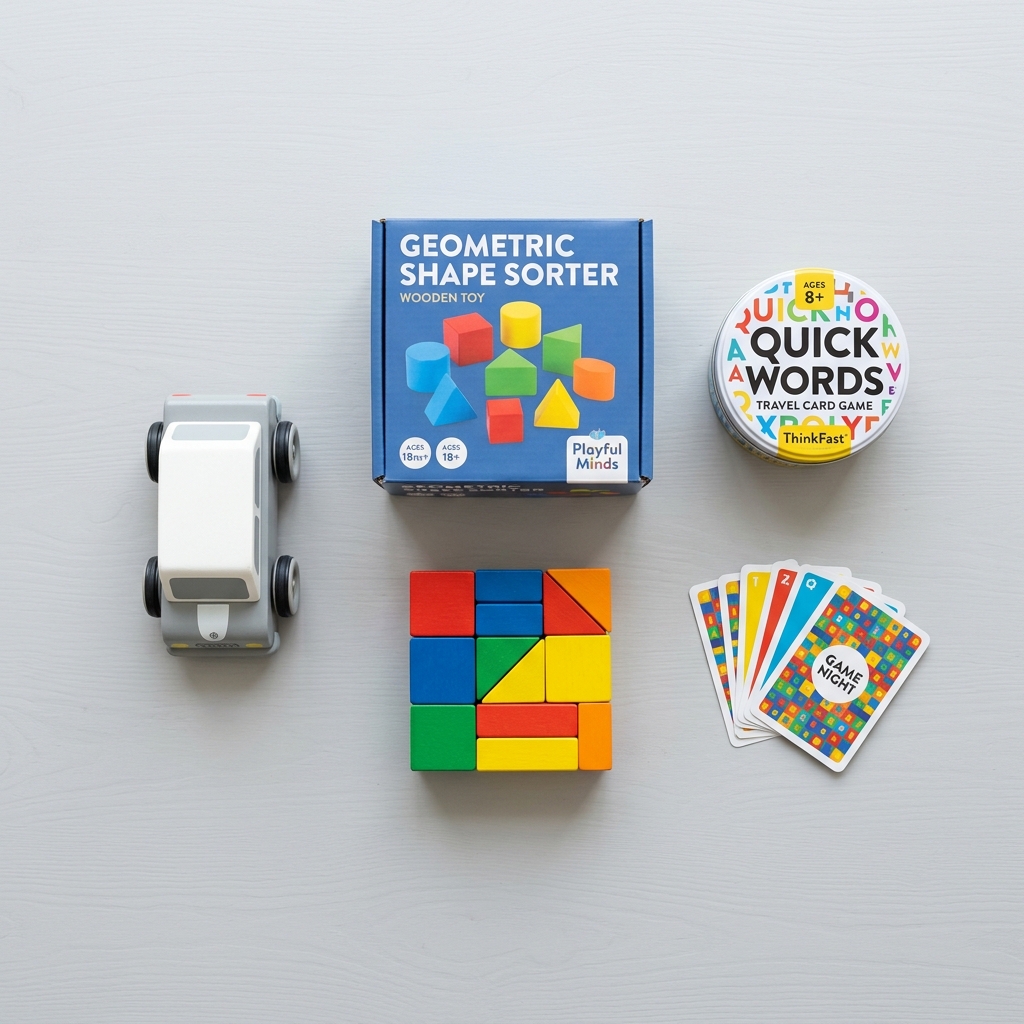
Then build the rest of the gallery around what a buyer would check in person. For boxed items, that means all six sides of the box, because crushed corners and shelf wear on the back panel are what collectors argue about. For loose figures, it means the back, the feet, joints, and every accessory laid out flat with space between them. For board games and puzzles, it means the contents spread out so a buyer can see the pieces, cards, and rules sheet that actually ship.
Electronic and battery-powered toys need two extra shots: the toy powered on, and the battery compartment opened. Corrosion in that compartment is the single most common reason vintage electronic toys come back as not as described.
Lighting matters more than people expect here. Glossy blister packs and window boxes throw glare, and warm indoor bulbs make white plastic look yellowed, or hide yellowing that really is there. Use daylight-balanced light, set white balance, and angle your lights off the plastic so the item inside is readable.
Example Images
Common Mistakes
Shooting blister packs and window boxes straight on with the light behind the camera
The plastic bubble reflects a hot white patch right over the figure's face or the card art, so buyers cannot judge the condition of the card or whether the bubble is dented or yellowed. Collectors skip listings where the packaging condition is unclear.
Place your lights at roughly 45 degrees to either side and tilt the package slightly away from the camera until the glare slides off the bubble. Take a separate angled shot that shows any bubble dents, cracks, or lifting at the edges.
Photographing a loose figure or set without laying out every accessory
Completeness drives the price on loose vintage toys, LEGO sets, and board games. If a buyer cannot see the blaster, the cape, or the third die, they assume it is missing and either lowball or open a not as described case when it arrives different than expected.
Add a What's Included shot on a plain background with every piece laid flat and separated. For board games, spread the cards, tokens, and board so they can be counted. If something is missing, leave it out of the shot and say so in the description.
Using other toys, play mats, or kids' rooms as props in the photos
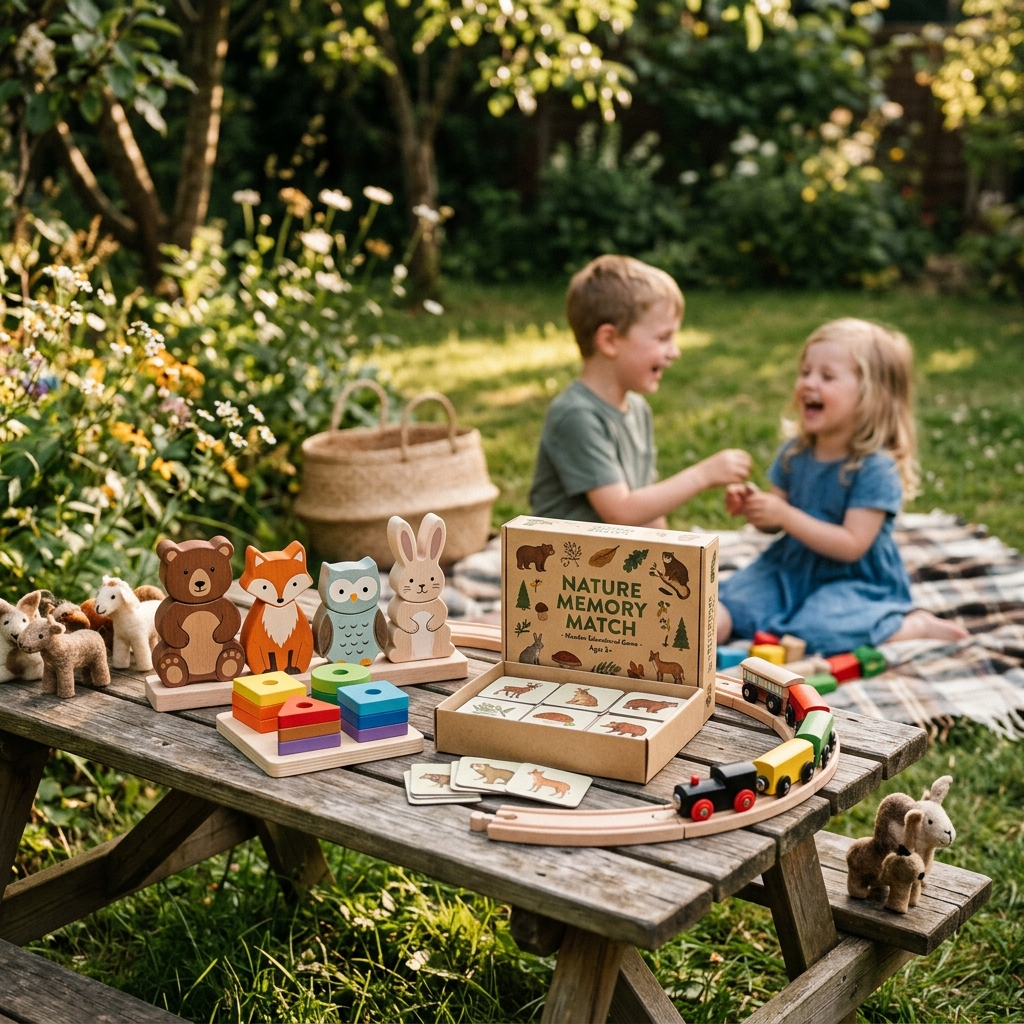
A figure posed next to a vehicle or playset makes buyers think the vehicle is included. That is a fast route to a missing item claim, and a busy kids' room background makes the item look secondhand and cheap.
Keep the main image and alternate angles on a plain sweep. If you do a lifestyle shot, keep it uncluttered and state clearly in the description that props are not included.
Skipping the copyright stamps, date codes, and tush tags
Collectors use the stamp on a figure's foot or back, the code on a die-cast base, or the tag on a plush to confirm authenticity and production run. Without that photo, your item reads as a possible reproduction and sells for less.
Shoot a sharp close-up of every manufacturer marking, tag, and base code. This is text that physically exists on the product, so it is allowed. Make sure it is legible at full zoom.
Drawing circles or arrows on paint wear, box damage, or missing stickers
eBay treats arrows and circles as added artwork, which is not allowed on the image. But leaving the flaw unmarked on a busy toy can mean buyers miss it and then claim it was hidden.
Point to the flaw with a pen tip or fingertip in the shot, and use raking side light so scuffs, paint rubs, and creases show up. Photograph every flaw you mention in the description.
Using stock or manufacturer photos for used or opened toys
eBay blocks stock images for used items, and copying a brand's promo images can trigger VeRO reports. Even on new sealed toys, buyers want to see the actual box condition they will receive.
Shoot your own photos of the exact item every time, including sealed items. For new toys, a real shot of the box front plus close-ups of the corners converts better than any catalog image.
Leaving small toys tiny in the main image frame
The main photo is the square search thumbnail. A 3 inch figure centered on a wide white background shows up as a small dot next to competitors who cropped tight.
Crop the main image to 1:1 and fill at least 70% of the frame with the toy. Put the scale information in a separate shot with a real ruler or tape measure next to the item, since dimensions cannot be typed onto the photo.
Frequently Asked Questions
What happens if you shooting blister packs and window boxes straight on with the light behind the camera?
The plastic bubble reflects a hot white patch right over the figure's face or the card art, so buyers cannot judge the condition of the card or whether the bubble is dented or yellowed. Collectors skip listings where the packaging condition is unclear. Place your lights at roughly 45 degrees to either side and tilt the package slightly away from the camera until the glare slides off the bubble. Take a separate angled shot that shows any bubble dents, cracks, or lifting at the edges.
What happens if you photographing a loose figure or set without laying out every accessory?
Completeness drives the price on loose vintage toys, LEGO sets, and board games. If a buyer cannot see the blaster, the cape, or the third die, they assume it is missing and either lowball or open a not as described case when it arrives different than expected. Add a What's Included shot on a plain background with every piece laid flat and separated. For board games, spread the cards, tokens, and board so they can be counted. If something is missing, leave it out of the shot and say so in the description.
What happens if you using other toys, play mats, or kids' rooms as props in the photos?
A figure posed next to a vehicle or playset makes buyers think the vehicle is included. That is a fast route to a missing item claim, and a busy kids' room background makes the item look secondhand and cheap. Keep the main image and alternate angles on a plain sweep. If you do a lifestyle shot, keep it uncluttered and state clearly in the description that props are not included.
What happens if you skipping the copyright stamps, date codes, and tush tags?
Collectors use the stamp on a figure's foot or back, the code on a die-cast base, or the tag on a plush to confirm authenticity and production run. Without that photo, your item reads as a possible reproduction and sells for less. Shoot a sharp close-up of every manufacturer marking, tag, and base code. This is text that physically exists on the product, so it is allowed. Make sure it is legible at full zoom.
What happens if you drawing circles or arrows on paint wear, box damage, or missing stickers?
eBay treats arrows and circles as added artwork, which is not allowed on the image. But leaving the flaw unmarked on a busy toy can mean buyers miss it and then claim it was hidden. Point to the flaw with a pen tip or fingertip in the shot, and use raking side light so scuffs, paint rubs, and creases show up. Photograph every flaw you mention in the description.
What happens if you using stock or manufacturer photos for used or opened toys?
eBay blocks stock images for used items, and copying a brand's promo images can trigger VeRO reports. Even on new sealed toys, buyers want to see the actual box condition they will receive. Shoot your own photos of the exact item every time, including sealed items. For new toys, a real shot of the box front plus close-ups of the corners converts better than any catalog image.
What happens if you leaving small toys tiny in the main image frame?
The main photo is the square search thumbnail. A 3 inch figure centered on a wide white background shows up as a small dot next to competitors who cropped tight. Crop the main image to 1:1 and fill at least 70% of the frame with the toy. Put the scale information in a separate shot with a real ruler or tape measure next to the item, since dimensions cannot be typed onto the photo.
Skip the trial and error
Get eBay-ready Toys & Games photos without the guesswork
Upload one product photo. ProductScene generates a complete eBay gallery — every image slot, correctly sized, styled for the platform.
Try free