How to Take Pictures of Jewelry for eBay
Jewelry is one of the hardest categories to shoot for eBay because almost everything works against you. The items are tiny, the metal acts like a mirror, gemstones shift color under different bulbs, and buyers are deciding whether to spend real money based on a thumbnail the size of a postage stamp. On top of that, a lot of eBay jewelry is used, vintage or estate, so buyers expect proof of condition, hallmarks and authenticity before they bid.
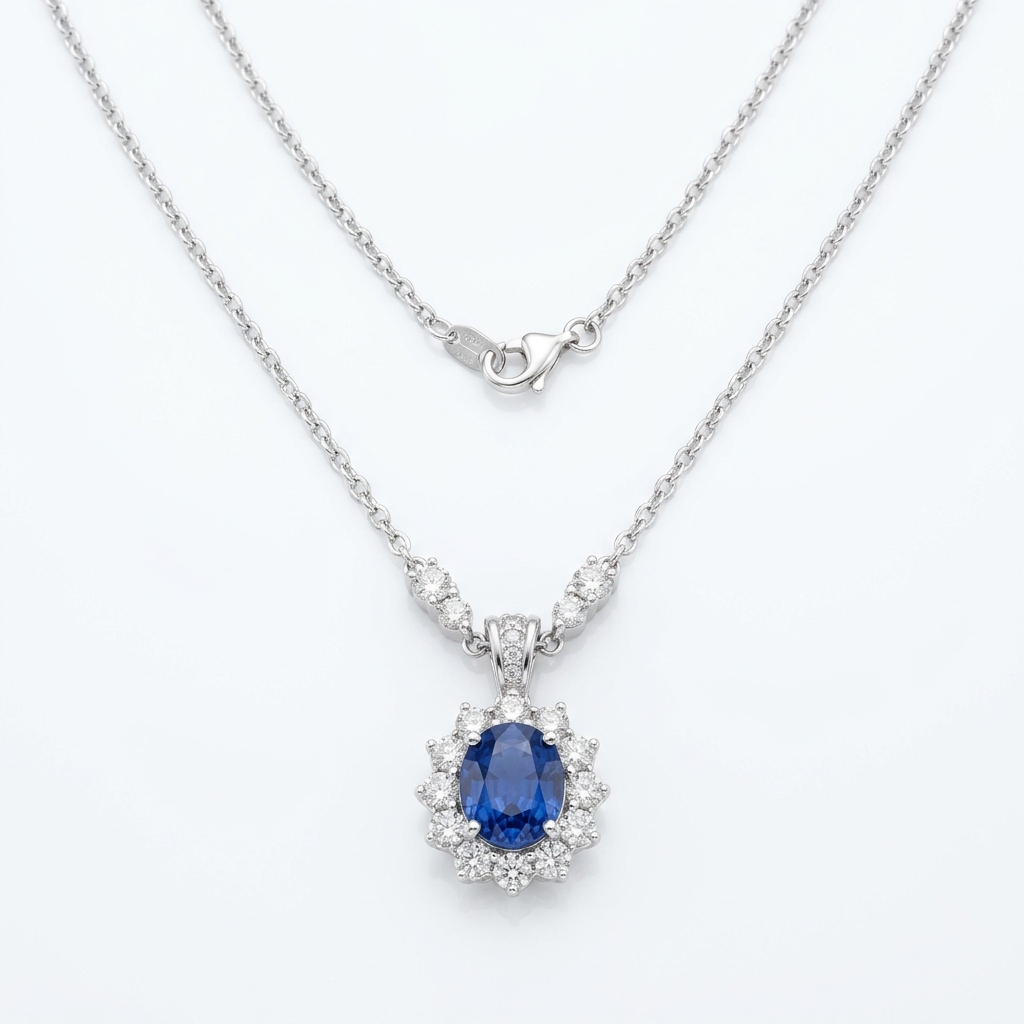
Start with the main photo. eBay displays it as a square, so shoot or crop to 1:1 at 1600 x 1600 px so zoom works. A ring or pair of stud earrings sitting in the middle of a wide frame disappears in search results. Fill at least 70% of the square with the piece. Use a white or plain light neutral background and no props, no text, no watermark, no border. If you worry about photo theft, a watermark is not an option on eBay, so rely on reporting copied photos instead.
Lighting matters more than your camera. Shoot near a big window or under two daylight-balanced lights through a diffusion tent or a sheet of white parchment. Polished silver and gold reflect whatever surrounds them, including your phone and your shirt, so surround the piece with white foam board and use a small strip of black card at the edge to give silver some definition so it does not look flat gray. Set white balance manually so yellow gold looks like yellow gold and white gold does not look tinted.
After the main shot, build the rest of the gallery: hallmarks and karat stamps (925, 14K, 750, maker's marks) shot sharp enough to read at full zoom, the clasp and bail, the back of the setting and prongs, earring posts and backs, any wear or loose stones, and a scale shot with a real ruler or tape measure in frame. A worn photo on a hand or neck helps buyers judge size, but it can never be your main image, and if you use a bust or display stand, say in the description it is not included.
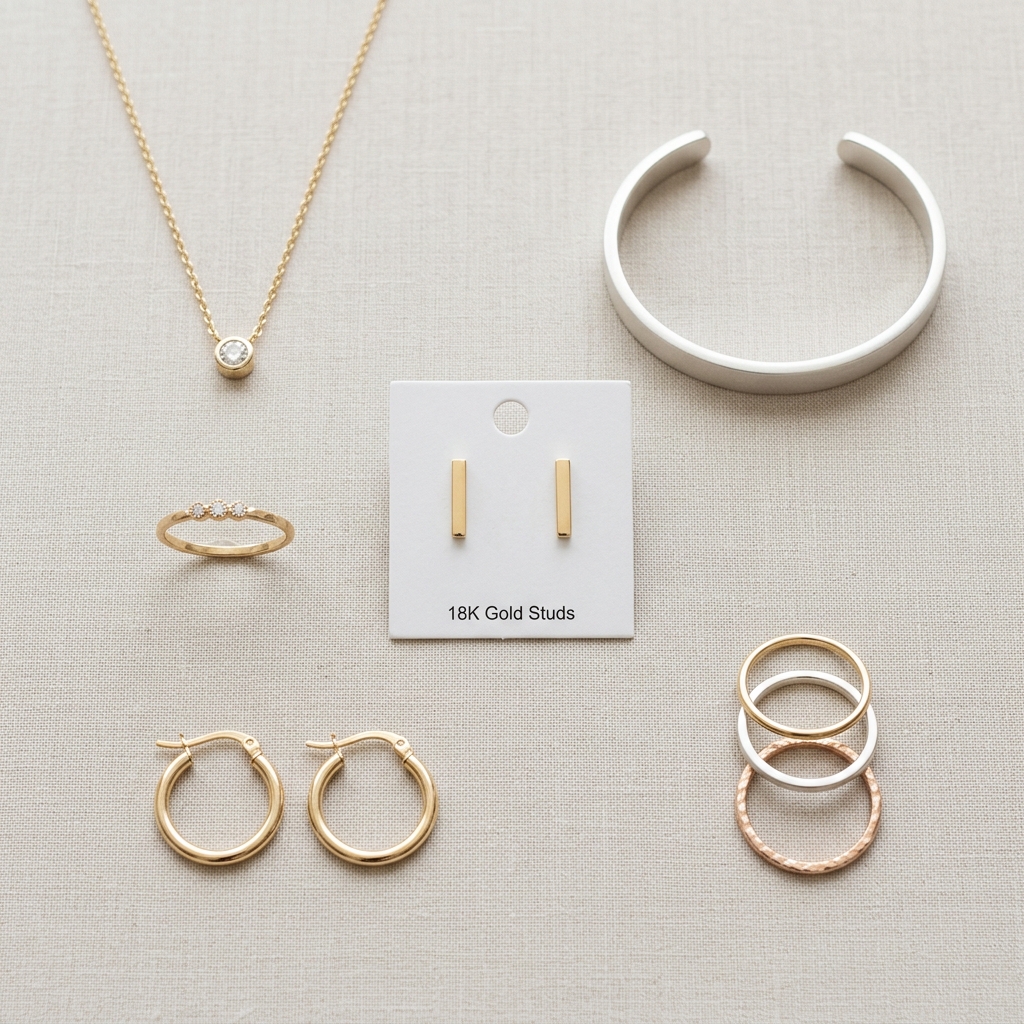
Example Images

Common Mistakes
Shooting the piece small in the middle of a large frame
The main image is the square search thumbnail. A pendant taking up a quarter of the frame looks like a speck next to competitors who crop tight, and buyers scroll past it.
Crop the main image to 1:1 at 1600 x 1600 px with the piece filling at least 70% of the frame. Back the phone off slightly and crop in afterward rather than shooting too close, where most phone lenses lose focus.
Blurry or unreadable hallmarks and stamps
Buyers search for 925, 14K and maker's marks and want to verify them. A fuzzy stamp photo makes people assume it is plated or fake, which kills bids on vintage and estate pieces.
Use a macro lens clip or your phone's 2x lens, put the phone on a stand, tap to focus on the stamp and use the self-timer. Light the stamp from a low side angle so the engraved letters cast small shadows and become readable. Keep the stamp filling the frame.
Letting yellow indoor light or auto white balance set the color
Warm bulbs make silver look gold-plated and push gemstones off-color. When a blue topaz or a rose gold band arrives looking different from the photos, you get a not as described return.
Use daylight-balanced lights or indirect window light, lock white balance against your white background, and edit only for exposure and white balance. Skip saturation boosts and sparkle filters, which also count as misrepresenting the item.
Hiding wear on used and vintage jewelry
Thin shanks, worn plating, scratched stones, bent prongs and missing pavé stones are exactly what buyers look for. If the description mentions a flaw that is not photographed, or a flaw shows up that was not disclosed, expect a return case.
Shoot every flaw on a plain background with angled light so scratches catch it. Since arrows and circles count as added artwork, point to the flaw with a pen tip or toothpick in the shot. Include the inside of ring bands and the back of settings.
Typing the size or chain length onto the photo
Added text is not allowed on any eBay image slot, and an overlay like '18 inch' or 'Size 7' can get the photo blocked.
Lay chains straight alongside a real tape measure, put rings on a ring mandrel or next to a ruler, and photograph earrings with a ruler underneath. Put exact measurements and weight in grams in the item specifics and description.
Seeing your phone, hands or room reflected in polished metal
Mirror-finish pieces pick up dark blobs and colored reflections that look like tarnish or damage, and a cluttered reflection makes the piece look cheap.
Shoot inside a light tent or a box lined with white foam board, cut a small hole for the lens, and wear a white or gray shirt. Tilt the piece slightly so the reflection shows clean white rather than the camera.
Frequently Asked Questions
What happens if you shooting the piece small in the middle of a large frame?
The main image is the square search thumbnail. A pendant taking up a quarter of the frame looks like a speck next to competitors who crop tight, and buyers scroll past it. Crop the main image to 1:1 at 1600 x 1600 px with the piece filling at least 70% of the frame. Back the phone off slightly and crop in afterward rather than shooting too close, where most phone lenses lose focus.
What happens if you blurry or unreadable hallmarks and stamps?
Buyers search for 925, 14K and maker's marks and want to verify them. A fuzzy stamp photo makes people assume it is plated or fake, which kills bids on vintage and estate pieces. Use a macro lens clip or your phone's 2x lens, put the phone on a stand, tap to focus on the stamp and use the self-timer. Light the stamp from a low side angle so the engraved letters cast small shadows and become readable. Keep the stamp filling the frame.
What happens if you letting yellow indoor light or auto white balance set the color?
Warm bulbs make silver look gold-plated and push gemstones off-color. When a blue topaz or a rose gold band arrives looking different from the photos, you get a not as described return. Use daylight-balanced lights or indirect window light, lock white balance against your white background, and edit only for exposure and white balance. Skip saturation boosts and sparkle filters, which also count as misrepresenting the item.
What happens if you hiding wear on used and vintage jewelry?
Thin shanks, worn plating, scratched stones, bent prongs and missing pavé stones are exactly what buyers look for. If the description mentions a flaw that is not photographed, or a flaw shows up that was not disclosed, expect a return case. Shoot every flaw on a plain background with angled light so scratches catch it. Since arrows and circles count as added artwork, point to the flaw with a pen tip or toothpick in the shot. Include the inside of ring bands and the back of settings.
What happens if you typing the size or chain length onto the photo?
Added text is not allowed on any eBay image slot, and an overlay like '18 inch' or 'Size 7' can get the photo blocked. Lay chains straight alongside a real tape measure, put rings on a ring mandrel or next to a ruler, and photograph earrings with a ruler underneath. Put exact measurements and weight in grams in the item specifics and description.
What happens if you seeing your phone, hands or room reflected in polished metal?
Mirror-finish pieces pick up dark blobs and colored reflections that look like tarnish or damage, and a cluttered reflection makes the piece look cheap. Shoot inside a light tent or a box lined with white foam board, cut a small hole for the lens, and wear a white or gray shirt. Tilt the piece slightly so the reflection shows clean white rather than the camera.
Jewelry on other platforms
Skip the trial and error
Get eBay-ready Jewelry photos without the guesswork
Upload one product photo. ProductScene generates a complete eBay gallery — every image slot, correctly sized, styled for the platform.
Try free