How to Take Pictures of Trading Cards for eBay
Trading cards are one of the few eBay categories where the buyer is grading your item from the photos before they ever click Buy. A collector looking at a raw card is checking four things: centering, corners, edges, and surface. If your images do not let them judge all four, they either skip the listing or bid like they are buying a card with hidden problems. Good photos are what get you closer to full comp value.
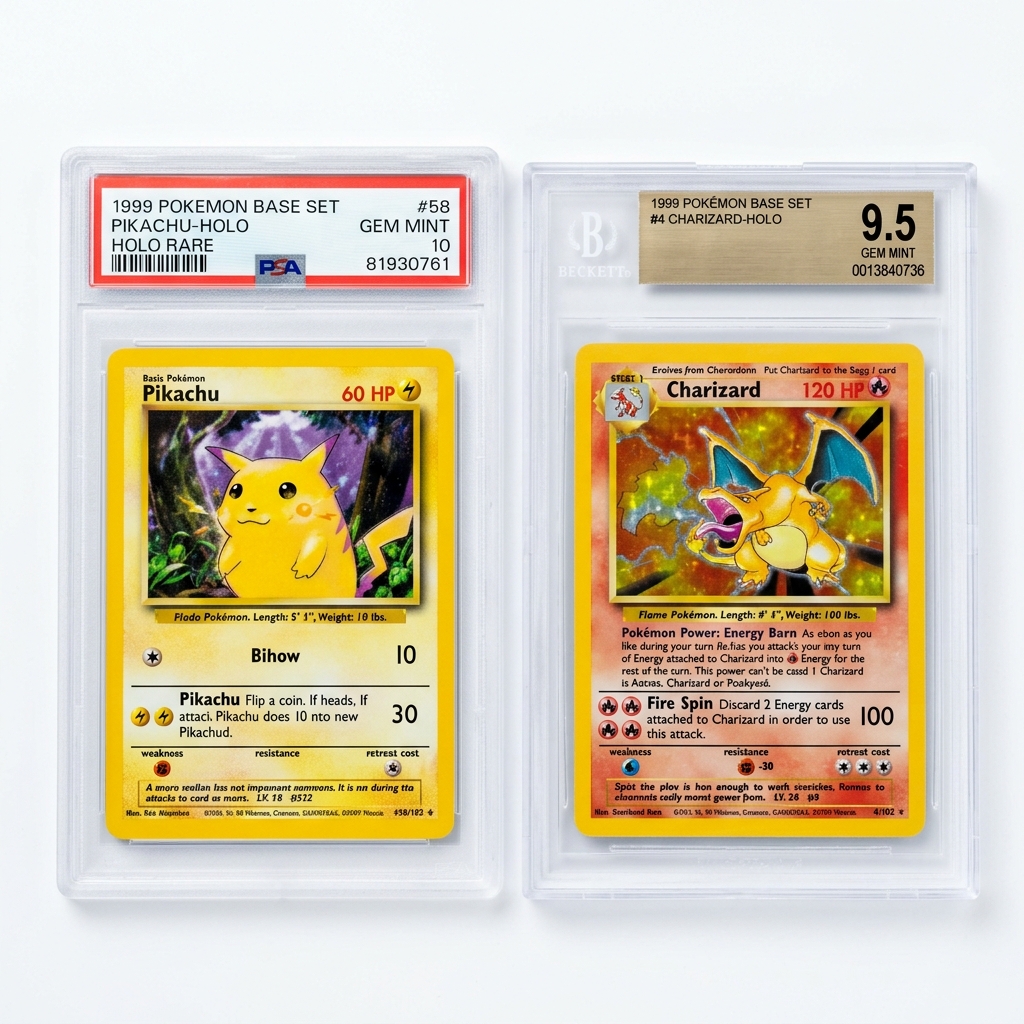
The shape of the card works against you. A standard card is 2.5 x 3.5 inches, a tall rectangle, and eBay displays your main image as a square thumbnail. Crop to 1:1 at 1600 x 1600 px and let the card fill the frame top to bottom with only a small margin. That keeps it reading large in search instead of shrinking into a sliver surrounded by empty background. Use a plain light gray or off-white background rather than pure white, especially for white-bordered vintage and base cards, so the border edges stay visible against the background.
Shoot straight down with the card perfectly flat and the lens parallel to it. Even a slight tilt creates keystone distortion that makes a well-centered card look off, and serious buyers will notice. Back your phone off a bit and crop in rather than shoving the lens right up to the card, which also bends straight borders.
Glare is the other big fight. Foils, refractors, chrome, and graded slabs all throw hot spots. Use two soft, daylight-balanced lights at roughly 45 degrees, then take a separate shot with low raking light from one side to reveal surface scratches, print lines, and dents. Always include the back. For slabs, make sure the label and cert number are sharp and readable, since that is physical text on the item and buyers use it to verify the grade.
Example Images
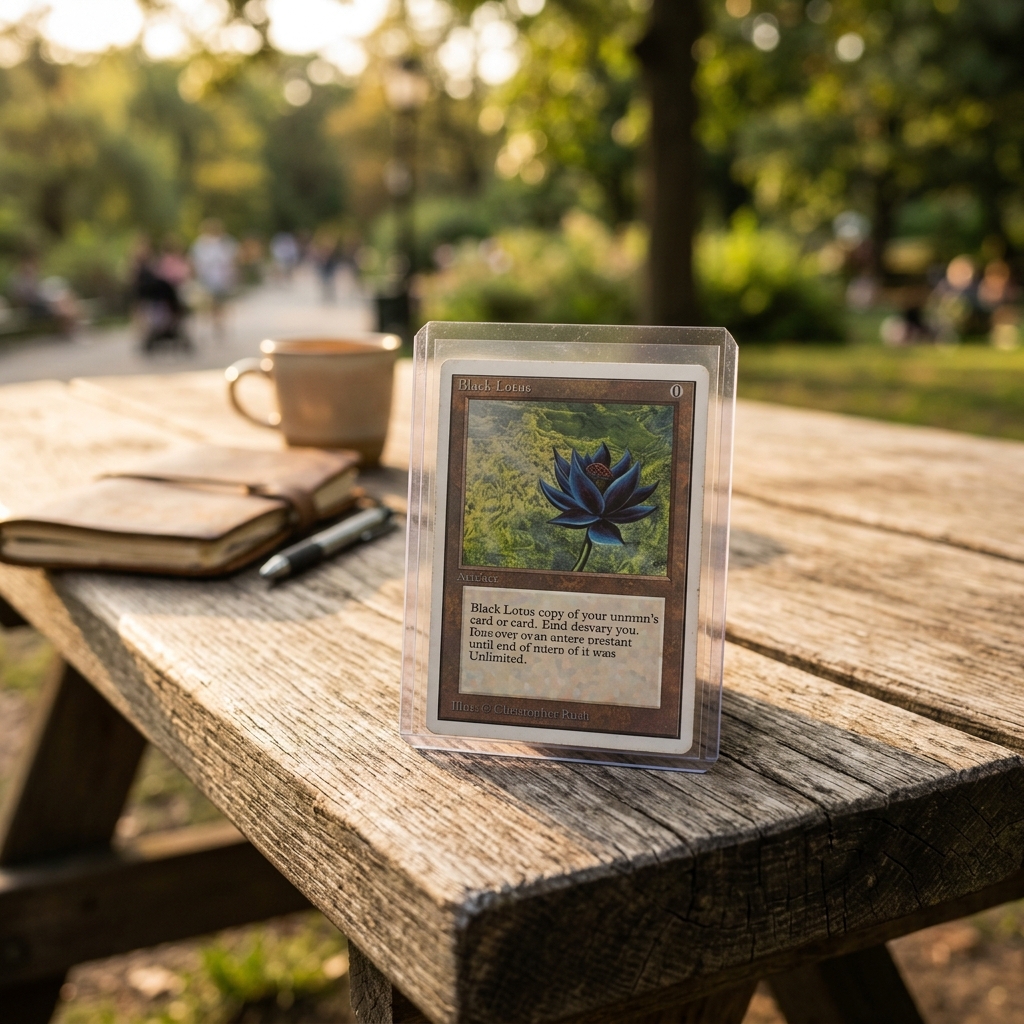
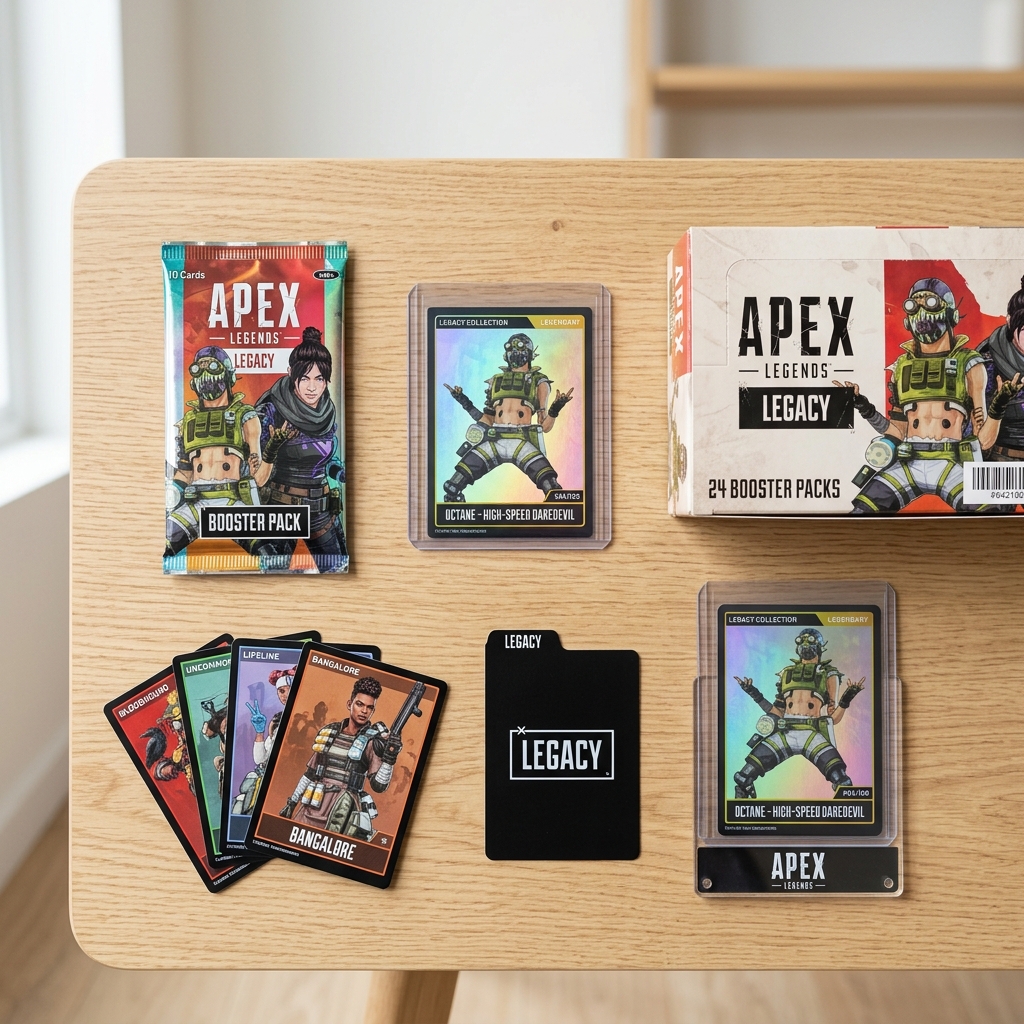
Common Mistakes
Photographing raw cards inside a scuffed toploader or penny sleeve
Old plastic adds its own scratches, haze, and glare, so buyers cannot tell whether the surface marks are on the card or the holder. They assume the worst and either pass or lowball.
Take the card out for the main front and back shots, or use a brand-new, clean sleeve if you are worried about handling. Mention in the description what holder it ships in, and show that holder in a separate photo.
Adding a watermark, shop logo, or text like 'PSA 10 candidate' or 'SSP' on the image
eBay prohibits added text, logos, and watermarks of any kind, including ownership watermarks meant to stop photo theft. These images can be removed and the listing flagged.
Upload clean, unedited crops. Put grading opinions, parallel names, and serial numbering in the title and item specifics. If a card is physically numbered like 12/25, a close-up of the actual stamp is fine because that text exists on the card.
Shooting at an angle or too close with a wide phone lens
Keystone and lens distortion make borders look uneven, so a card with decent centering looks off-center. Buyers who later get the card in hand and see the difference may also question everything else in your photos.
Lay the card flat, hold the phone directly above it with the screen parallel to the table, and use a phone stand or tripod. Shoot from 8 to 12 inches away and crop to 1:1 so the card fills most of the frame top to bottom.
Listing only the front of the card
Backs show centering, print defects, wax stains, writing, and corner wear that does not show on the front. Missing back photos are a common reason buyers ask questions, skip the listing, or open 'not as described' cases.
Make photo 2 the back, shot with the same background and lighting as the front. Then add close-ups of all four corners and any flaw you mention in the description.
Relying only on flat scanner images
Scanners light the card evenly from straight on, which hides surface scratches, dents, and holo print lines and flattens the look of foils and refractors. Buyers who grade will be upset when those defects show up in hand.
A scan can work as a clean main image, but add at least one shot with low raking light from the side, tilting the card slightly so scratches and creases catch the light.
Circling or drawing arrows on flaws in an editing app
Drawn arrows and circles count as added artwork under eBay's picture policy, the same as added text.
Point to the ding or crease with a pen tip or toothpick in the shot itself, and use angled light so the flaw actually shows up.
Glare covering the label or cert number on graded slabs
Buyers check the cert number to verify the grade and confirm the slab is not a fake. A hot spot over the label makes the listing look like it is hiding something.
Move your lights off-axis to about 45 degrees and tilt the slab a few degrees until the reflection slides off the label. Take a dedicated close-up of the label, then separate front and back shots of the full slab.
Using stock images or another seller's photos for a card you own
Raw and graded cards need photos of the actual item, and copied photos get reported and removed quickly. Every card's condition is different, so a stock image misrepresents what ships.
Photograph every card yourself. For lots, include a group shot of all cards laid out with space between them, plus front and back photos of the key cards.
Frequently Asked Questions
What happens if you photographing raw cards inside a scuffed toploader or penny sleeve?
Old plastic adds its own scratches, haze, and glare, so buyers cannot tell whether the surface marks are on the card or the holder. They assume the worst and either pass or lowball. Take the card out for the main front and back shots, or use a brand-new, clean sleeve if you are worried about handling. Mention in the description what holder it ships in, and show that holder in a separate photo.
What happens if you adding a watermark, shop logo, or text like 'PSA 10 candidate' or 'SSP' on the image?
eBay prohibits added text, logos, and watermarks of any kind, including ownership watermarks meant to stop photo theft. These images can be removed and the listing flagged. Upload clean, unedited crops. Put grading opinions, parallel names, and serial numbering in the title and item specifics. If a card is physically numbered like 12/25, a close-up of the actual stamp is fine because that text exists on the card.
What happens if you shooting at an angle or too close with a wide phone lens?
Keystone and lens distortion make borders look uneven, so a card with decent centering looks off-center. Buyers who later get the card in hand and see the difference may also question everything else in your photos. Lay the card flat, hold the phone directly above it with the screen parallel to the table, and use a phone stand or tripod. Shoot from 8 to 12 inches away and crop to 1:1 so the card fills most of the frame top to bottom.
What happens if you listing only the front of the card?
Backs show centering, print defects, wax stains, writing, and corner wear that does not show on the front. Missing back photos are a common reason buyers ask questions, skip the listing, or open 'not as described' cases. Make photo 2 the back, shot with the same background and lighting as the front. Then add close-ups of all four corners and any flaw you mention in the description.
What happens if you relying only on flat scanner images?
Scanners light the card evenly from straight on, which hides surface scratches, dents, and holo print lines and flattens the look of foils and refractors. Buyers who grade will be upset when those defects show up in hand. A scan can work as a clean main image, but add at least one shot with low raking light from the side, tilting the card slightly so scratches and creases catch the light.
What happens if you circling or drawing arrows on flaws in an editing app?
Drawn arrows and circles count as added artwork under eBay's picture policy, the same as added text. Point to the ding or crease with a pen tip or toothpick in the shot itself, and use angled light so the flaw actually shows up.
What happens if you glare covering the label or cert number on graded slabs?
Buyers check the cert number to verify the grade and confirm the slab is not a fake. A hot spot over the label makes the listing look like it is hiding something. Move your lights off-axis to about 45 degrees and tilt the slab a few degrees until the reflection slides off the label. Take a dedicated close-up of the label, then separate front and back shots of the full slab.
What happens if you using stock images or another seller's photos for a card you own?
Raw and graded cards need photos of the actual item, and copied photos get reported and removed quickly. Every card's condition is different, so a stock image misrepresents what ships. Photograph every card yourself. For lots, include a group shot of all cards laid out with space between them, plus front and back photos of the key cards.
Skip the trial and error
Get eBay-ready Trading Cards photos without the guesswork
Upload one product photo. ProductScene generates a complete eBay gallery — every image slot, correctly sized, styled for the platform.
Try free