How to Take Pictures of Shoes & Footwear for eBay
Shoes are one of the most return-prone categories on eBay, and most of those returns trace back to photos. Buyers can't pick the pair up, bend the sole, or look inside, so your gallery has to do that for them. A sneaker buyer wants the outsole, the heel counter, the size tag, and the toe box before they commit. A boot buyer wants the welt, the shaft, and the inside lining. If any of those are missing, they either scroll past or buy, find a surprise, and open a not as described case.
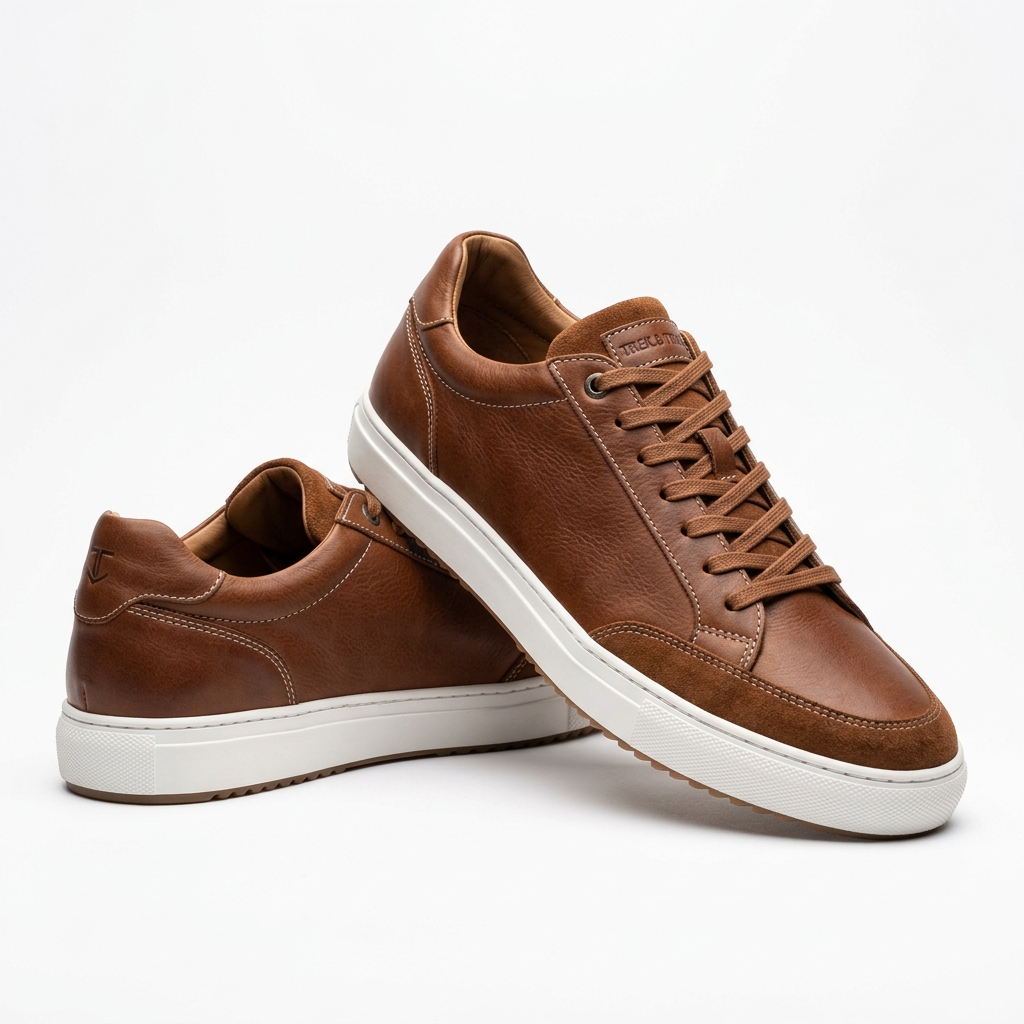
Start with the main image. eBay shows it as a square thumbnail, so shoot and export at 1600 x 1600 px. A single shoe in pure side profile leaves a lot of empty space above and below, which makes it look small next to competitors. For pairs, stagger them: one shoe in a lateral profile, the second slightly behind and angled toward the camera at three-quarters. That fills the square past the 70 percent mark and shows two angles in one thumbnail. Use a white or light neutral sweep, no added text, no border, no watermark.
White and cream sneakers are the hardest case. On a pure white background they blend in and lose their edges. Put a soft light at a low angle from one side so the midsole casts a slight shadow, or shoot on a very light gray. Suede, nubuck, and patent leather each need different lighting: suede needs raking light to show nap, patent needs a large diffused source to avoid hot spots.
For used pairs, the outsole and heel are where buyers judge wear. Shoot the soles flat-on, both shoes together, then a close-up of the heel tread. Insoles, the size tag inside the tongue or on the heel wall, and any creasing across the toe box all need their own frames. Shoot everything in the same spot with the same daylight-balanced light so colorways look identical across all twelve or twenty-four images.
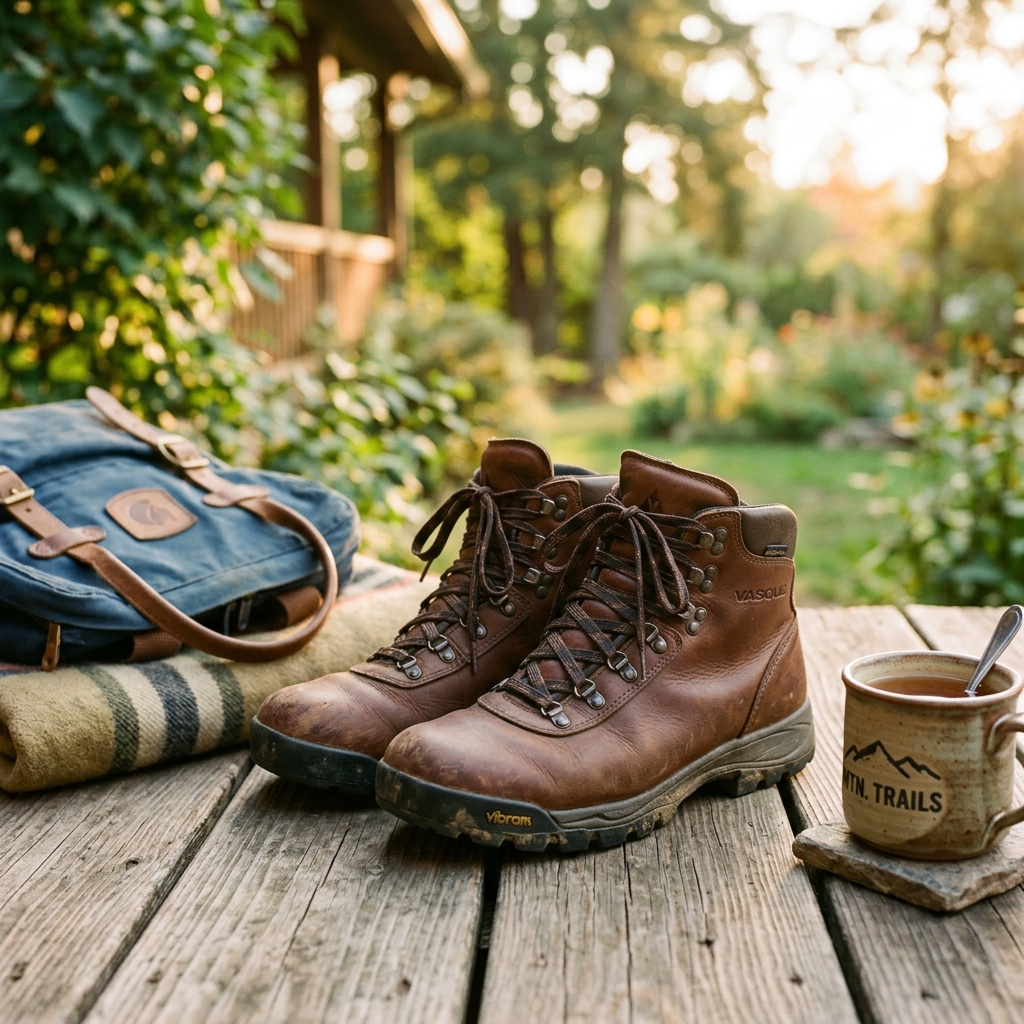
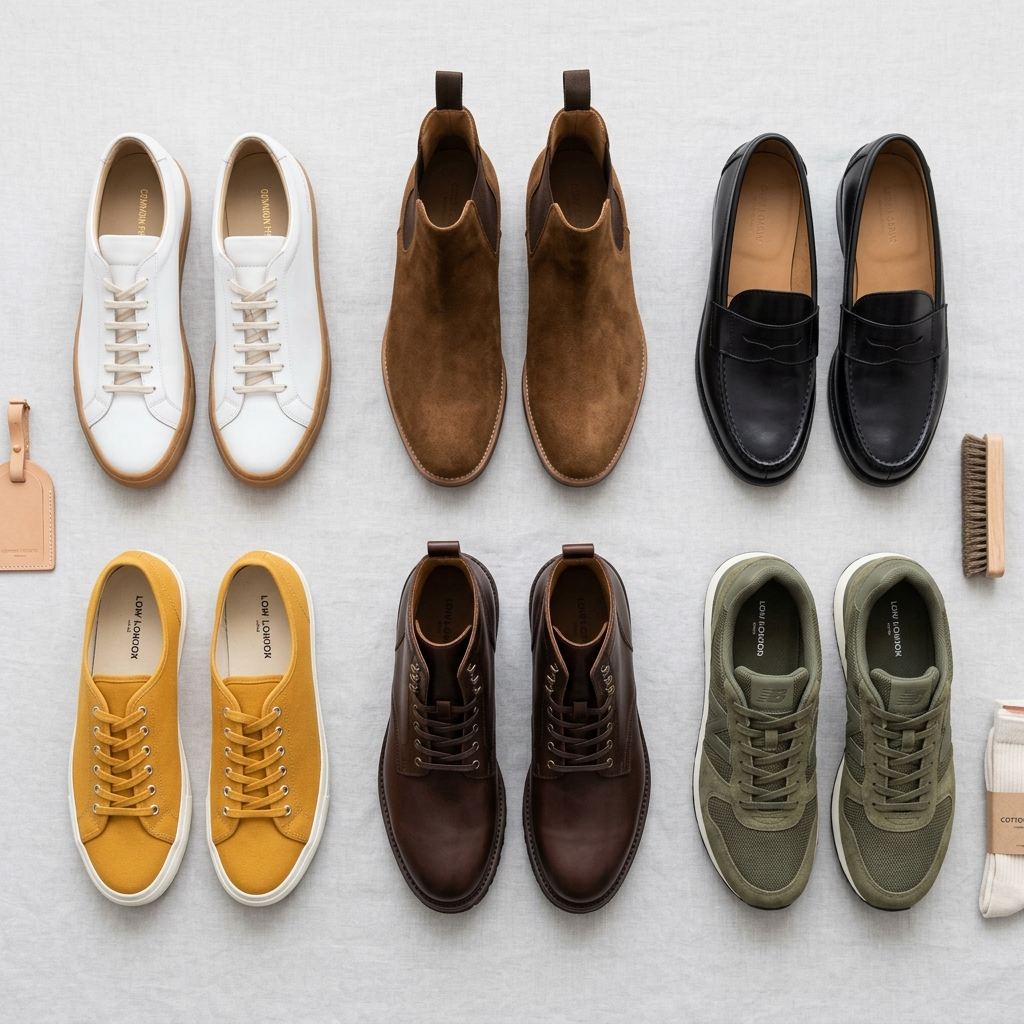
Example Images
Common Mistakes
Skipping the outsole and heel shot on used pairs
Tread wear and heel drag are the first things a used shoe buyer checks. Leaving them out reads as hiding something, and buyers who find uneven wear after delivery file not as described cases.
Lay both shoes sole-up side by side and shoot straight down, then add a tight close-up of each heel with angled light so worn-down tread and smoothed areas are visible.
Unreadable size tags
The tag inside the tongue or on the heel wall confirms size, style code, and production date. A blurry or glare-washed tag forces buyers to message you or assume it doesn't match the listing.
Pull the tongue forward or use a small flashlight held at an angle to avoid glare, tap to focus on the tag itself, and check it at full zoom before uploading. Shoot both shoes' tags if they differ.
White sneakers vanishing into a white background
Bright uppers and midsoles blow out into the background, the outline disappears, and the thumbnail looks flat and washed out in search.
Light from one side at a low angle to create a soft shadow along the midsole, lower exposure slightly, or switch to a very light gray sweep. Edit only exposure and white balance afterward.
Drawing arrows or circles on scuffs and creases
Markup on the image counts as added artwork under eBay's picture policy, even when the intent is honesty.
Point at the flaw with a pen tip or fingertip in the actual shot, and use raking light so the scuff, sole separation, or crease shows clearly on its own.
Using stock or brand photos for a used or previously worn pair
Used items need photos of the actual item. Brand images also draw VeRO reports, and a pristine stock image of a worn pair is a fast way to a return.
Shoot your own pair every time. Even for new-in-box shoes, real photos of the actual pair and box convert better than catalog images.
Not showing the box, or showing a box that doesn't ship
Sneaker and designer buyers often pay more for the original box with a matching label. If the box is damaged, missing its lid, or a replacement, and the photos don't say so, expect a dispute.
Photograph the box with its size label readable, plus any extra laces, dust bags, or tissue that ships. If there is no original box, show the shoes alone and state it in the description.
Yellow indoor lighting changing the colorway
Tungsten bulbs turn white soles cream and shift suede tones, so the shoes arrive looking different from the listing.
Shoot near a window in daytime or under daylight-balanced LEDs, set white balance manually, and keep the same setup for every angle so the gallery is consistent.
Leaving stuffing paper or shoe trees in frame without explanation
Crumpled newspaper looks sloppy, and nice cedar shoe trees in the photos get treated as included items.
Use plain white tissue to hold the shape, or remove it for the main image. If shoe trees appear in any shot and don't ship, say so clearly in the description.
Frequently Asked Questions
What happens if you skipping the outsole and heel shot on used pairs?
Tread wear and heel drag are the first things a used shoe buyer checks. Leaving them out reads as hiding something, and buyers who find uneven wear after delivery file not as described cases. Lay both shoes sole-up side by side and shoot straight down, then add a tight close-up of each heel with angled light so worn-down tread and smoothed areas are visible.
What happens if you unreadable size tags?
The tag inside the tongue or on the heel wall confirms size, style code, and production date. A blurry or glare-washed tag forces buyers to message you or assume it doesn't match the listing. Pull the tongue forward or use a small flashlight held at an angle to avoid glare, tap to focus on the tag itself, and check it at full zoom before uploading. Shoot both shoes' tags if they differ.
What happens if you white sneakers vanishing into a white background?
Bright uppers and midsoles blow out into the background, the outline disappears, and the thumbnail looks flat and washed out in search. Light from one side at a low angle to create a soft shadow along the midsole, lower exposure slightly, or switch to a very light gray sweep. Edit only exposure and white balance afterward.
What happens if you drawing arrows or circles on scuffs and creases?
Markup on the image counts as added artwork under eBay's picture policy, even when the intent is honesty. Point at the flaw with a pen tip or fingertip in the actual shot, and use raking light so the scuff, sole separation, or crease shows clearly on its own.
What happens if you using stock or brand photos for a used or previously worn pair?
Used items need photos of the actual item. Brand images also draw VeRO reports, and a pristine stock image of a worn pair is a fast way to a return. Shoot your own pair every time. Even for new-in-box shoes, real photos of the actual pair and box convert better than catalog images.
What happens if you not showing the box, or showing a box that doesn't ship?
Sneaker and designer buyers often pay more for the original box with a matching label. If the box is damaged, missing its lid, or a replacement, and the photos don't say so, expect a dispute. Photograph the box with its size label readable, plus any extra laces, dust bags, or tissue that ships. If there is no original box, show the shoes alone and state it in the description.
What happens if you yellow indoor lighting changing the colorway?
Tungsten bulbs turn white soles cream and shift suede tones, so the shoes arrive looking different from the listing. Shoot near a window in daytime or under daylight-balanced LEDs, set white balance manually, and keep the same setup for every angle so the gallery is consistent.
What happens if you leaving stuffing paper or shoe trees in frame without explanation?
Crumpled newspaper looks sloppy, and nice cedar shoe trees in the photos get treated as included items. Use plain white tissue to hold the shape, or remove it for the main image. If shoe trees appear in any shot and don't ship, say so clearly in the description.
Shoes & Footwear on other platforms
Skip the trial and error
Get eBay-ready Shoes & Footwear photos without the guesswork
Upload one product photo. ProductScene generates a complete eBay gallery — every image slot, correctly sized, styled for the platform.
Try free